Multiple Sitemaps Support
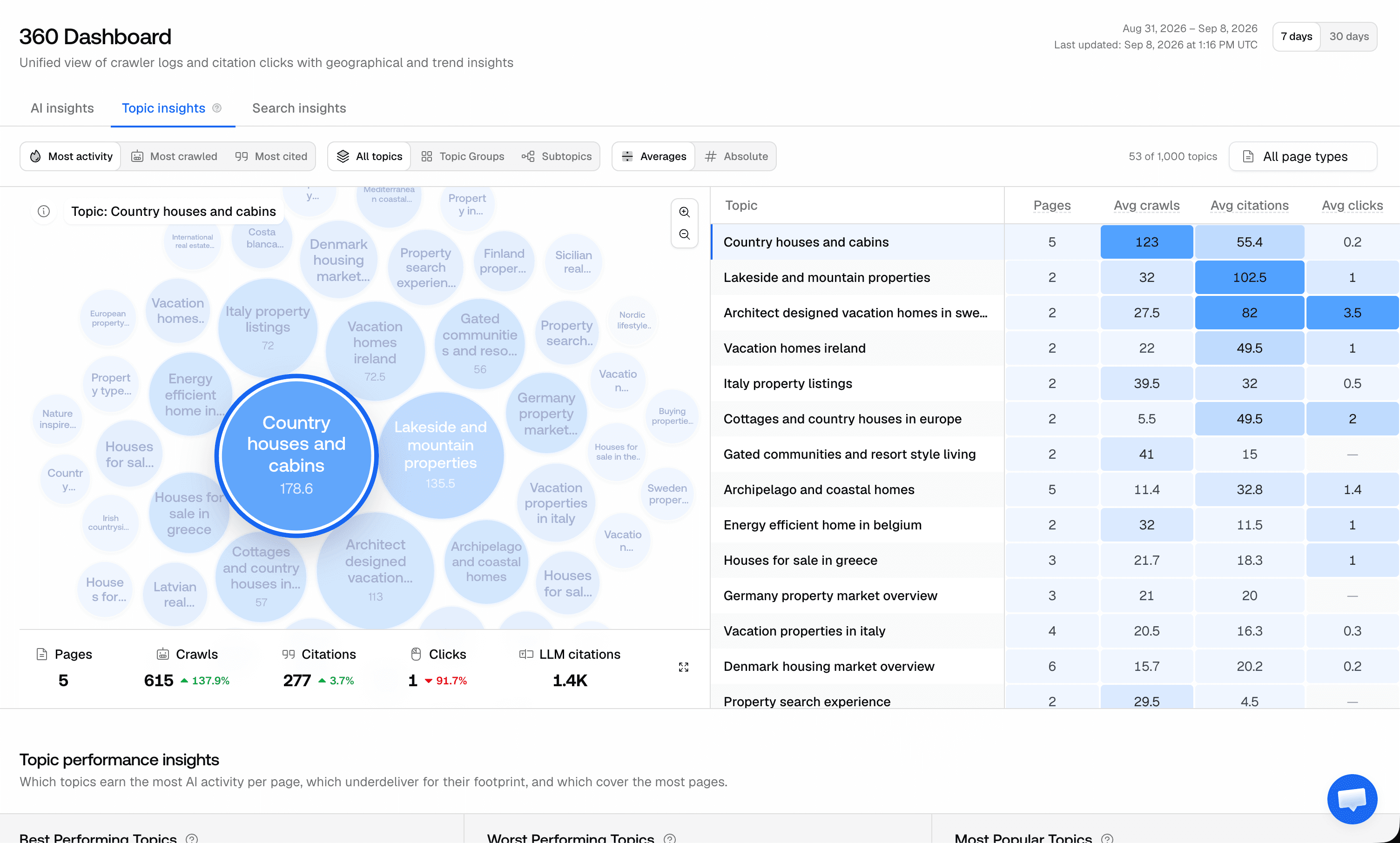
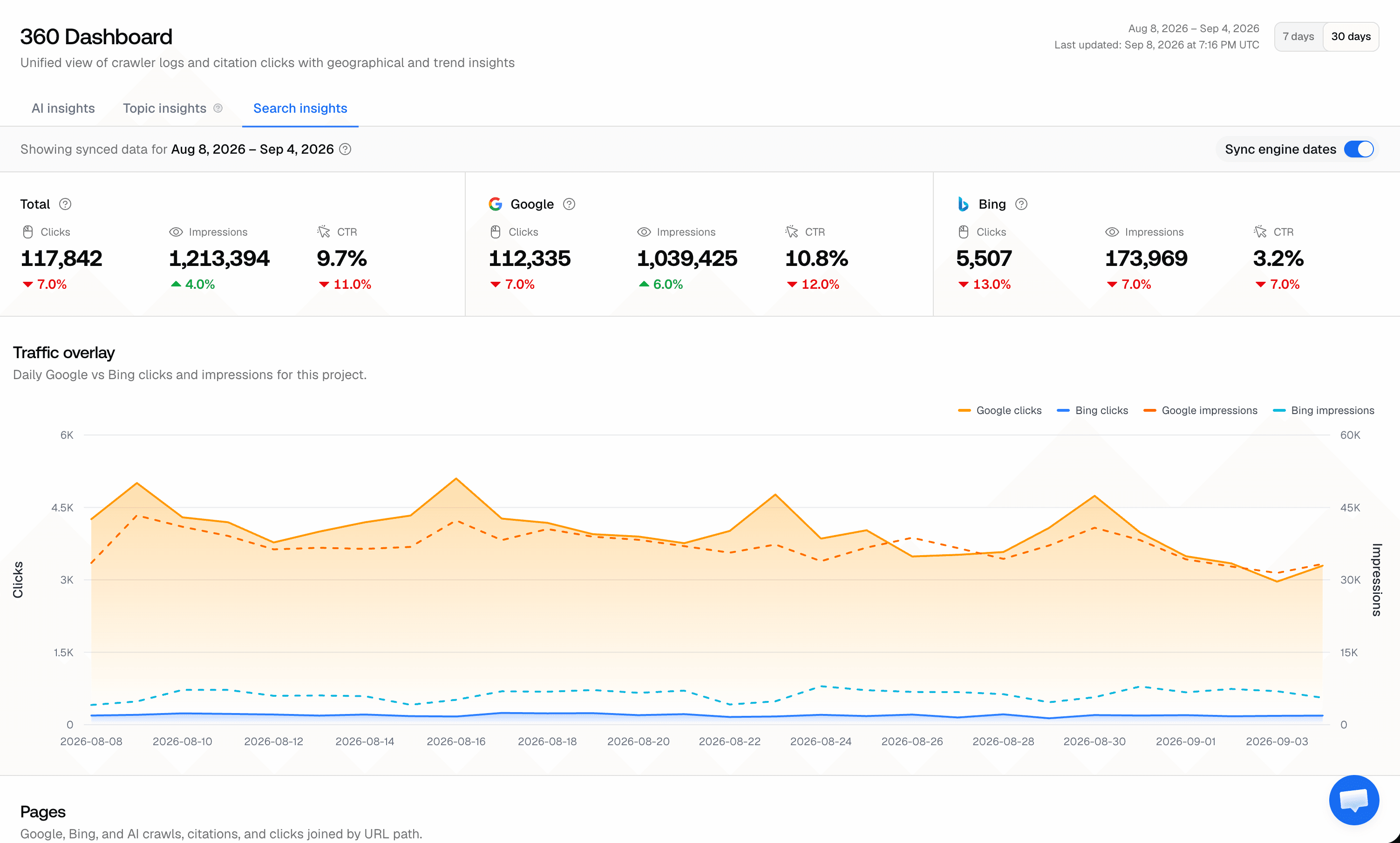
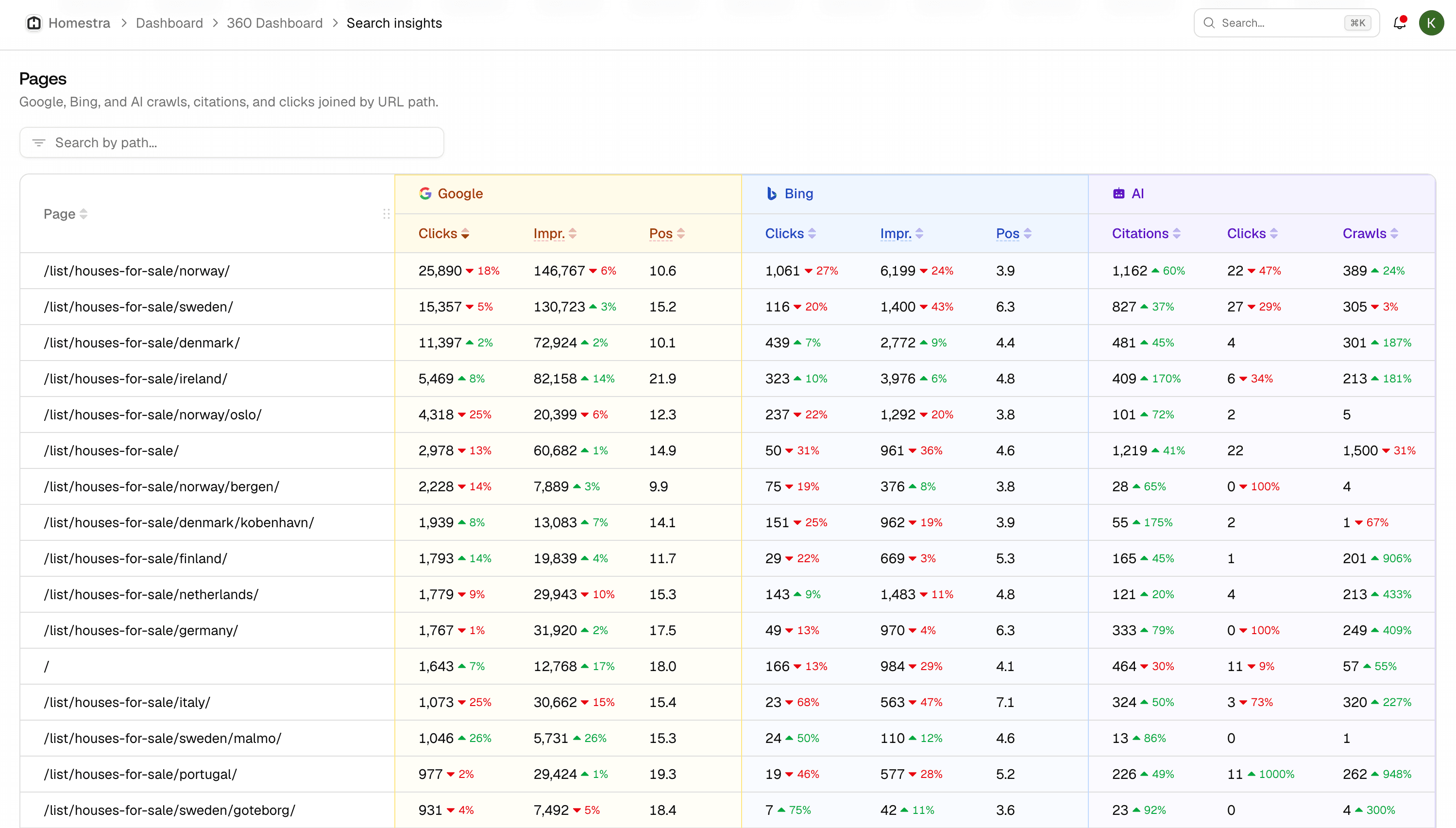
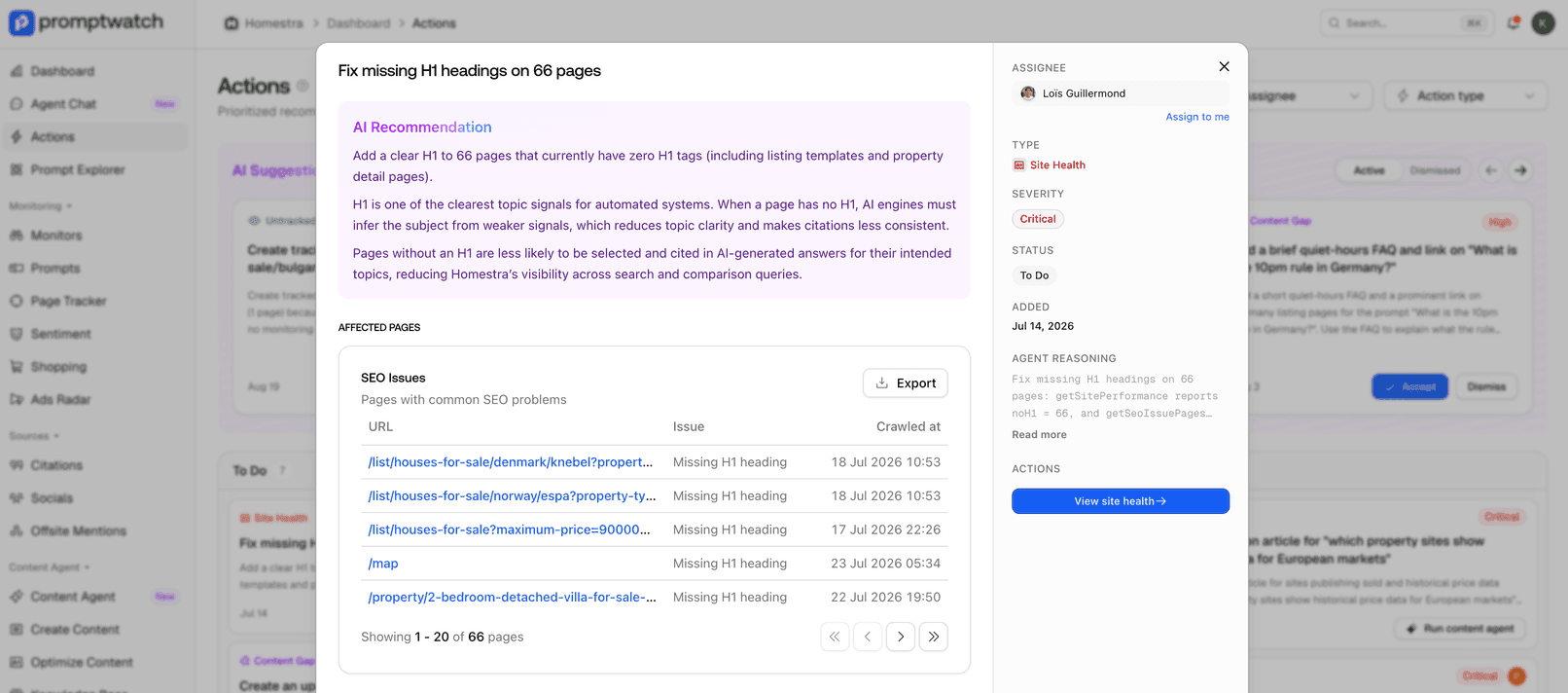
Projects can now track multiple sitemaps instead of just one. Add all your sitemap URLs and get a unified view of AI crawler activity across your entire site.
When adding a competitor, entering the URL first now automatically fills in the competitor name — saving you a step during setup.
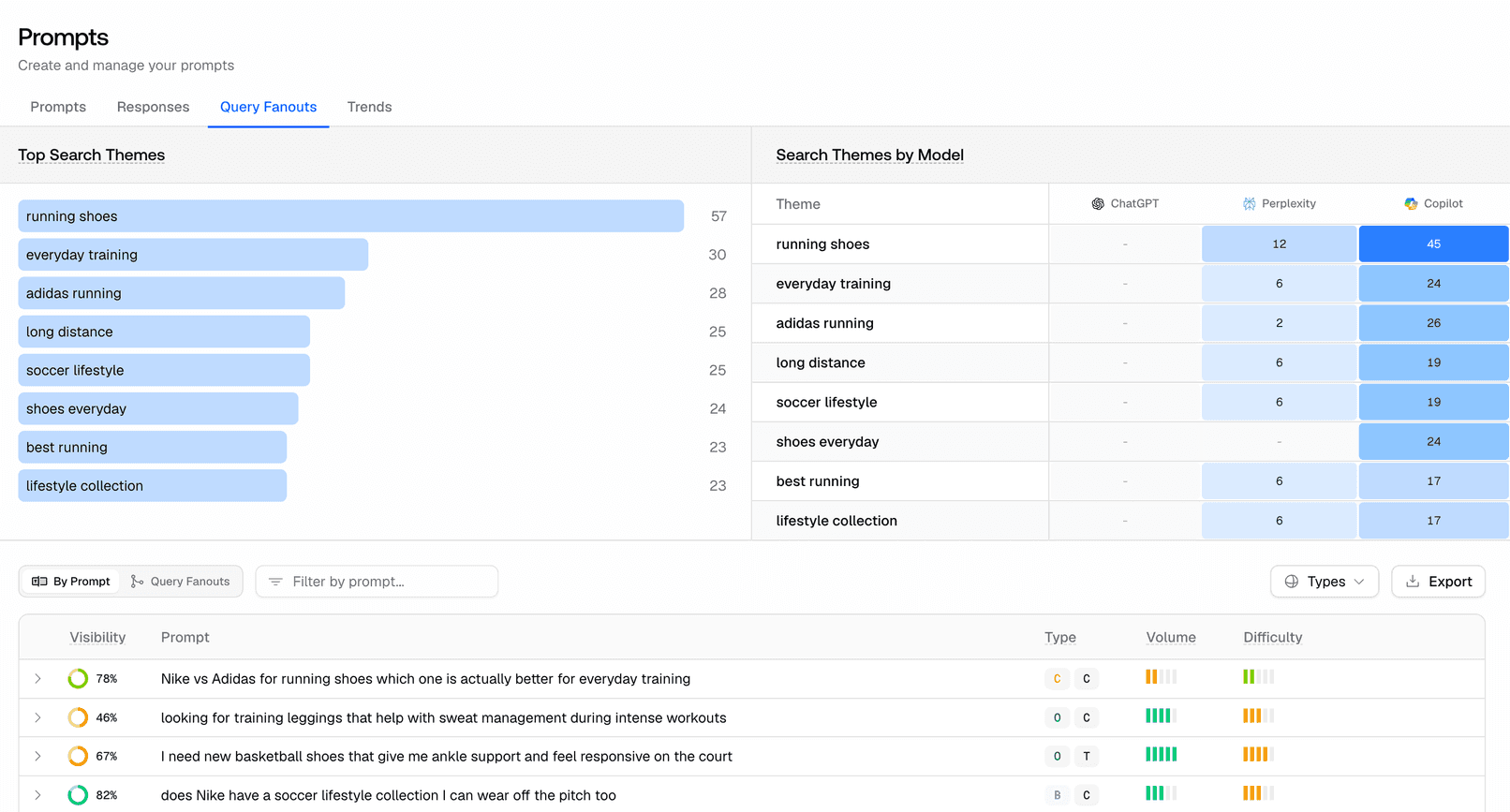
The Query Fan-Out report has been redesigned with a clearer layout and better charts, making it easier to understand how AI models expand your queries into sub-queries.
Citation collection now runs faster and handles queue retries more reliably, helping your citation insights update sooner and with fewer stalled scrape jobs.
Project onboarding now skips repeated website scrape attempts after multiple failures, so you can continue setup without getting blocked by a failing site fetch.
Connecting Google Search Console is now clearer and easier to complete, reducing setup friction when linking your project data.
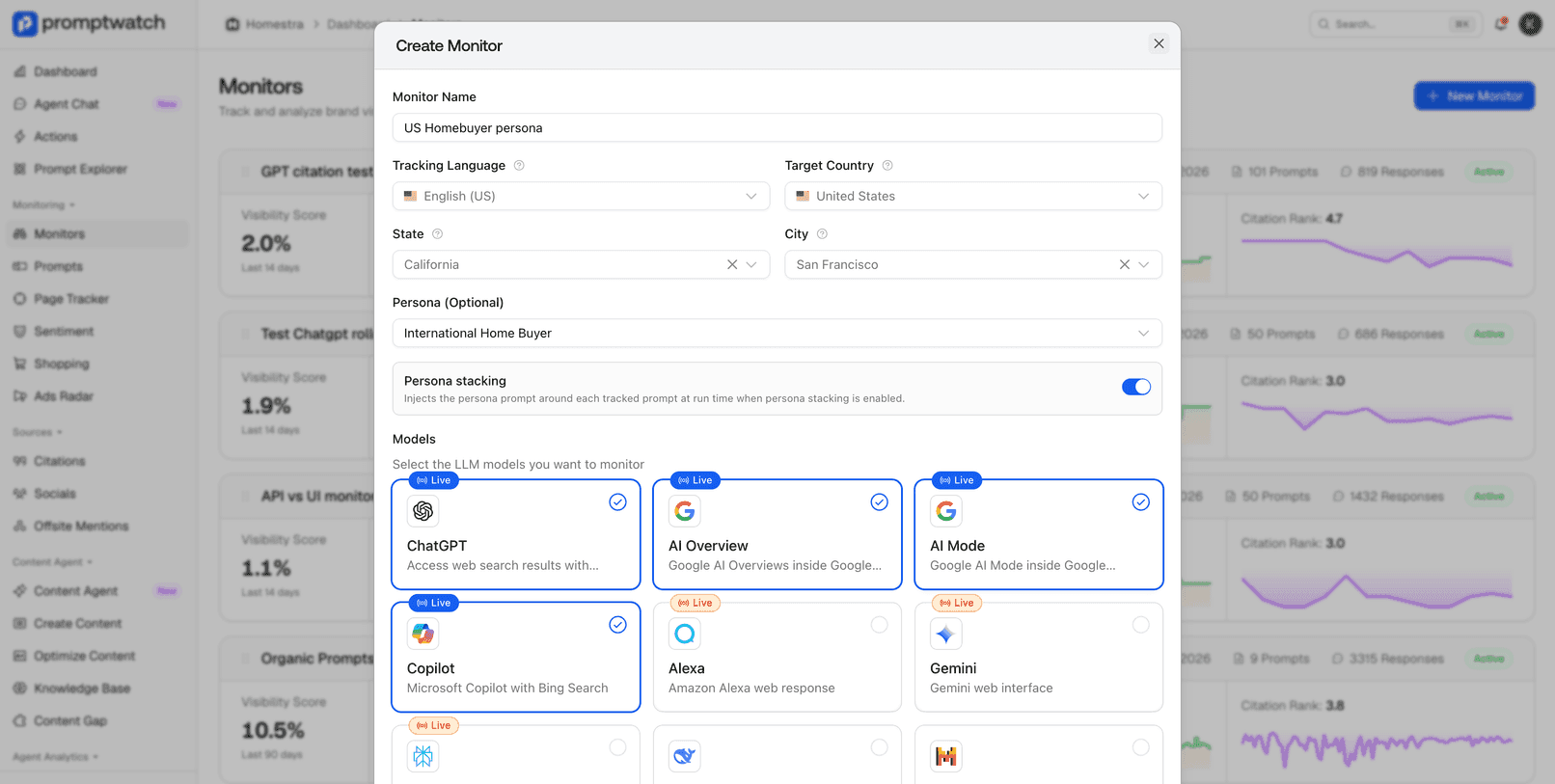
Track your brand visibility in Cambodia. We've added Cambodia as a monitor country option along with Khmer language support for prompts.
ChatGPT sometimes returns citation markers as plain ASCII text instead of formatted tokens. Citations now render correctly regardless of the format ChatGPT uses, so you always see proper citation badges instead of raw text like "citeturn0search0".
AI-generated content now streams more smoothly in the editor, with tokens appearing at a natural pace instead of in choppy bursts.
The content editor now disables the submit button when the prompt is empty, limits AI text selection to 2,500 characters to prevent oversized requests, and the prompts table shows when each prompt was created.
Track your brand visibility in even more markets. We've added Lithuanian, Latvian, Ukrainian, and Chinese (Simplified and Traditional) language options for prompts and monitors.
You can now add brand aliases right when creating a new project or during onboarding. No need to visit Brand Book separately — set up alternative names and spellings from the start.
Filter your offsite mentions by type and source to zero in on the third-party citations that matter most. Quickly find mentions from specific content types or platforms.
Track your brand visibility in Kazakhstan with the new Kazakh language option for prompts and monitors.
The Sitemap page is now accessible directly from the main app sidebar, making it quicker to check AI crawler activity on your sitemap.
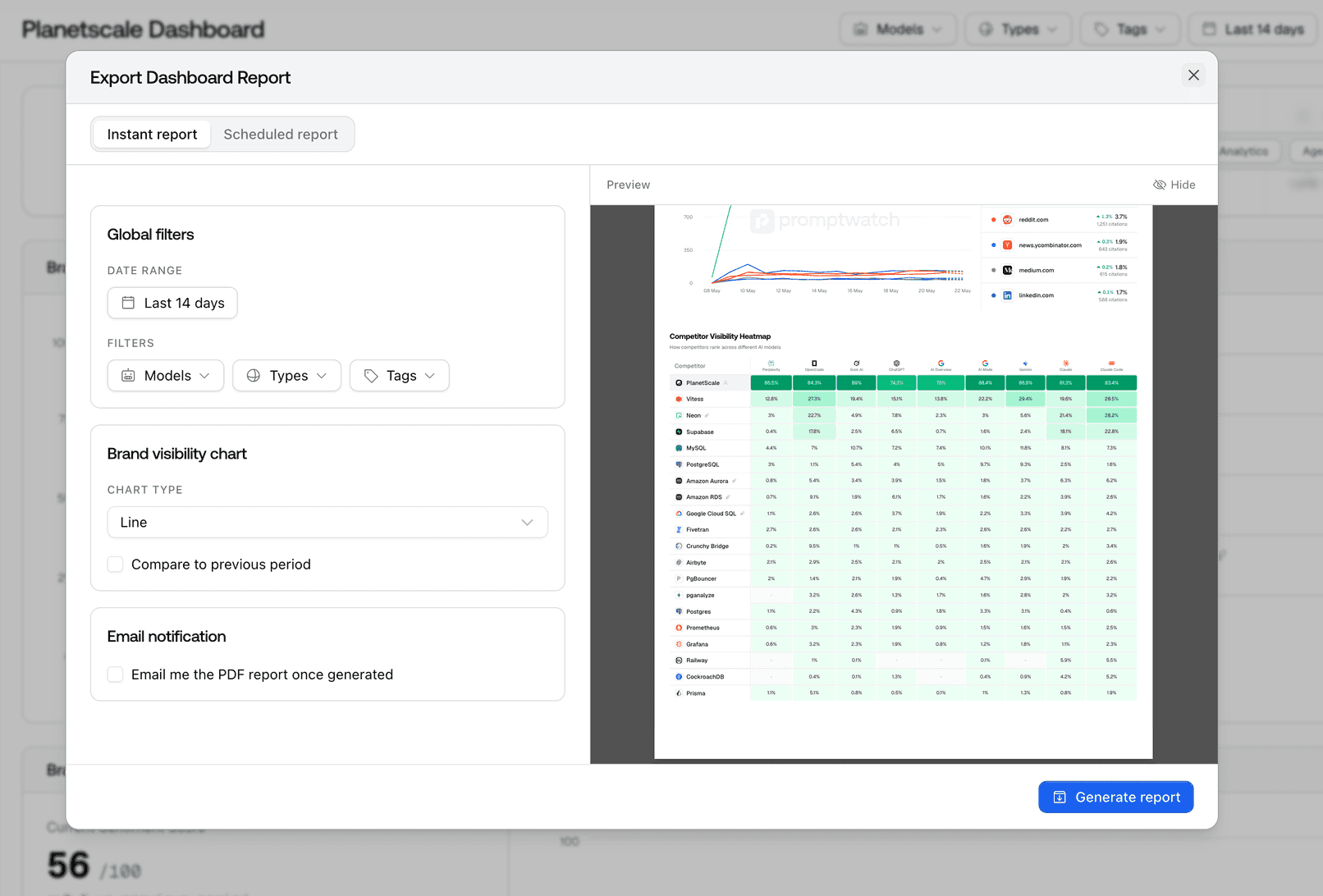
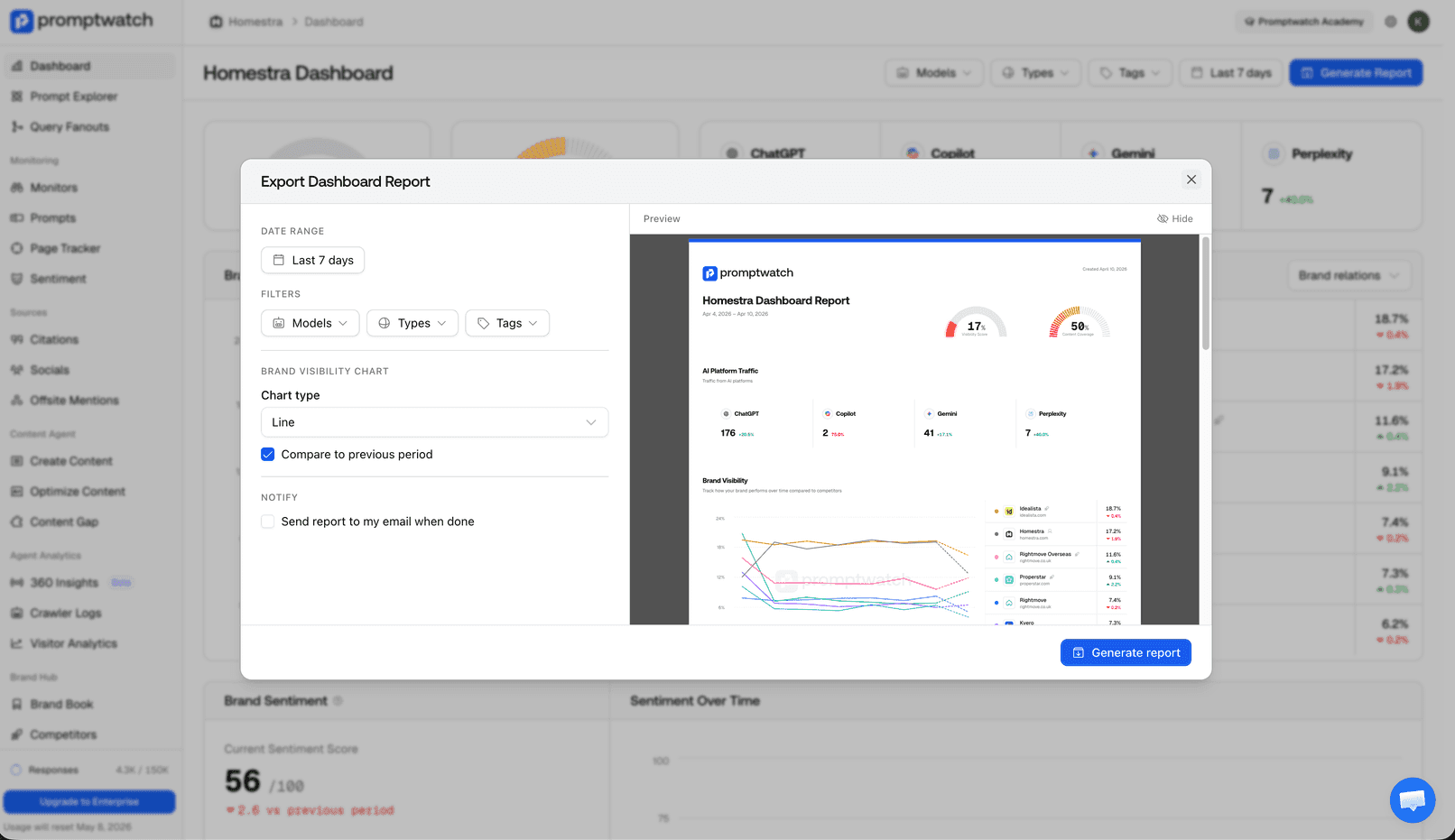
Generate monitor and dashboard PDF reports with a unified export flow, preview report settings before exporting, and optionally receive an email when the report is ready to download and share.
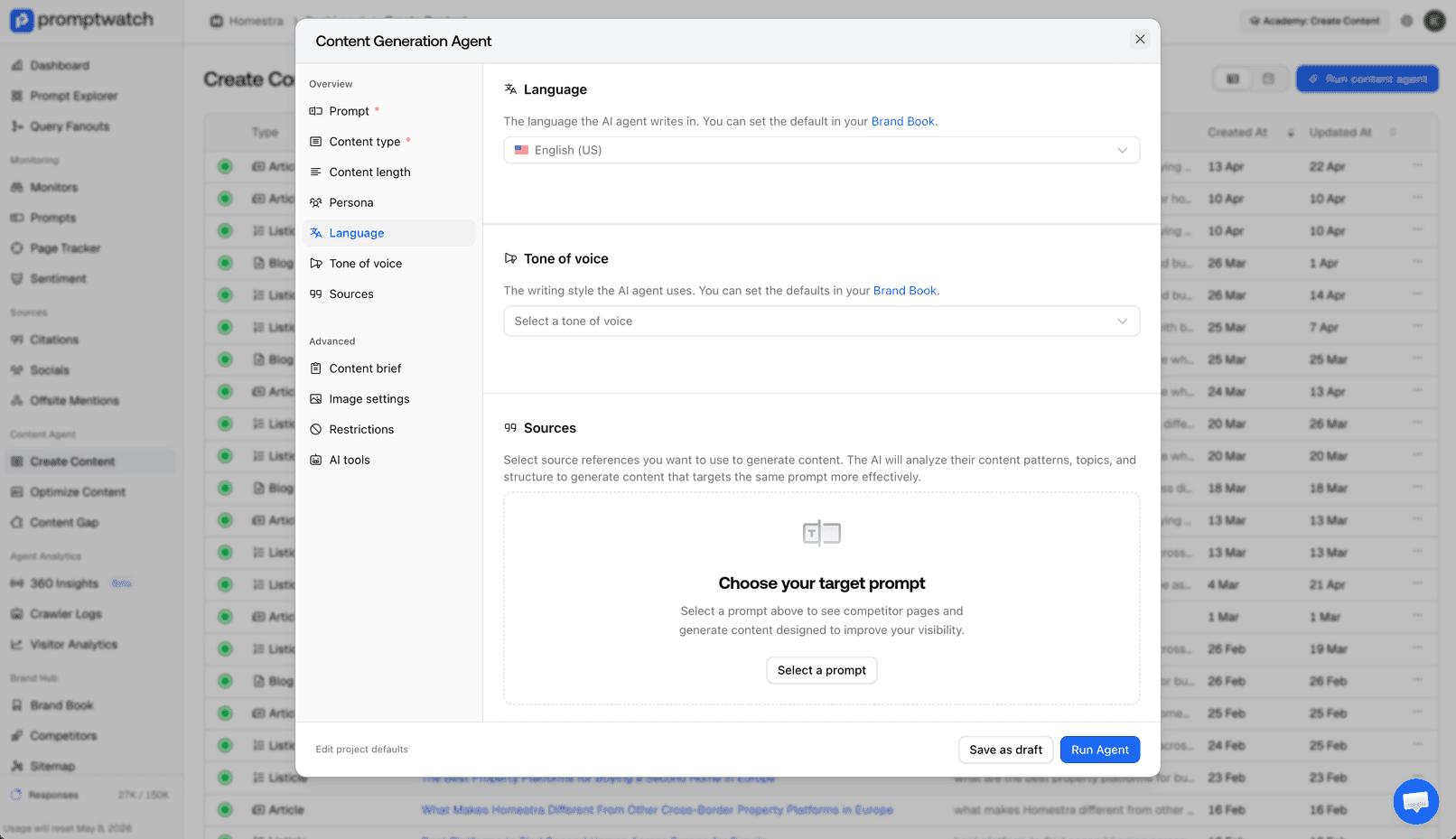
The content optimization modal now features a sidebar layout that makes it easier to navigate between sections. Required settings are shown first, and you can save and go back between steps without losing your progress.
Generate detailed PDF reports for individual monitors. Share performance data, visibility scores, and competitor comparisons with stakeholders in a clean, printable format.
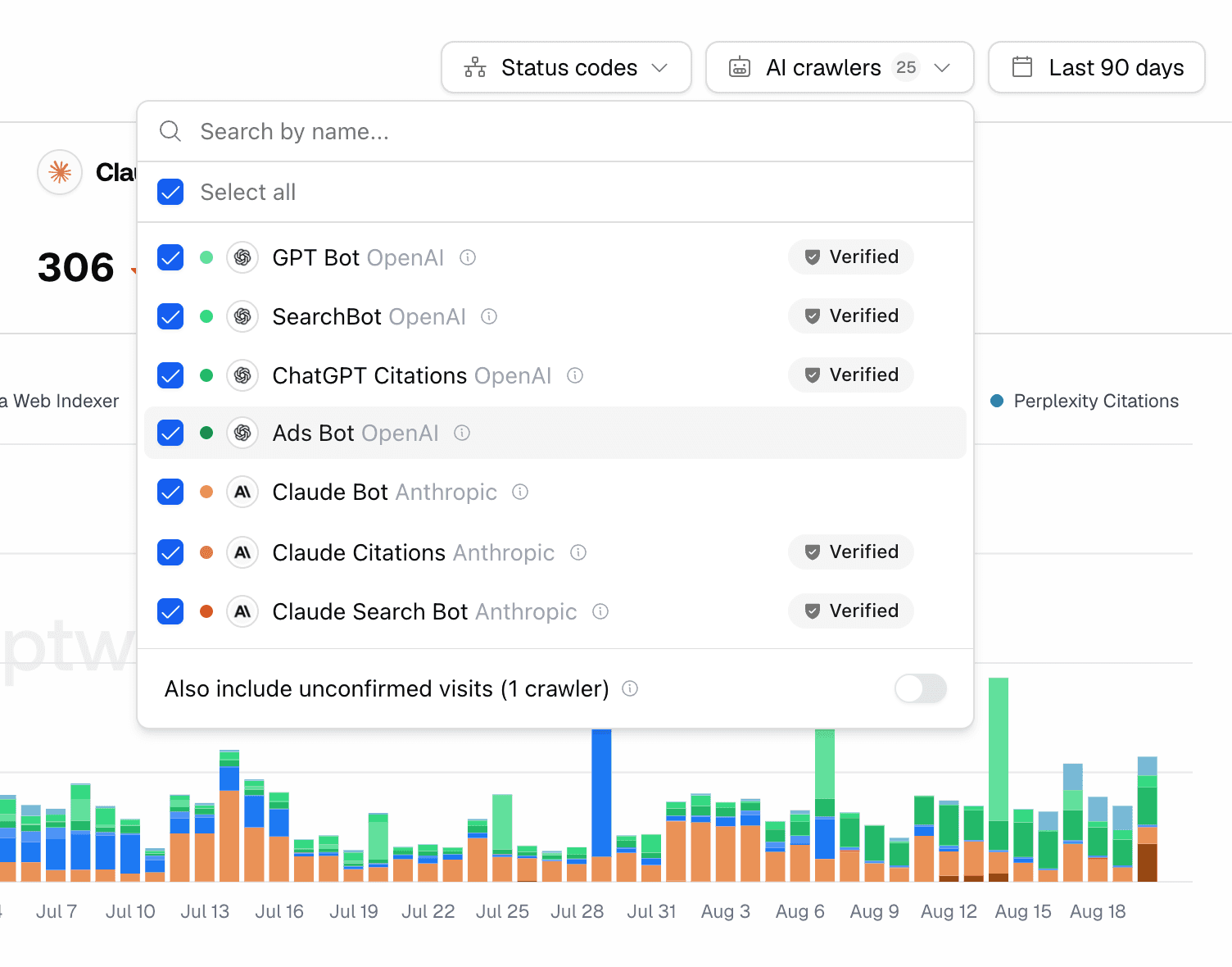
Our full list of known AI crawler user agents is now published in the docs and in-app. Copy individual user agents or the entire list to configure your own crawler log filtering.
Connect your AI coding tools directly to your Promptwatch data. Our new MCP (Model Context Protocol) server lets you query visibility scores, citations, prompts, and more from tools like Cursor and Claude Desktop — right in your workflow.
Added new Google-Agent user agents to crawler detection. Your crawler logs now identify and track the latest Google AI crawlers accessing your content.
AI Mode is no longer restricted to specific countries. You can now select AI Mode as a search type for monitors in any supported country.
Generate and optimize content programmatically through the REST API v2. Use the same AI-powered content creation tools available in the dashboard directly from your own applications and workflows.
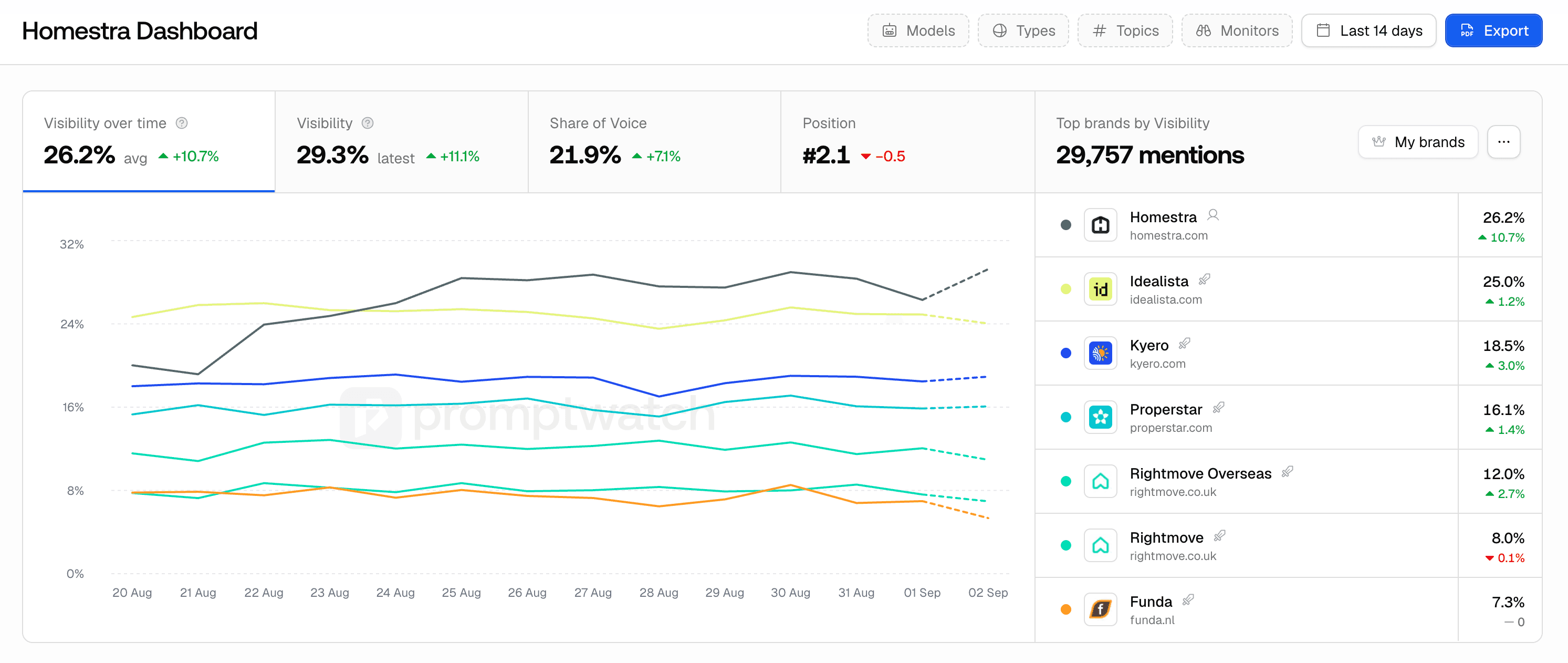
Track how often your brand is mentioned in AI responses over time. A new mentions chart on the visibility dashboard shows trends in mention frequency, making it easier to spot growth or drops at a glance.
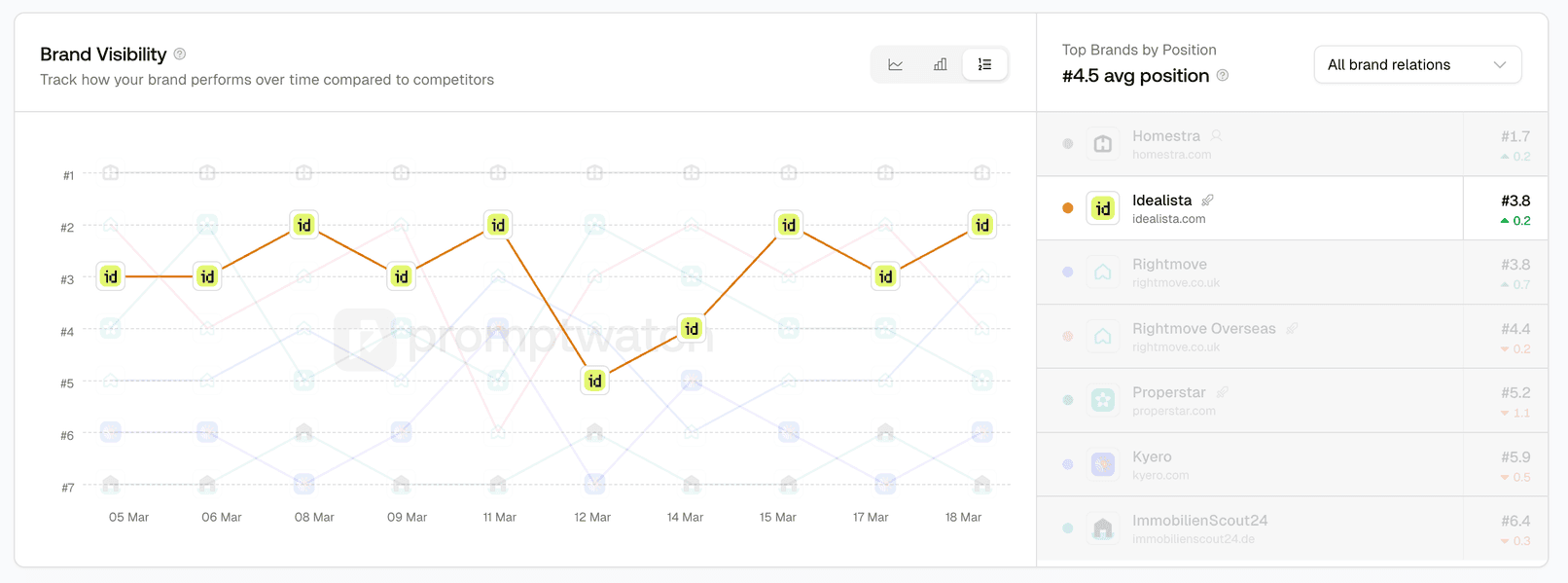
See where your brand ranks in AI responses. A new chart shows your average position and rank across prompts over time, helping you understand whether AI models are listing you first or further down.
Google Search Console connections now work at the project level instead of the organization level. Connect multiple GSC properties to different projects and import topics directly from Search Console into the Prompt Explorer.
A round of fixes to keep things running smoothly: visibility scores now filter correctly when tags are applied, brand merging no longer times out for brands with many similar names, deleted projects no longer cause redirect loops, and AI responses are sorted by newest first by default.
Two new dedicated reports are now available. The Query Fan-Out report shows how AI models expand your queries into sub-queries, and the YouTube Citation report lets you see which videos are being cited, how often, and by which AI models.
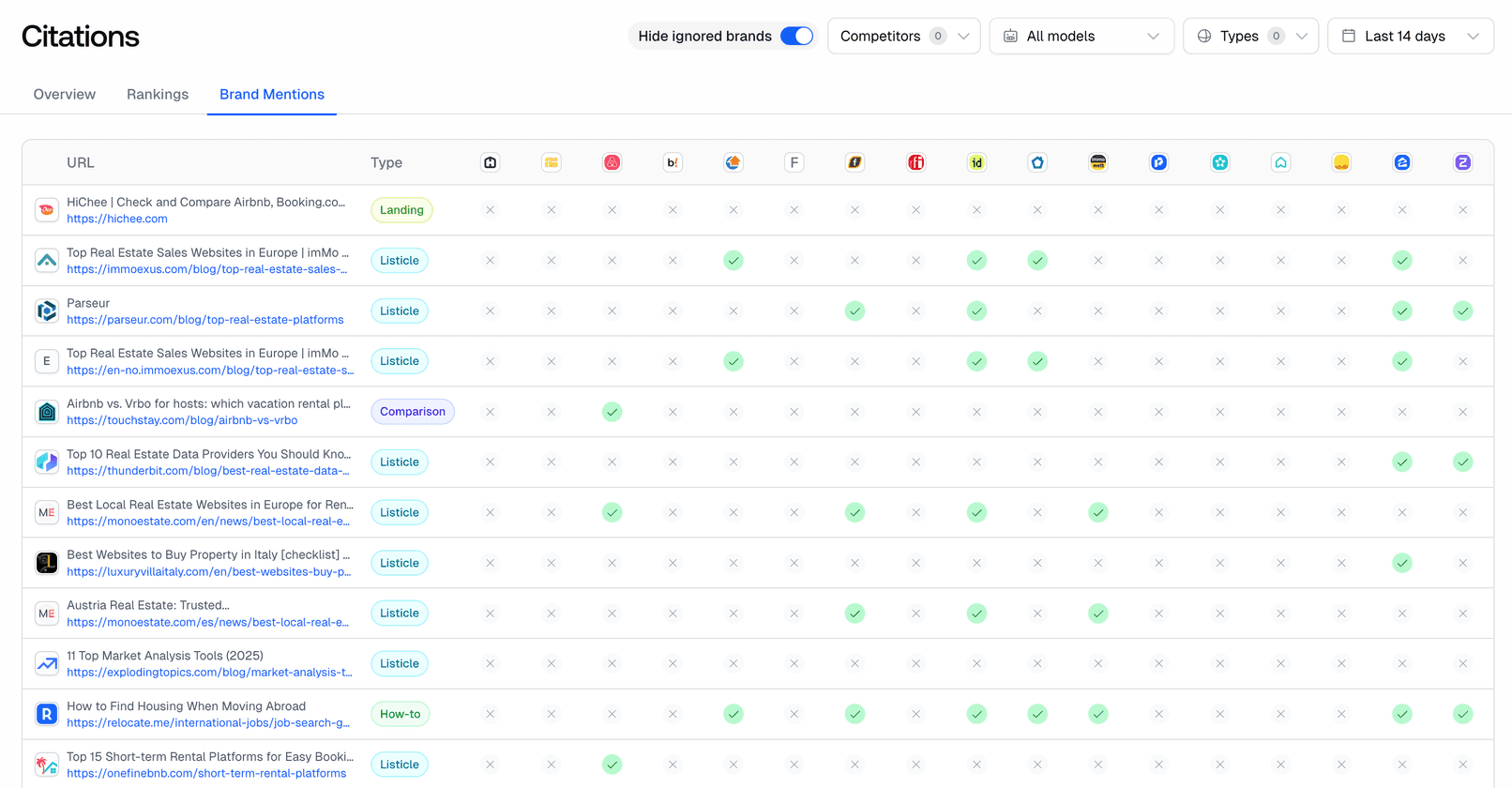
Dive deeper into how third-party sites are cited alongside your brand. New stats and breakdowns show which offsite sources appear most frequently in AI responses, helping you understand the competitive citation landscape.
Understand how AI models position your brand relative to competitors. A new Brand Positioning view shows where your brand stands in AI-generated recommendations and comparisons.
You can now assign tags to prompts right when you create them, including during batch uploads. A new review step also lets you double-check prompts before they're added.
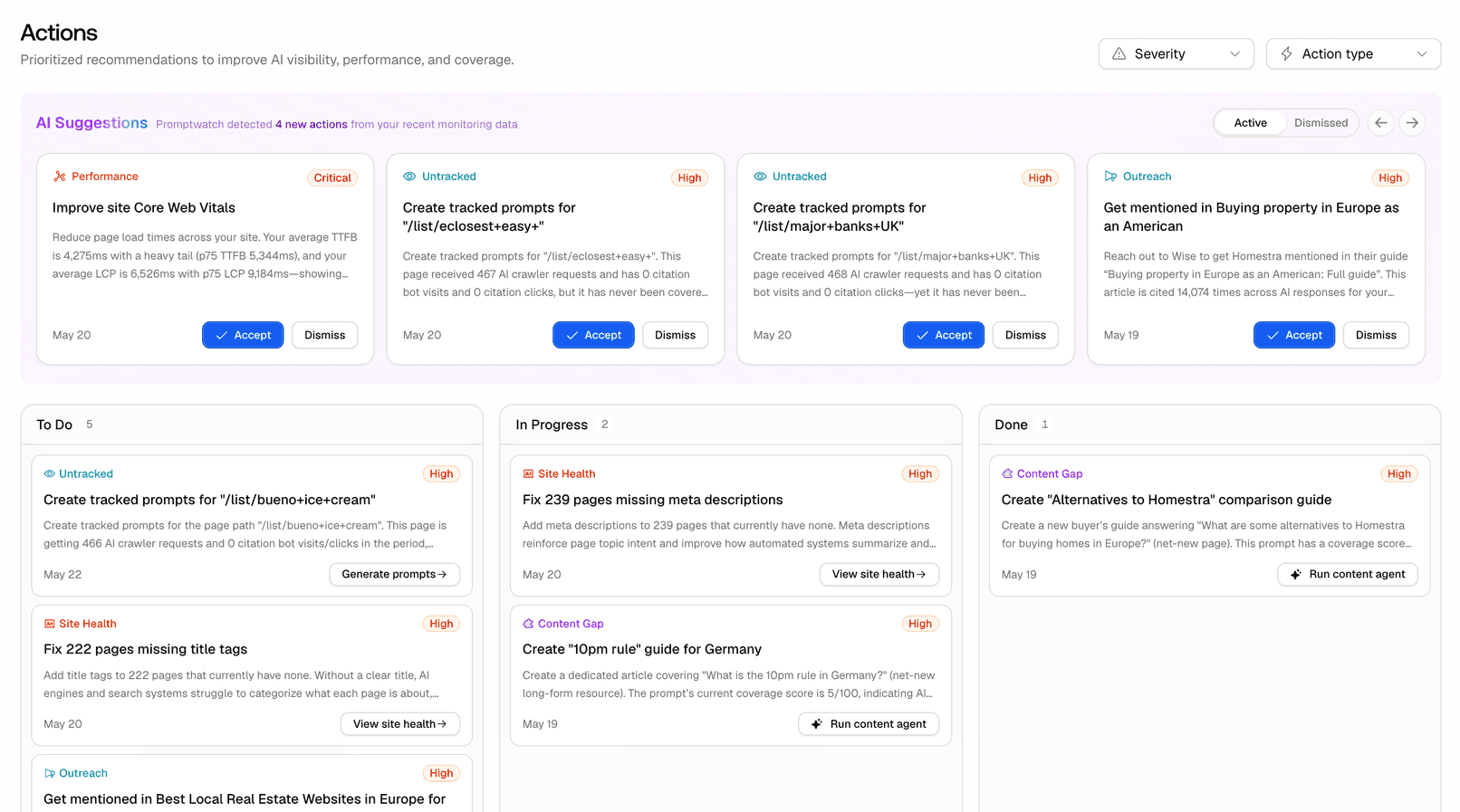
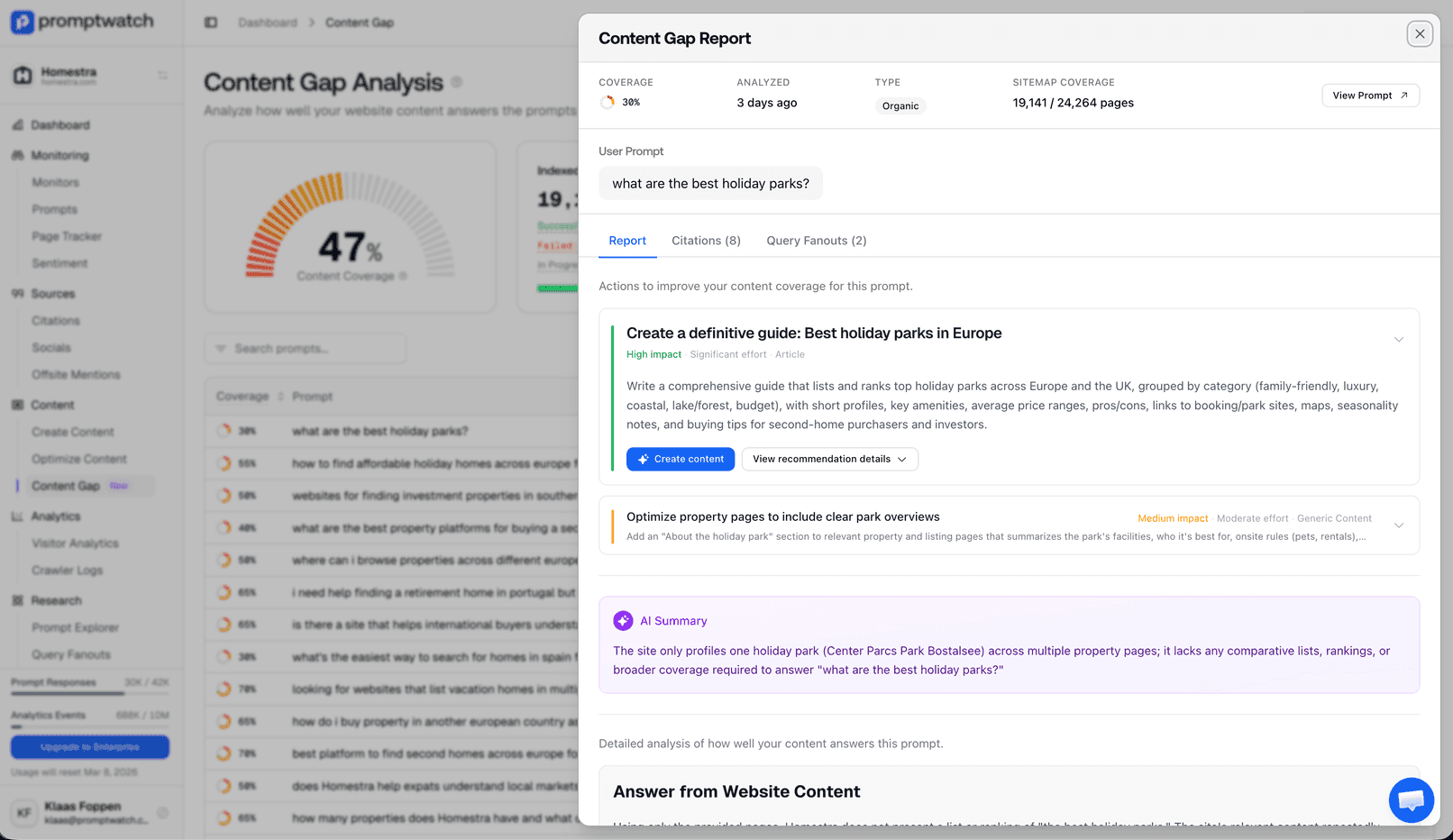
Turn content gap insights into action. You can now create new content or optimize existing pages directly from Content Gap recommendations, with full control over generation settings.
Download your offsite citation data as a CSV file. Analyze which third-party sources are cited alongside your brand in spreadsheets or share with your team.
Filter out internal traffic from your visitor analytics by adding known IP addresses to an ignore list. Get cleaner data by excluding your own team's visits.
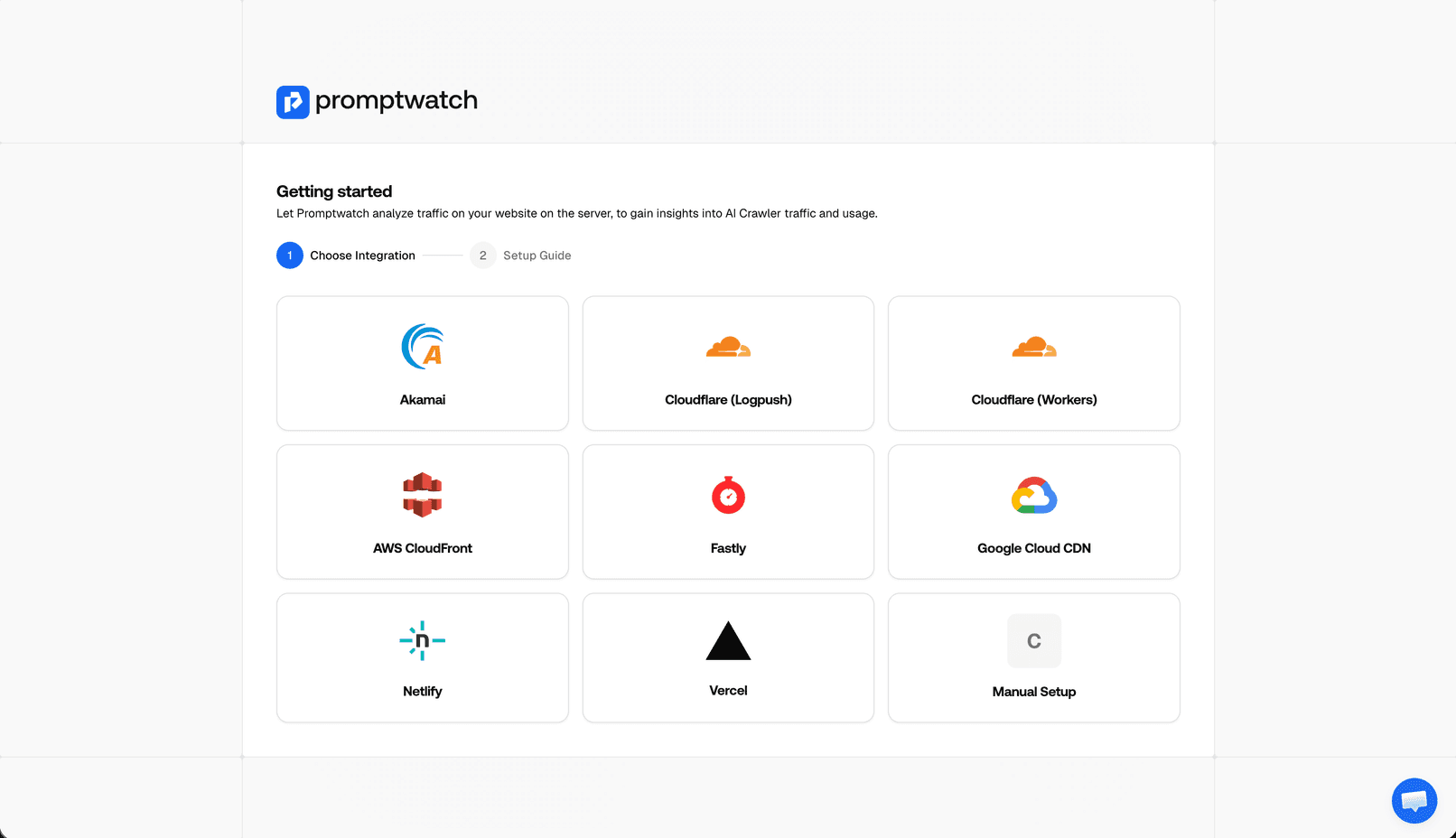
Connect your Amazon CloudFront CDN logs to track AI crawler activity. See when AI systems access your content delivered through CloudFront.
The sitemap page now shows a clearer breakdown of crawler activity with toast notifications for key actions. Easier to understand how AI bots are interacting with your sitemap.
API keys are now displayed clearly with a copy button for quick access. No more manual selecting and copying — just click to copy your key to the clipboard.
A batch of fixes to improve reliability across the platform: ghost citations from deleted prompts no longer appear in results, brand visibility charts correctly distinguish brands with similar names and subdomains, project viewers no longer receive unrelated organization notifications, responses table text no longer overflows, time range filters work correctly, content gap metadata no longer leaks into text reports, and several crashes and UI glitches have been resolved.
Three new CDN integrations for crawler log tracking. Connect your Netlify, Vercel, or Google Cloud Platform logs to see when AI crawlers access your content — no matter where it's hosted.
Sitemap crawls now surface more detailed information about each page, giving you deeper insight into how your sitemap is being processed and indexed.
Tables across the app — including Reddit citations, YouTube mentions, and AI responses — now have improved column sizing and no longer cause horizontal scrollbars. Data is easier to scan at a glance.
A new comparison chart lets you see how your brand visibility has changed between two time periods. Easily spot trends and measure the impact of your optimization efforts over time.
Quickly copy any prompt's text to your clipboard with a single click. Handy for sharing prompts with teammates or testing them in AI tools directly.
AI responses that reference news articles are now tracked as a distinct citation type. See when ChatGPT pulls in news sources alongside your brand.
Prompts generated from your website now include a review step before they're added. Preview and edit auto-generated prompts to ensure they match your tracking goals.
Visibility charts no longer overflow their container on smaller screens. Charts now resize properly for a better experience on any device.
A new calendar view gives you a visual overview of your content publishing schedule. See when content was created or updated and plan your optimization efforts over time.
Key metrics across the platform now have more descriptive labels, making it easier to understand what each number represents at a glance.
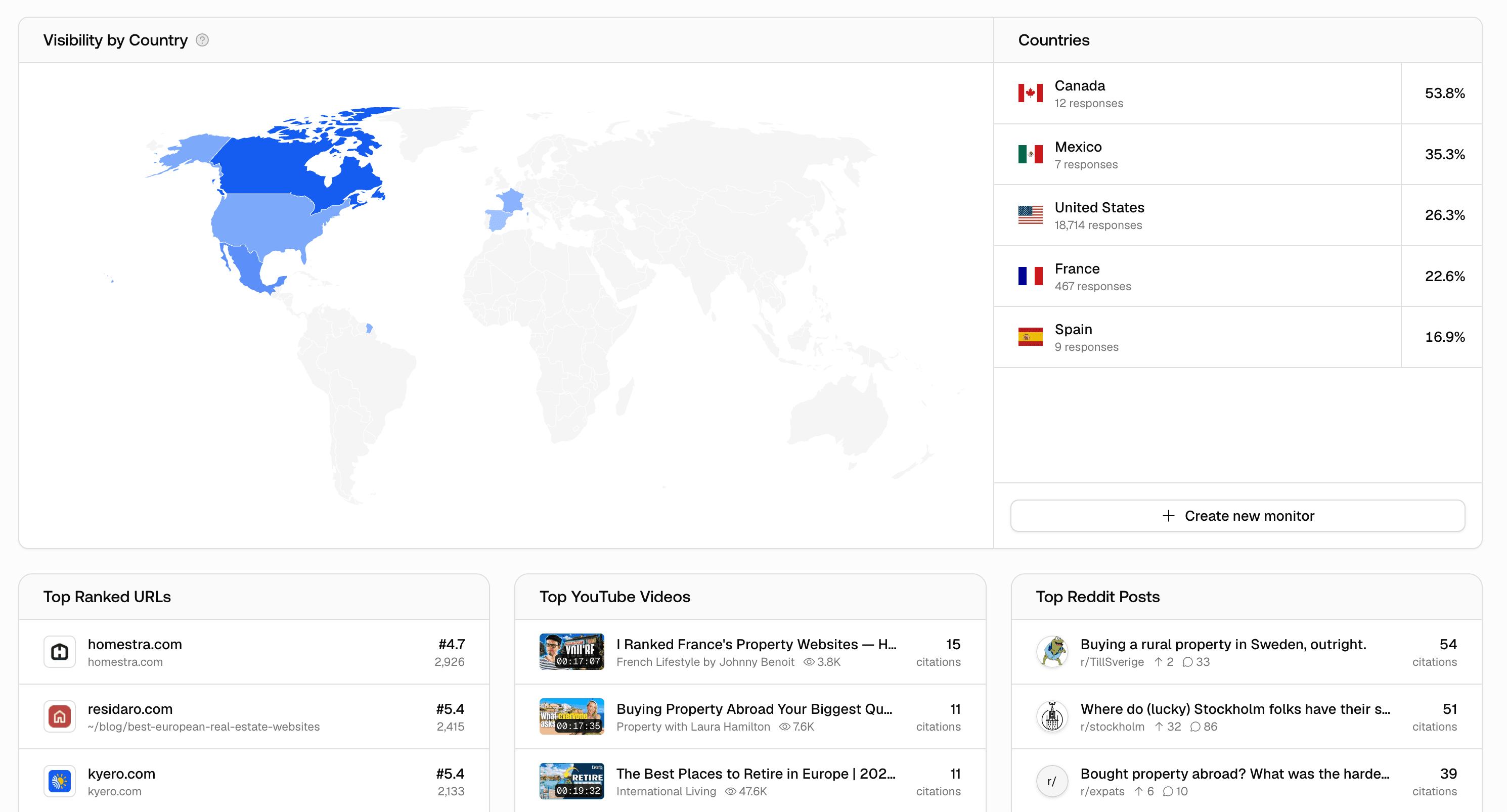
A dedicated report for Reddit citations is now available. See which Reddit posts and subreddits are being cited in AI responses about your brand, with detailed breakdowns and trends.
Track your brand visibility in even more regions. We've expanded our country selection with additional countries so you can monitor AI responses in more markets around the world.
Download your Content Gap analysis results as a CSV file. Easily share coverage scores and content insights with your team or analyze them in spreadsheets.
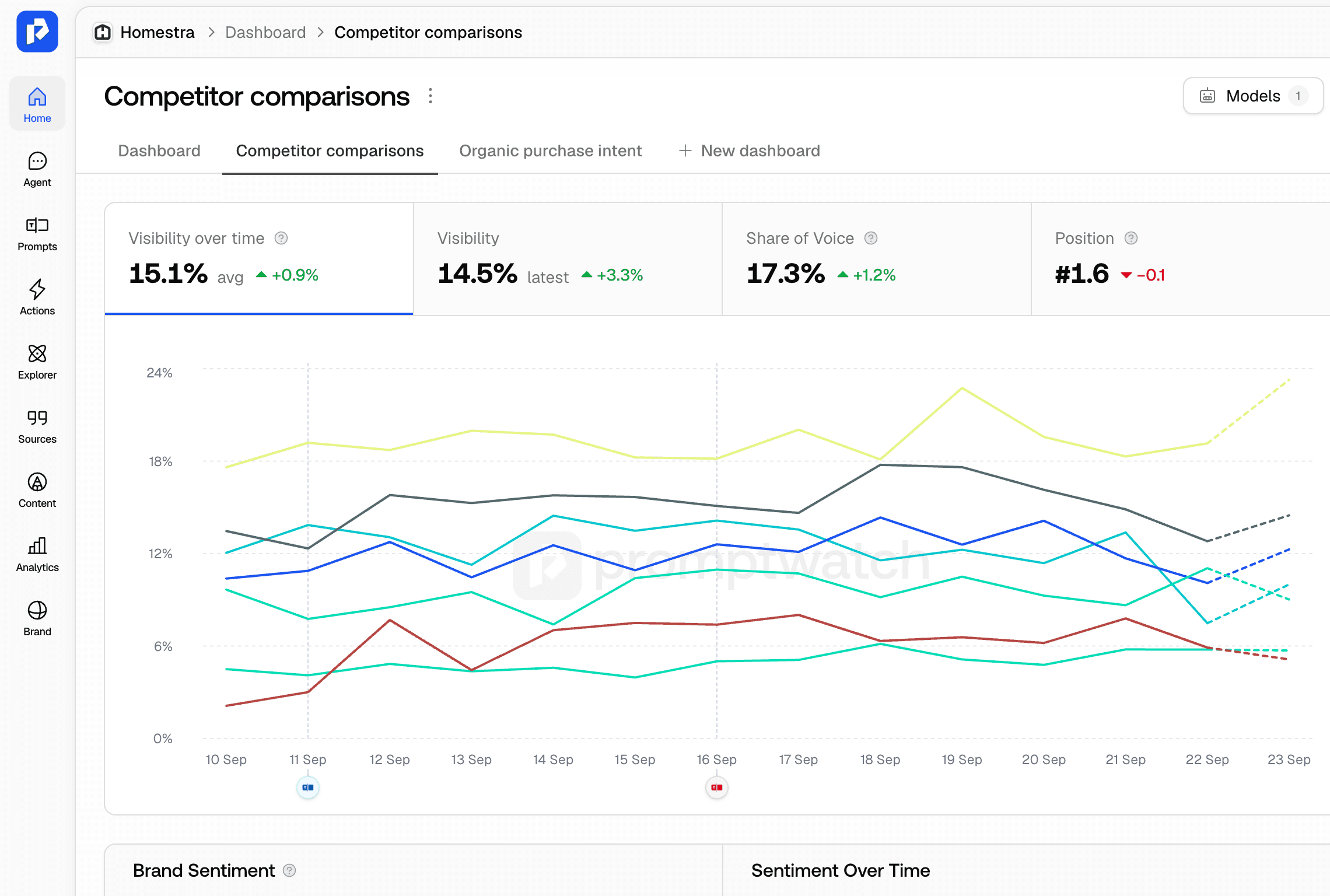
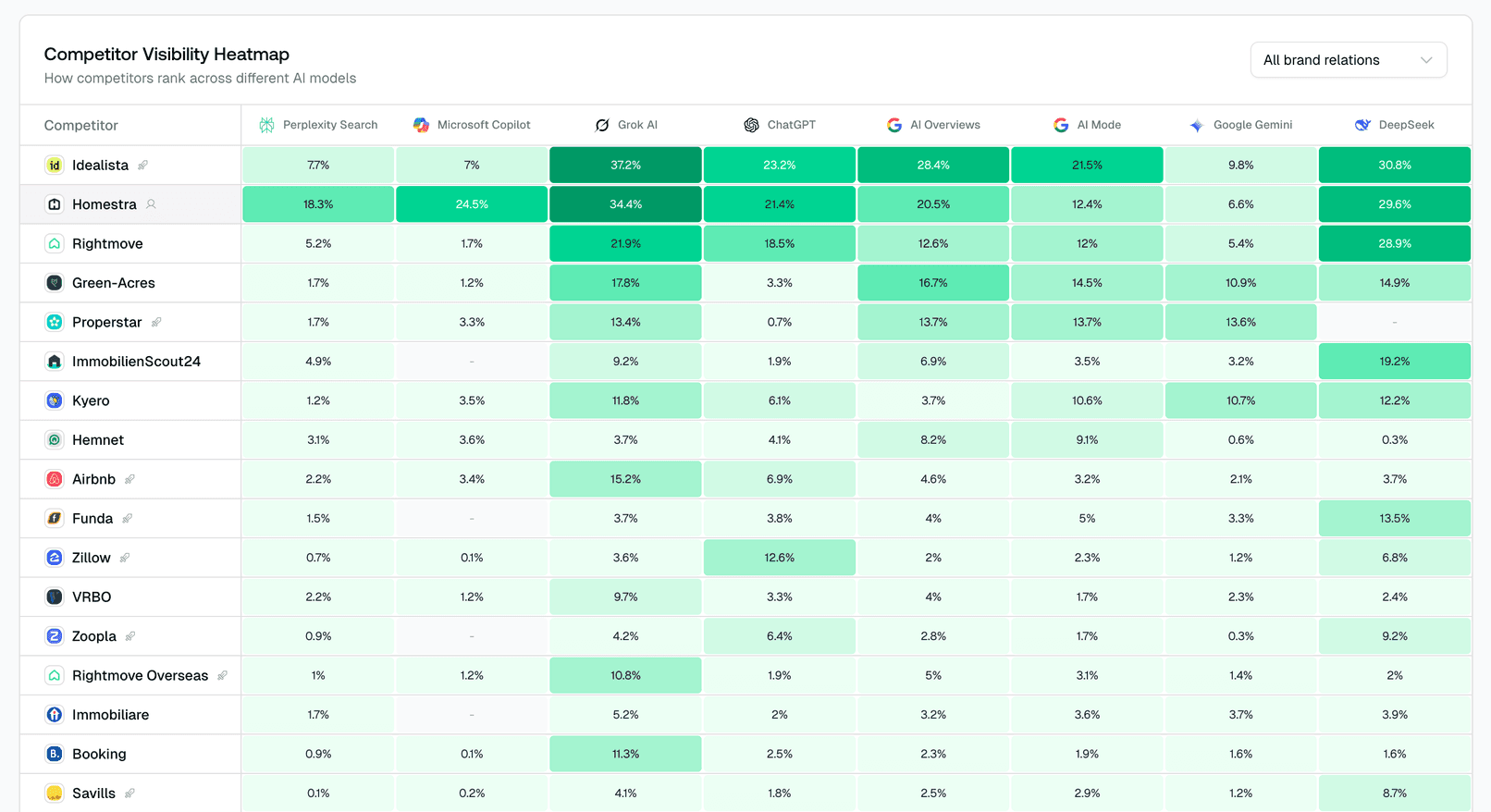
Your dashboard now includes a competitor heatmap showing how your brand compares to competitors across prompts at a glance. Quickly spot where you're winning and where there's room to improve.
Never lose your work when creating prompts. You'll now see a confirmation dialog if you try to close a prompt creation form that has unsaved changes.
Newly created prompts are now prioritized in the analysis queue. Get your first results faster when you add new prompts to a monitor.
We've improved how we crawl and process your sitemap. Pages are discovered more reliably, and sitemap data is cleaned up for better accuracy in page tracking.
We've restructured the sidebar navigation to make features easier to find. Social mentions (Reddit and YouTube) are now grouped together, and settings are more logically organized.
Share your AI visibility insights with stakeholders by exporting your dashboard as a PDF report. Perfect for presentations and executive summaries.
The offsite citations page has been reorganized for better readability. Citation data is now easier to scan and compare at a glance.
Custom HTTP endpoints for crawler logs now support sending multiple events in a single request. Reduces overhead and makes large-scale log ingestion more efficient.
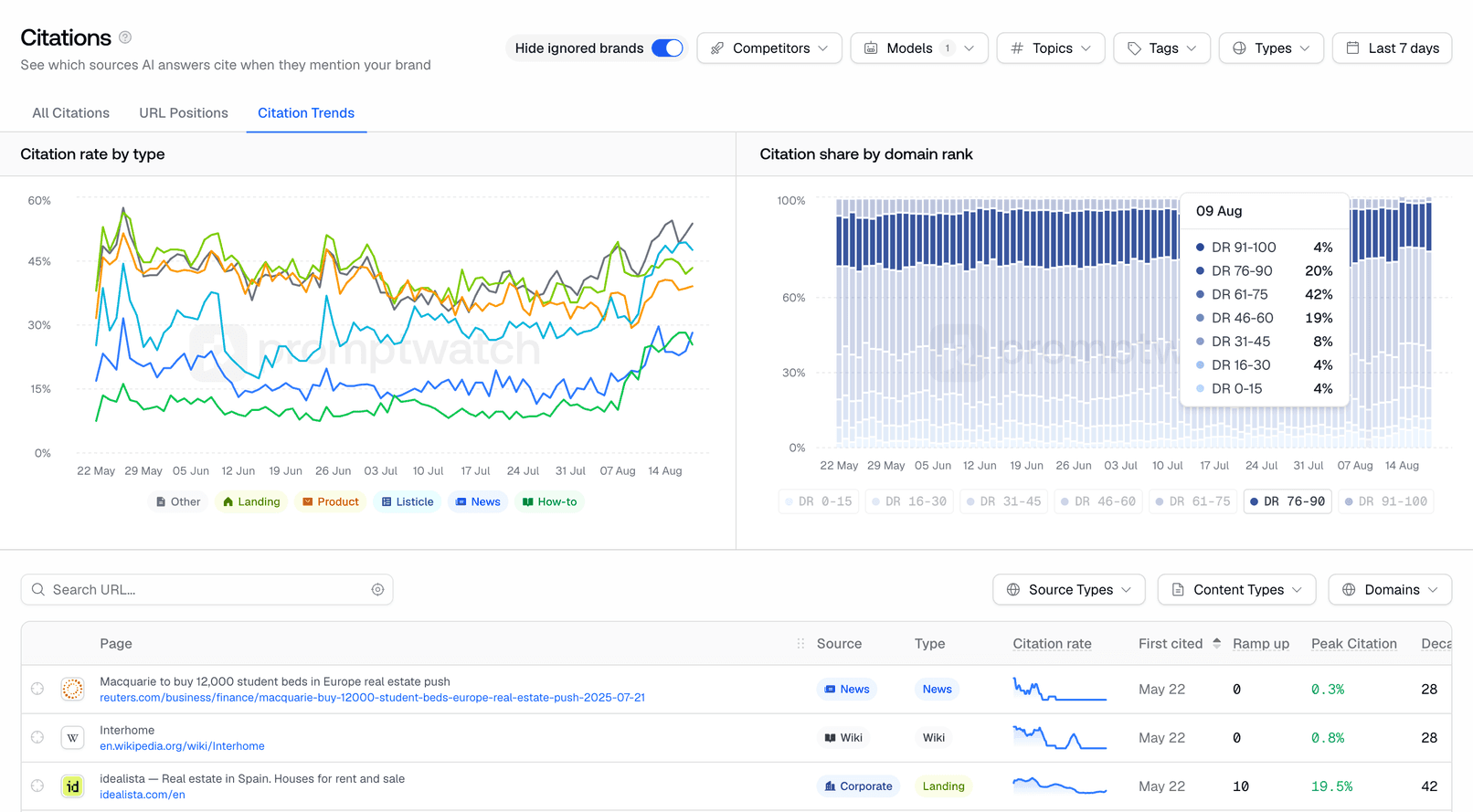
A new chart breaks down your citations by type — see how many are direct mentions, links, or other citation formats across AI responses.
Visitor analytics now tracks traffic from Mistral AI (chat.mistral.ai). See how many visitors are coming to your site from Mistral's AI assistant.
Track your brand visibility in even more languages. We've added support for additional languages to help you monitor AI responses in more markets around the world.
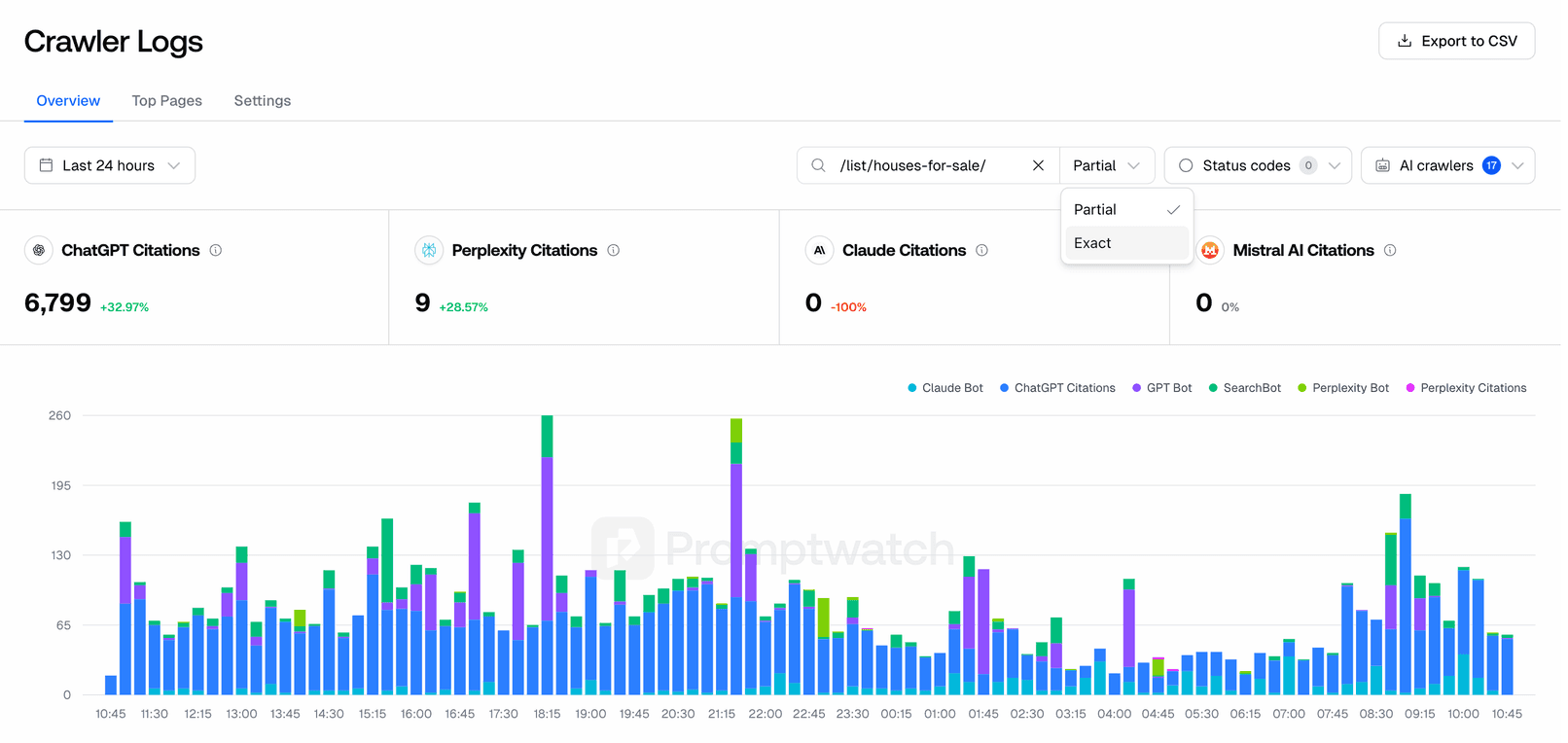
Filter crawler logs with more precision. You can now choose between exact path matching or partial matching to find the specific pages AI crawlers are visiting.
Visitor analytics now combines traffic from copilot.com and copilot.microsoft.com into a single Copilot source. Get a complete picture of your Microsoft Copilot referral traffic.
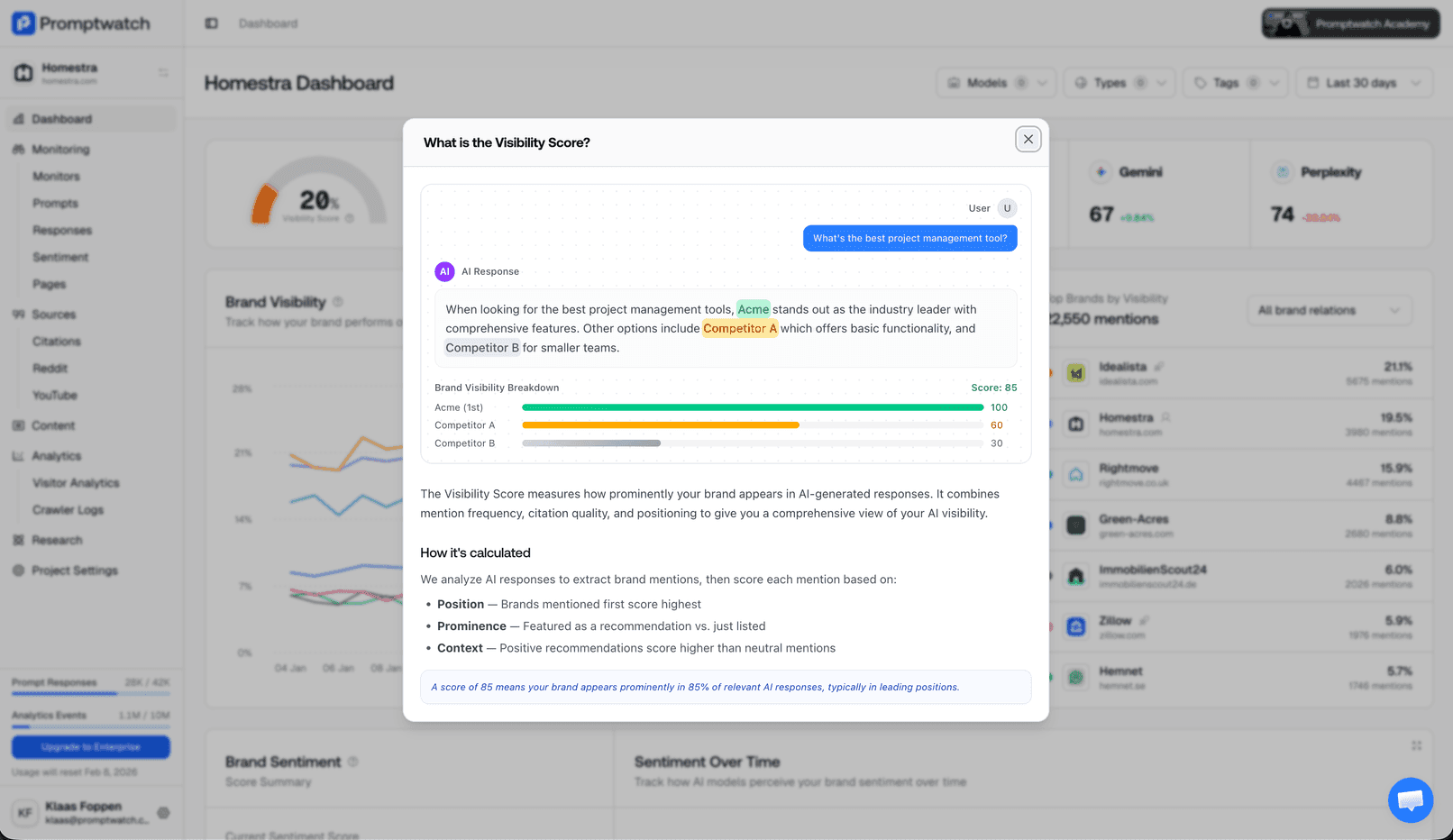
Understand your metrics better with new in-app help. Click on any key metric like Visibility Score, Brand Sentiment, or Content Coverage to see an interactive explanation of how it works and what it means.
Track AI Overviews from Google based on your target location. See how AI search results appear in different regions and languages to better understand your local visibility.
Quickly find relevant citations using your prompt tags. The citation page now includes a tag filter so you can focus on the prompts that matter most.
Quickly select or deselect all AI models in the filter dropdown. Save time when you want to view results across all models or start fresh with your selection.
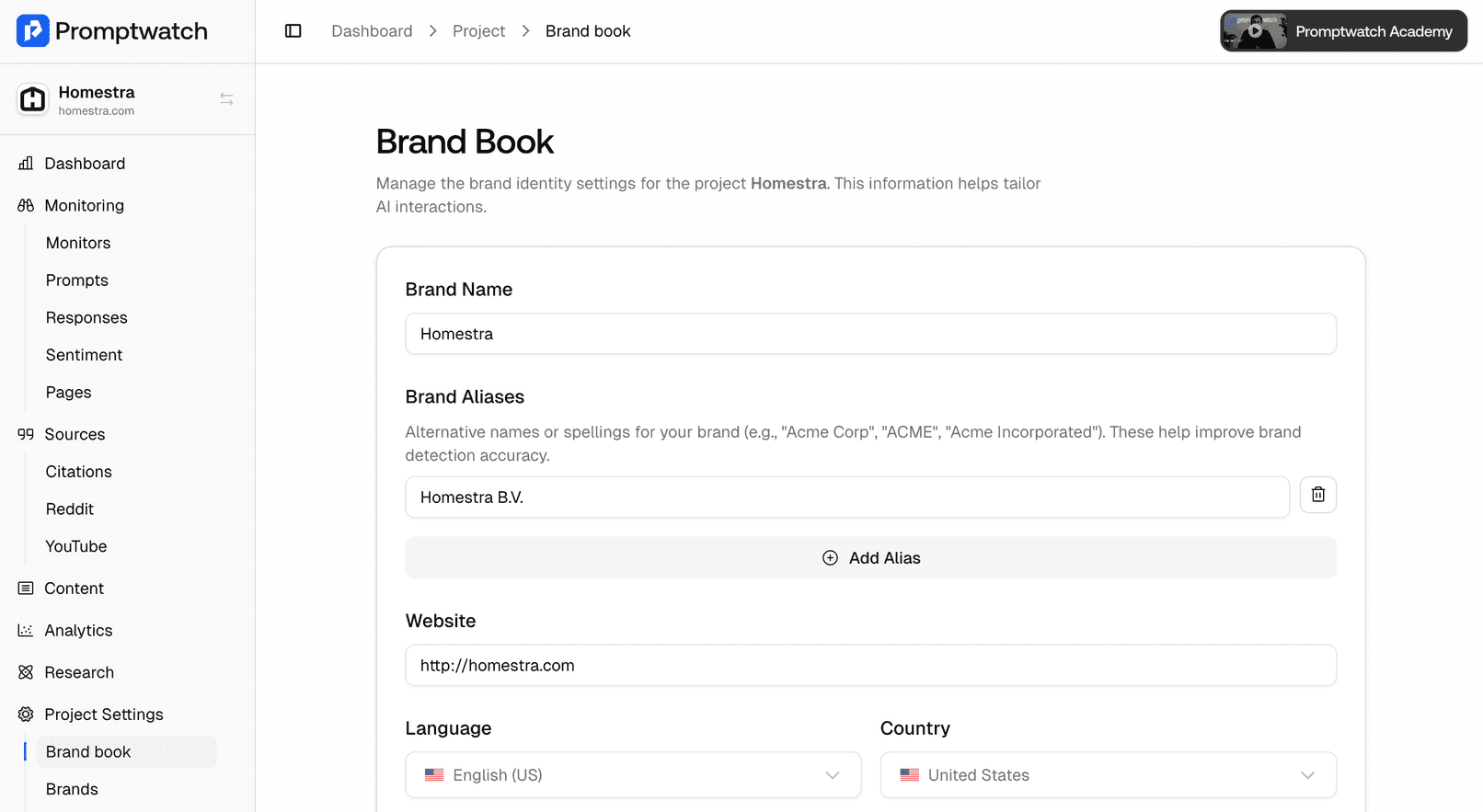
Add alternative names and spellings for your brand in Brand Book. Whether your brand is known as "Acme Corp", "ACME", or "Acme Incorporated", we'll now detect all variations in AI responses.
Content optimization now uses more sources to create better content. We include Google News for timely information, your site's internal links for better navigation, query fan-outs for comprehensive coverage, and brand-specific context for authentic voice.
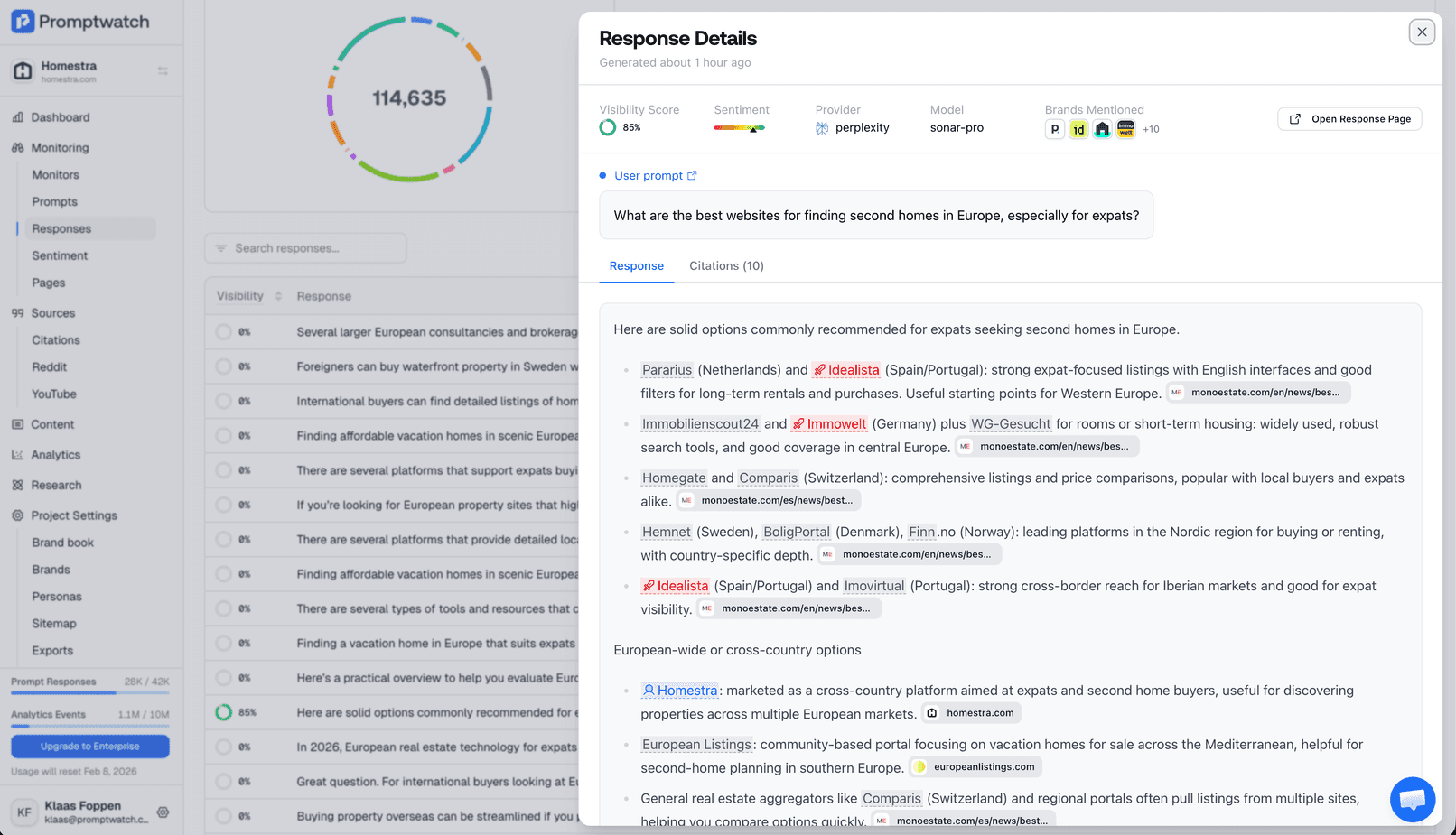
Instantly spot brand mentions in AI responses. Your brand and competitors are now visually highlighted, making it easier to see how each is discussed.
View images from ChatGPT responses in an interactive carousel. Browse through all images included in AI responses with easy navigation.
Your filter selections now persist as you navigate between crawler log pages. No need to re-apply filters when switching between different views.
See when other brands are mentioned alongside yours in AI citations. Understand your competitive landscape and discover which brands appear in the same context as yours.
See which pages on your site AI crawlers visit most frequently. A new analytics view shows your top crawled pages with detailed visit statistics and CSV export.
Easily set up visitor analytics using our Google Tag Manager template. A simpler way to track AI-powered visits to your website.
Finding prompts is now faster and more accurate. Search works better with partial matches and multi-word queries.
Crawler logs now display crawlers sorted by visit frequency, and long page paths are properly truncated for better readability.
You can now choose your preferred language for prompts during the onboarding process. Get started tracking in your target market right away.
Comprehensive API documentation is now available. Explore endpoints, authentication, and examples to integrate Promptwatch data into your workflows.
CSV exports now include additional data fields. Get more detailed insights when analyzing your AI visibility data in spreadsheets.
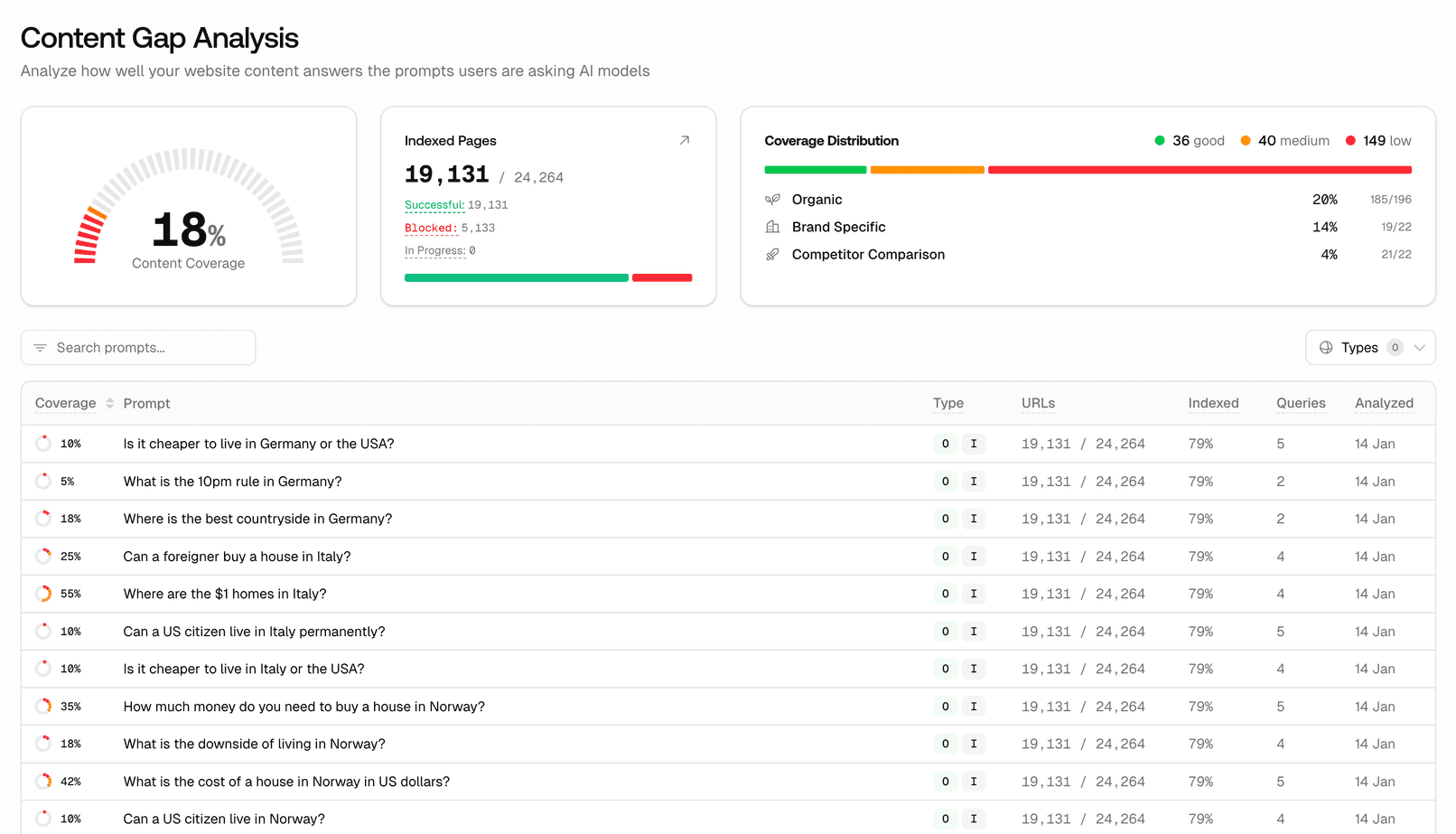
Discover what's missing from your content. Our new Content Gap feature analyzes your pages against AI prompts to show where your content falls short. See a coverage score for each page and get actionable insights to improve your AI visibility.
We've combined intent and type filters into a single, easier-to-use control. Filter your prompts faster with fewer clicks.
Monitor pages now feature improved charts including a prominent competitor comparison chart and sentiment tracking. See your brand's performance at a glance.
You can now sort your prompts alphabetically by name. Quickly find and organize prompts in large lists.
Click on top citations in your dashboard to instantly see more details. Access citation information without leaving the page.
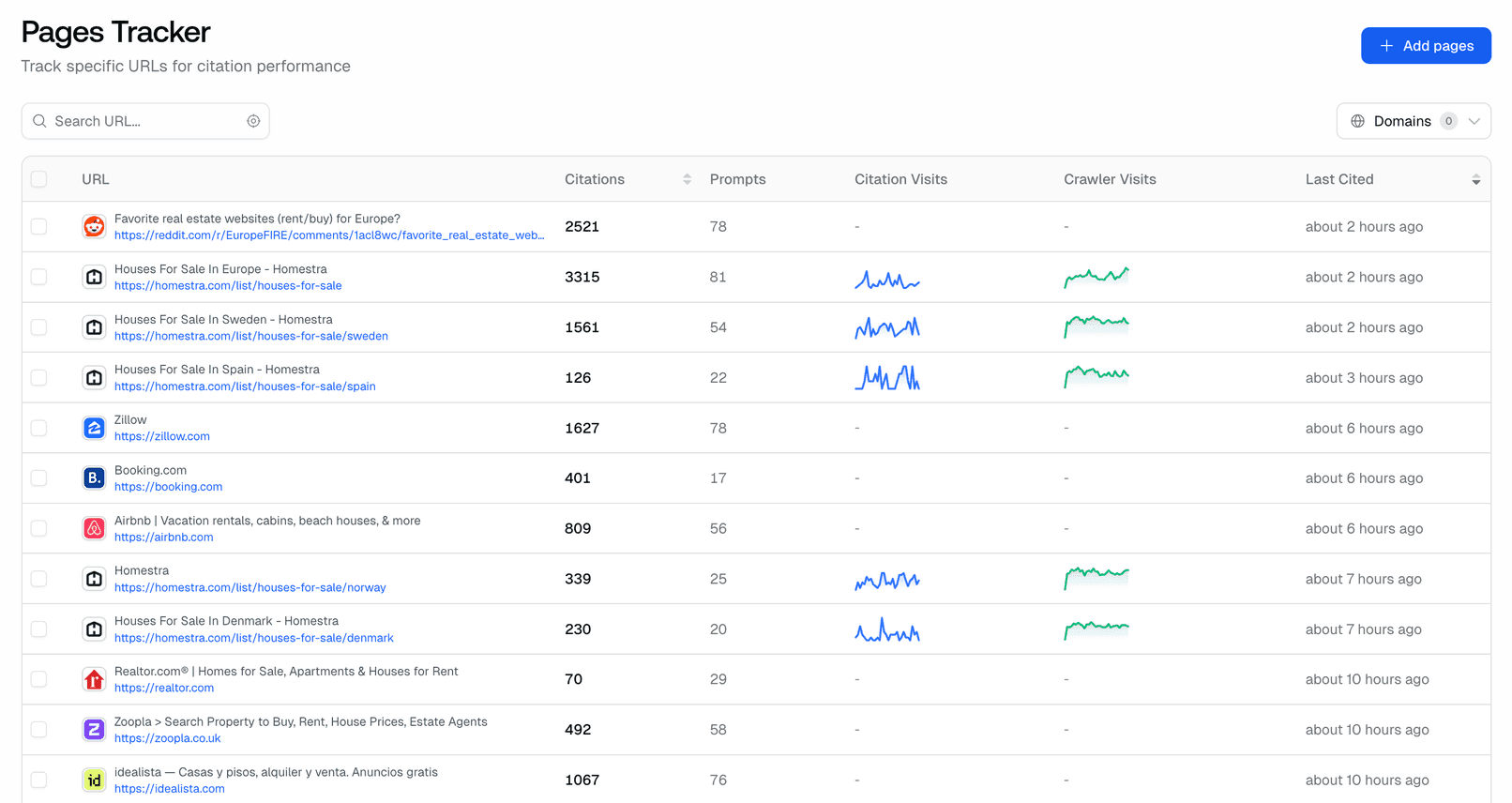
Monitor how specific pages on your website perform in AI search. See which pages get cited most and optimize your content strategy accordingly.
Query fan-outs now display which AI model generated them. See at a glance whether ChatGPT, Claude, or another model expanded your query.
When you create a new project, your homepage is now automatically added to tracked pages. One less step to start monitoring your AI visibility.
Click on any tracked page to see detailed citation information in a side panel. Quickly understand how each URL is being cited across AI responses.
The tracked pages table now supports sorting by different columns and displays sparkcharts showing citation trends over time.
Quickly access content optimization suggestions directly from your prompts. A new button lets you start improving your visibility with one click.
Crawler logs now load significantly faster thanks to optimized database queries. Large datasets are no longer slow to display.
Track your visibility across the latest Claude AI models. Stay ahead by monitoring how newer versions respond to your brand.
You can now move prompts from one monitor to another. Reorganize your tracking setup without having to recreate prompts from scratch.
CSV exports now include brand mentions and match your table columns exactly. We've also added export support for query fan-outs, making it easier to analyze your data in spreadsheets.
Track your brand visibility in Thai and Vietnamese AI responses. Expand your monitoring to these growing markets.
See helpful stats about your content at a glance, including word count, reading time, and link count. A new visual gauge helps you understand your content's optimization level.
Fixed an issue where adding links to selected text in the content editor wasn't working properly.
You can now browse and explore all your prompts in one place. Filter by category, search across monitors, and quickly find the prompts that matter most to your visibility tracking.
Enterprise teams can now use their company's identity provider to sign in. SSO makes it easier to manage team access and maintain security compliance.
Try our new free tool that shows you how ChatGPT expands your prompts into multiple search queries. Understand how AI interprets your questions and optimize your content accordingly.
Export your YouTube and Reddit citation data to CSV. Perfect for deeper analysis in spreadsheets or sharing insights with your team.
Getting started with Promptwatch is now easier than ever. We've redesigned the onboarding flow with clearer steps, better guidance, and a smoother setup process.
Track how positively or negatively AI models talk about your brand over time. New sentiment charts help you monitor your brand perception in AI responses.
See when AI models cite YouTube videos in their responses. Track your video content's visibility across ChatGPT, Claude, and other AI search engines.
Monitor how often Reddit posts mentioning your brand appear in AI responses. Understand your Reddit presence in the AI search landscape.
Explore how ChatGPT recommends products and influences shopping decisions. See which brands and products get mentioned in shopping-related queries.
See all your citations organized by domain. Quickly understand which websites are being cited alongside your content and identify new opportunities.
Get a free analysis of how well your website is optimized for AI search engines. See what AI models can read on your pages and get actionable recommendations.
Preview how your website appears when shared on social media and in AI responses. Check your meta tags, images, and descriptions in one place.
Our AI-powered content optimization feature is now available to all users. Get suggestions to improve your content's visibility in AI search results.
Learn how to optimize for AI search with our new Academy. Guides, tutorials, and best practices to help you improve your AI visibility.
Download your AI crawler activity data for deeper analysis. Export logs to CSV and integrate with your existing analytics workflows.
We're excited to announce our $1.4M seed funding round led by Arches Capital. This investment will accelerate our mission to help businesses optimize their visibility in AI search engines.
Add tags to your prompts to keep them organized. Filter and search by tags to quickly find the prompts you need.
Filter your data by custom date ranges. Select specific time periods to analyze trends and compare performance across different timeframes.
Export your optimized content in the format you need. Download as Markdown for your CMS or HTML for direct publishing.
Create and edit content directly in Promptwatch with our new rich text editor. Format your content, add headings, and prepare it for publishing - all in one place.
Track how your competitors appear in AI responses alongside your brand. See who's getting mentioned and compare your visibility against the competition.
Connect your server logs to see exactly when AI crawlers visit your website. Understand how often ChatGPT, Claude, and other AI systems are indexing your content.
See your website traffic from AI sources in real-time. Track visits from ChatGPT, Perplexity, and other AI-powered browsers with our new analytics dashboard.
A new step-by-step checklist guides you through setting up your account. Never miss an important configuration step again.
Connect your Fastly CDN logs to Promptwatch for real-time AI crawler tracking. See when AI systems access your cached content.
Export your prompts, responses, and citations to CSV. Analyze your data in spreadsheets or import it into other tools.
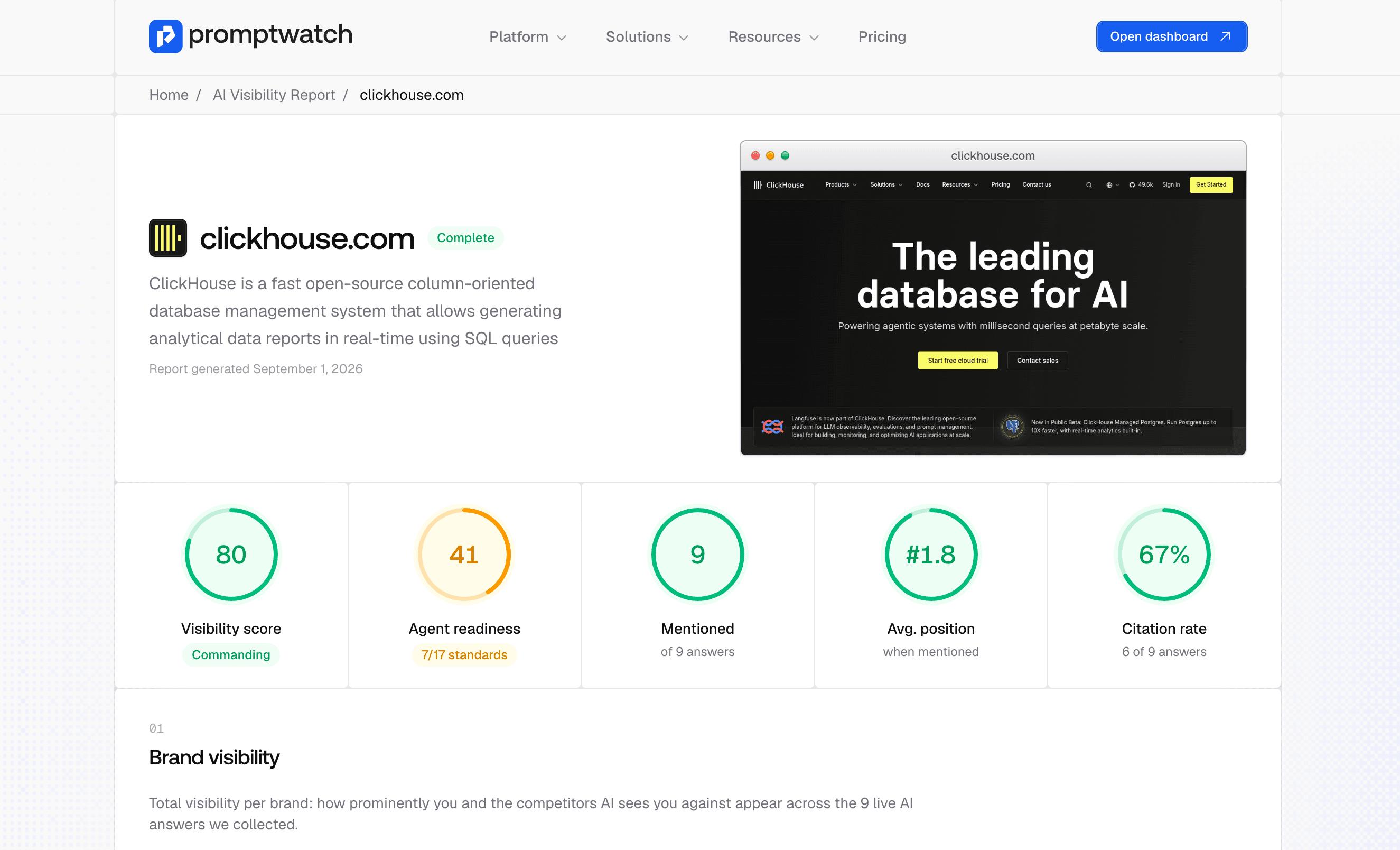
Get a free report on how your brand appears in AI search results. Enter your brand name and see how ChatGPT and other AI models talk about you.
Access your Promptwatch data programmatically with our new API. Create and manage API keys to integrate AI visibility data into your own tools.
Quickly create new monitors by copying existing ones. Save time when setting up similar tracking configurations.
Check if AI crawlers can access and read your pages. Our free tool shows you exactly what AI systems see when they visit your URLs.
Create an llms.txt file for your website with our free tool. Help AI models understand and properly cite your content.
Collaborate with your team on AI visibility. Invite colleagues to your Promptwatch workspace and work together on optimizing your AI search presence.
Discover questions AI models struggle to answer about your industry. Find content opportunities where you can become the go-to source.
Quickly filter your citation data to see which responses mention specific competitors. Understand the competitive landscape in AI search.
Want a personalized walkthrough? Schedule a demo with our team to see how Promptwatch can help your specific use case.
See detailed analytics on where AI models cite your content. Track citation trends, compare sources, and understand your visibility patterns.
Today marks the official launch of Promptwatch! Our platform helps businesses track and improve their visibility across AI search engines including ChatGPT, Claude, Perplexity, and Gemini.
Join thousands of companies using Promptwatch to monitor and improve their presence in AI search results.