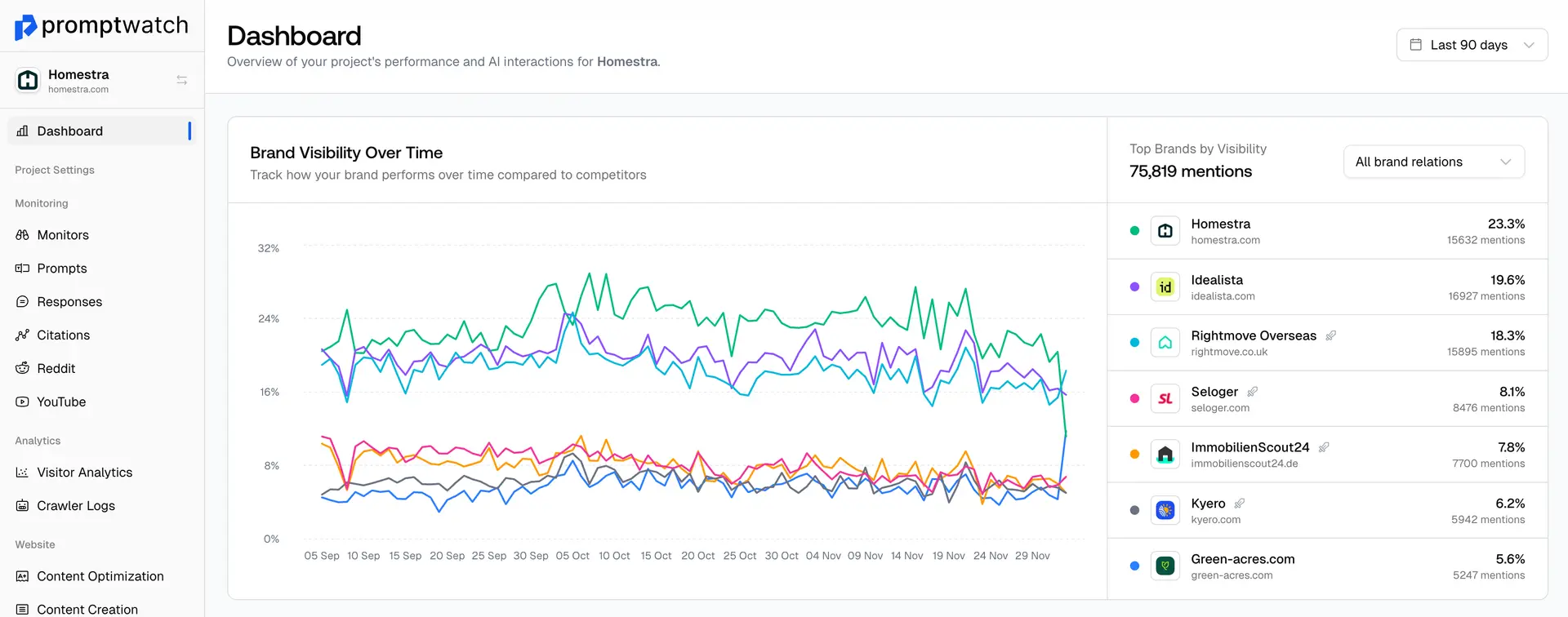
When setting up Promptwatch, one of the first choices you’ll make is how to connect your website data, either by uploading your sitemap or by connecting Google Search Console. Both give the platform valuable information about your content, but they serve different purposes.
For the most complete and accurate insights, you should always link your sitemap first. Your sitemap is what allows Promptwatch to understand your site’s full structure, prioritize content, and generate precise GEO optimization recommendations.
Why You Need to Link Your Sitemap
Your sitemap is the foundation of everything Promptwatch analyzes. It’s the file that tells search engines, and AI models, how your website is organized. Without it, we can’t fully understand which pages matter most for your visibility.
By linking your sitemap, Promptwatch can:
- Identify every page available for crawling, not just what’s indexed by Google.
- Detect which sections of your site are missing or underperforming in AI search.
- Cross-reference your URLs with crawler activity from GPTBot, ClaudeBot, and PerplexityBot.
- Deliver accurate Answer Gap and Content Optimization insights.
The more context we have about your site structure, the smarter and more specific your GEO recommendations become.
The Role of Google Search Console
Google Search Console (GSC) is an excellent optional integration, especially if you want to see how your site performs in traditional search. Connecting it lets Promptwatch overlay your Google visibility data with your AI visibility data for a full comparison.
When you connect GSC, Promptwatch can:
- Compare AI visibility with organic Google rankings.
- Identify where AI models mention competitors even when you rank higher on Google.
- Track how crawl frequency and traffic correlate across platforms.
However, Google Search Console alone doesn’t show the full picture, it only reflects how Google sees your indexed pages, not how AI models discover and interpret your content. That’s why your sitemap remains essential.
Which Should You Use?
Ideally, both.
- Start with your sitemap (.xml link): This ensures Promptwatch has your complete site map from the beginning.
- Then connect Google Search Console: This enhances your analytics and helps compare traditional SEO with GEO performance.
If you only do one, choose your sitemap. It’s the direct blueprint of your website, while GSC is more of a performance snapshot.
How to Link Them
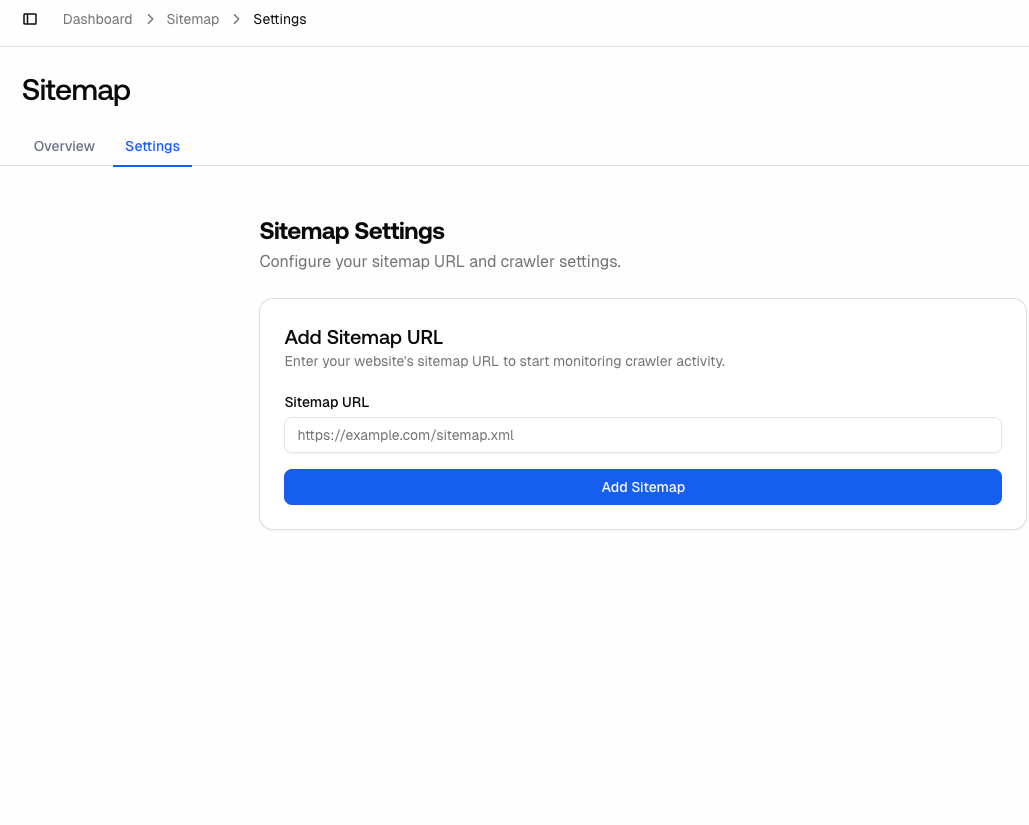
To link your sitemap:
- Go to Project Settings → click on Sitemap and go to settings
- Paste your .xml URL (e.g., https://yourdomain.com/sitemap.xml).
- Click on Add Sitemap
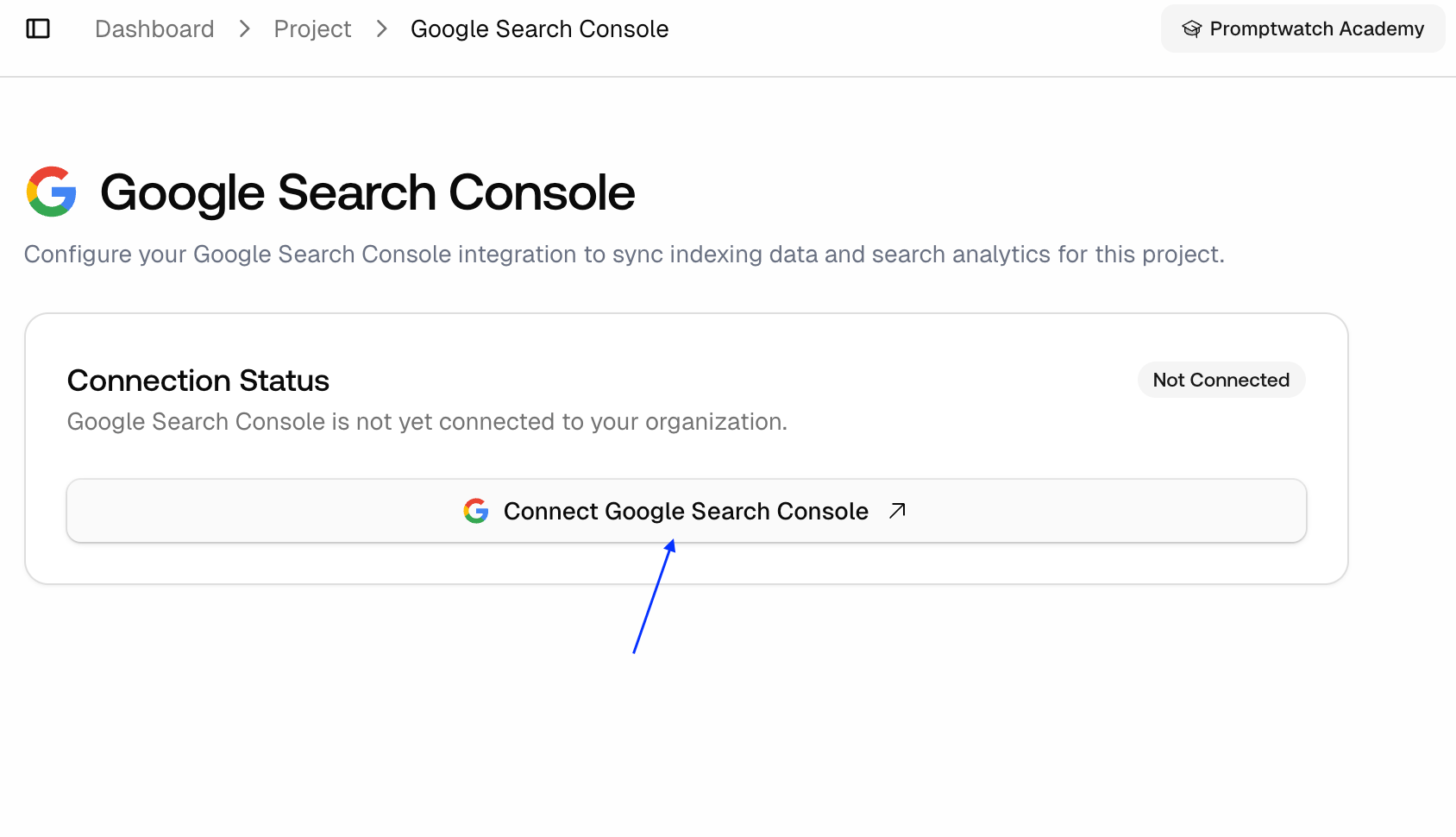
To connect Google Search Console:
- Go to Project Settings → Click on Search Console → Go to Google Search Console Screen
- Sign in with your Google account and authorize Promptwatch.
- Select the property you want to link.
Next Steps
If you’re just getting started, upload your sitemap today, even before you add monitors or prompts. It gives Promptwatch the structure it needs to analyze your visibility accurately and recommend improvements where they matter most.
Tip: Keep your sitemap updated. Each time you publish or remove pages, your sitemap should reflect those changes. An accurate sitemap means smarter visibility insights and better GEO optimization results.