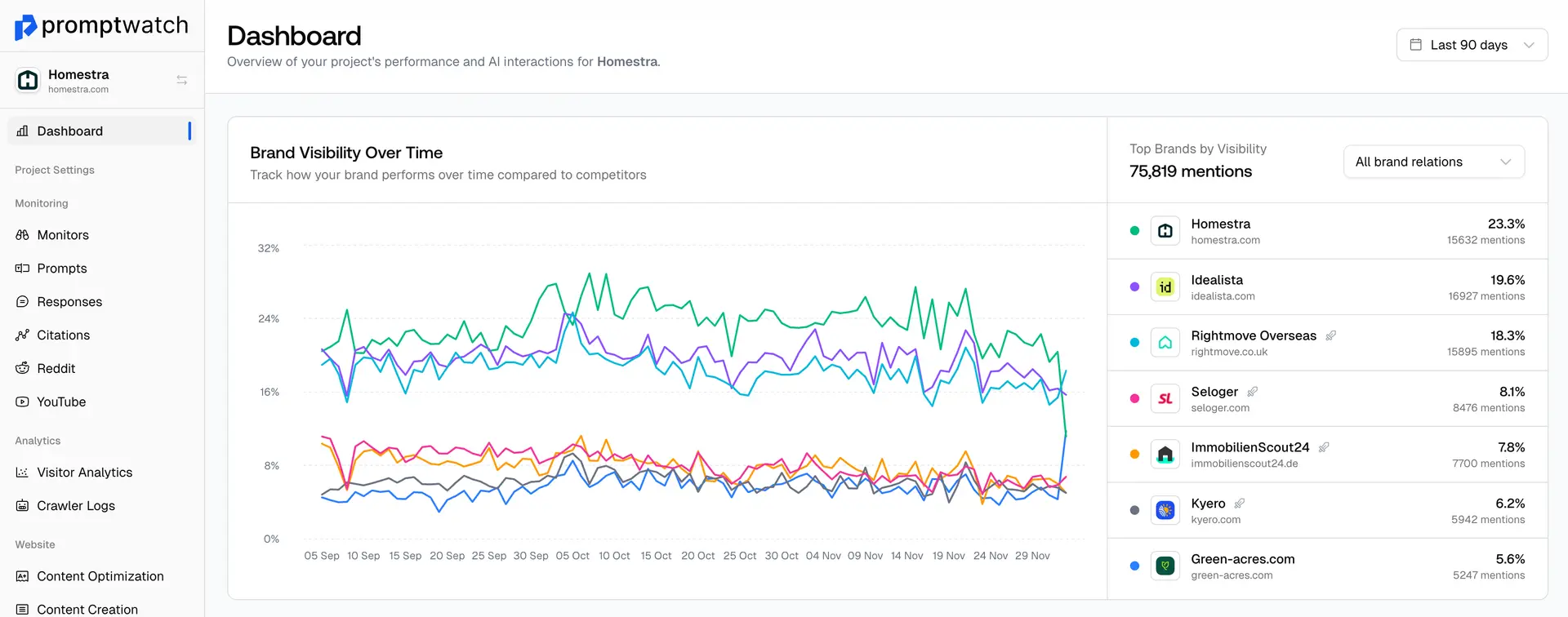
Why you need to have your sitemap synced in Promptwatch
Promptwatch has 2 main functions
- Help you track your visibility in AI Search
- Provide the right recommendations to increase your visibility in AI Search
Part 1 is done in your initial setup with your brand book, personas, monitors and prompts.
Part 2 is done by uploading your sitemap, so that the platform can know how your site is set up, the content on it and where we can suggest improvements based on your visibility.
How to connect your sitemap
Connecting your sitemap in Promptwatch is simple
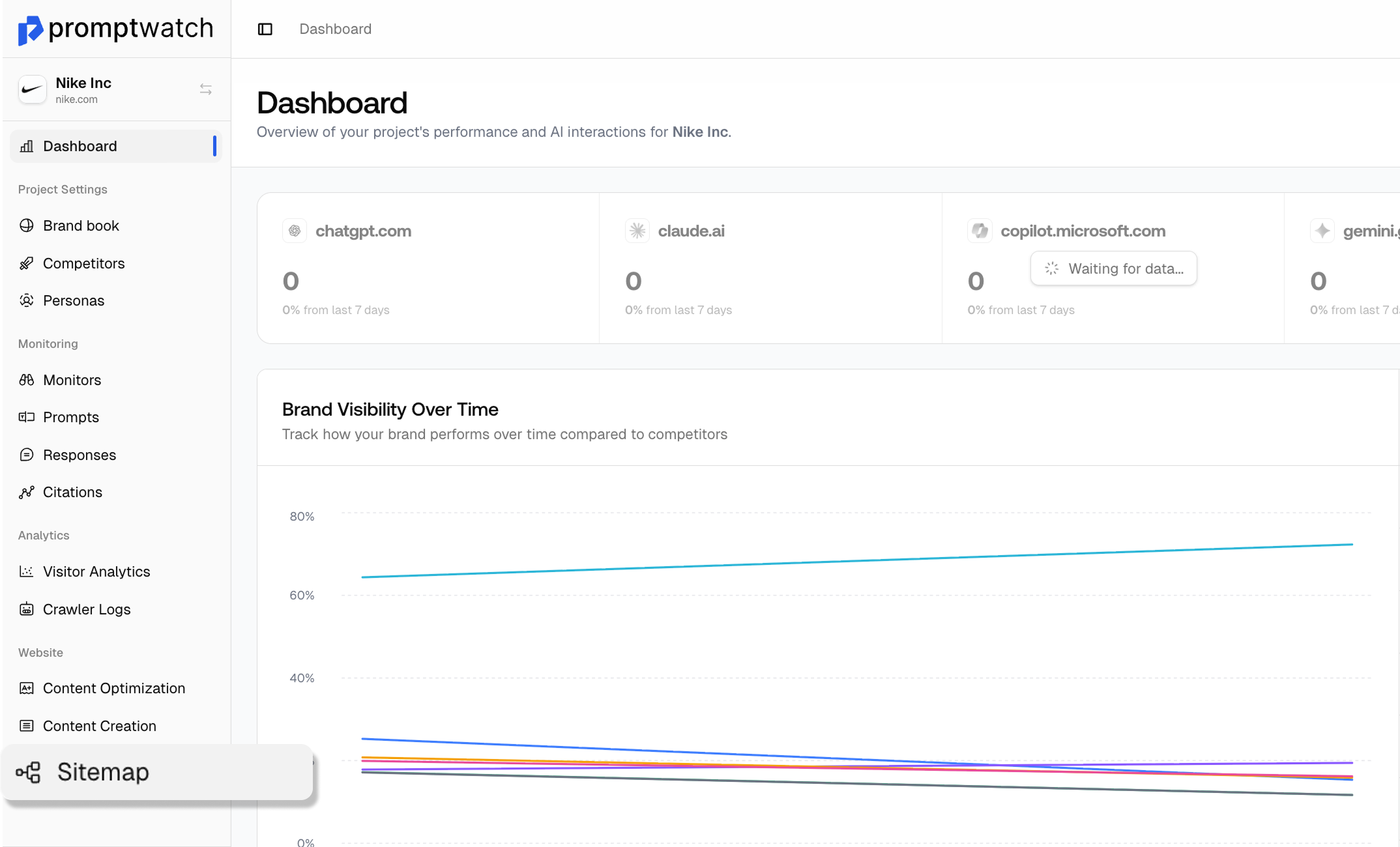
Step 1: On the side bar, select “Sitemap”
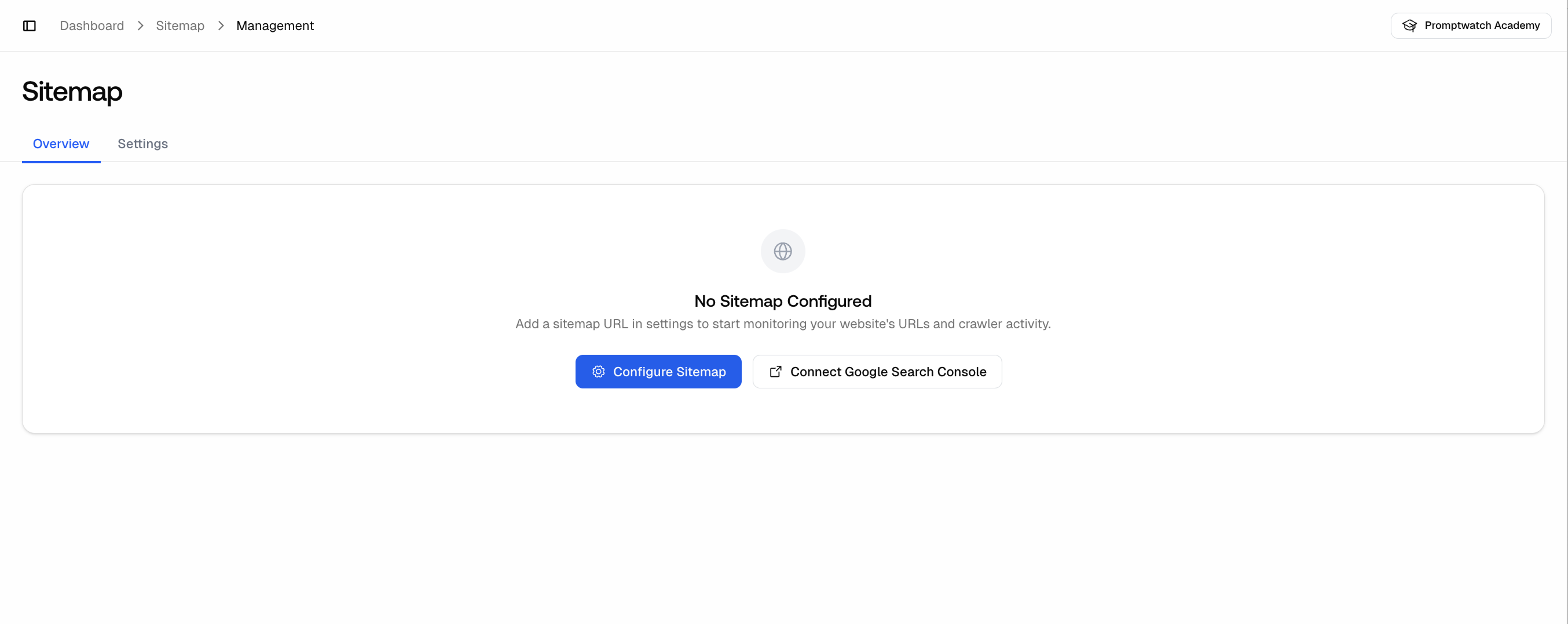
Step 2: Click “Configure Sitemap”
Step 3: Under “Add Sitemap URL” you can add your URL
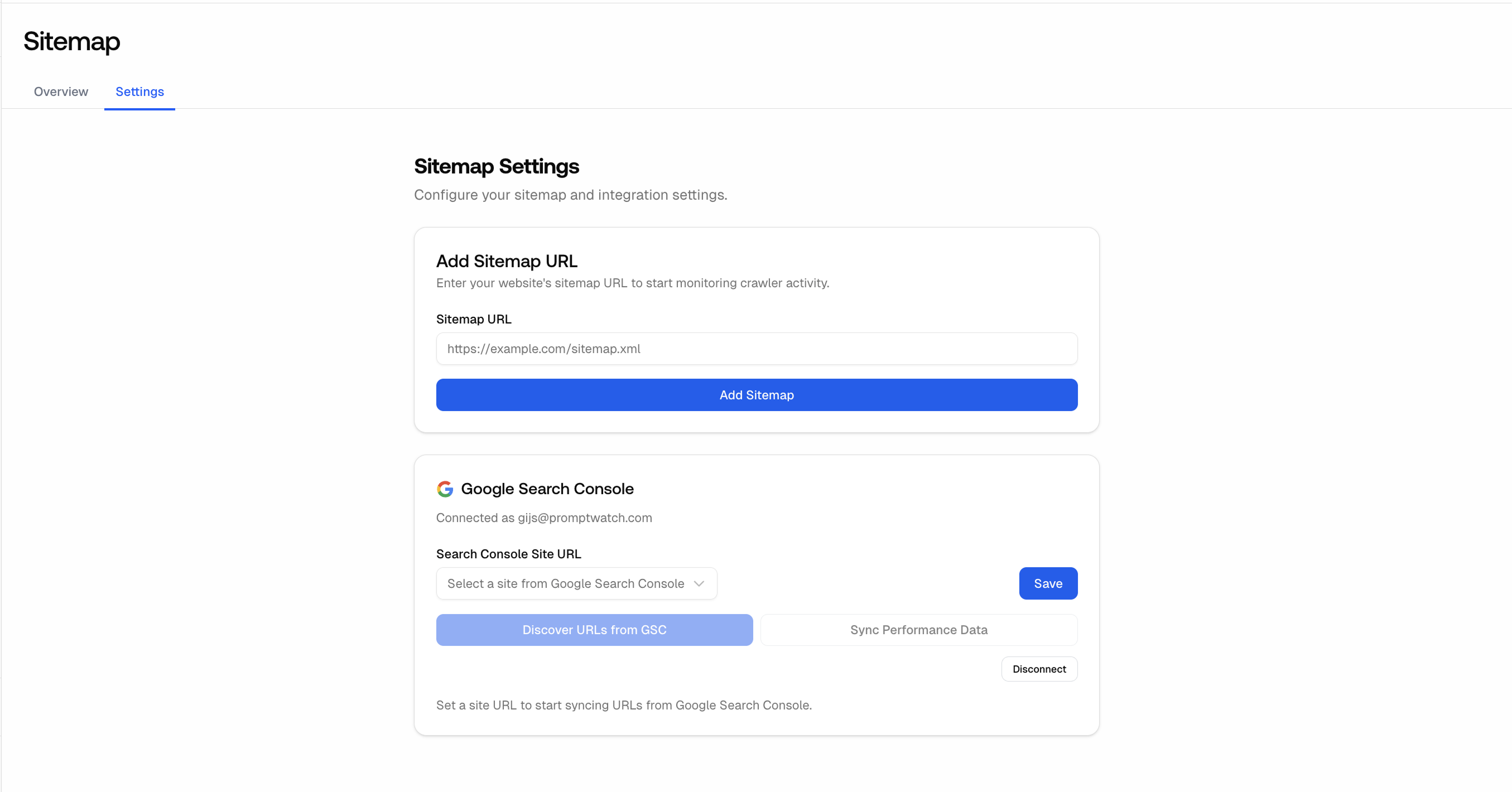
Step 4: Click “Add Sitemap”
Then everything is connected
How to change your sitemap
Changing your sitemap is just as simple as connecting it
Step 1: On the side bar, select "Sitemap"
Step 2: Under Sitemap management, you have an option to the right to “Change URL”
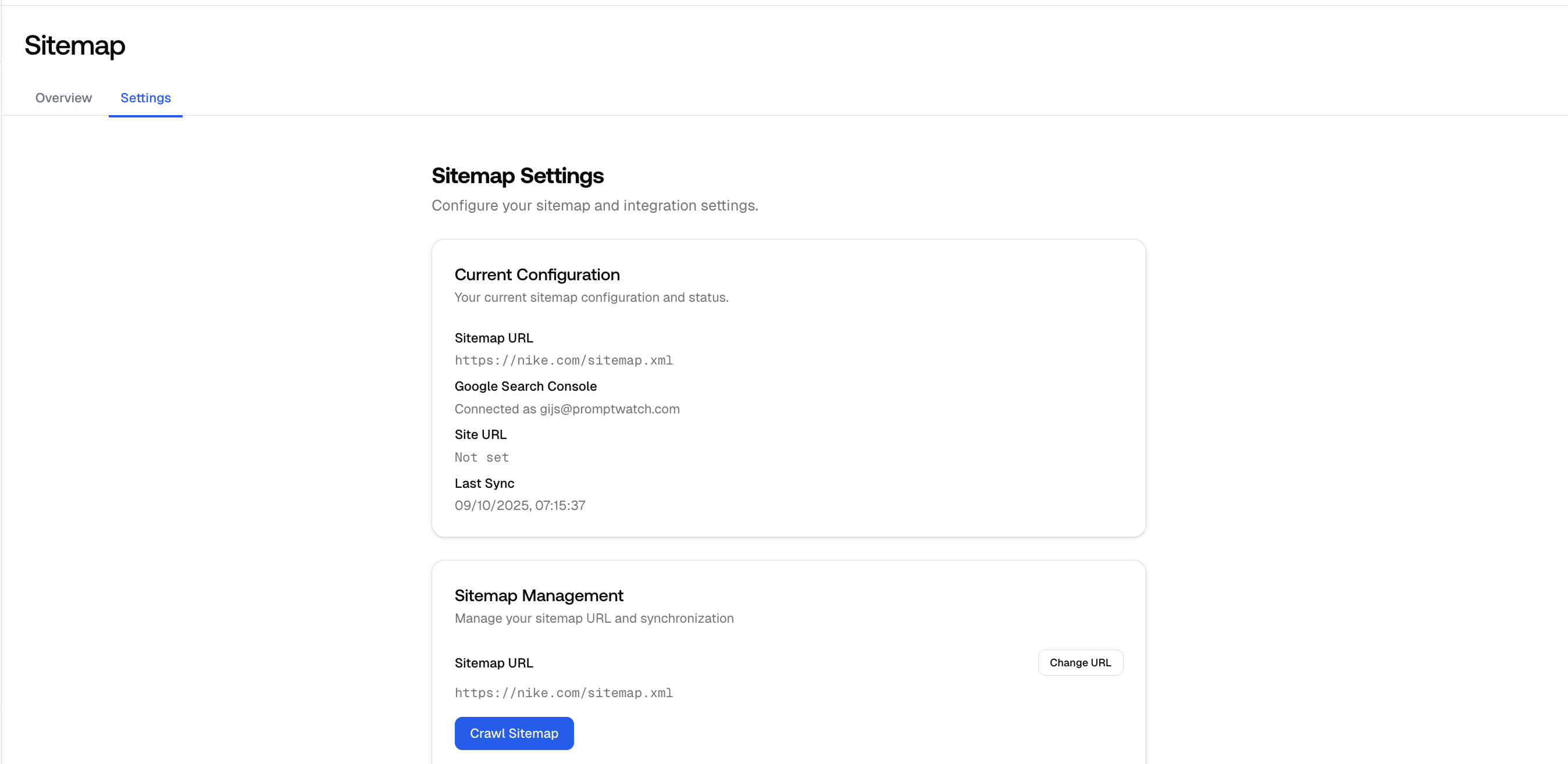
Step 3: You can then add a new URL and select “Save & Sync”