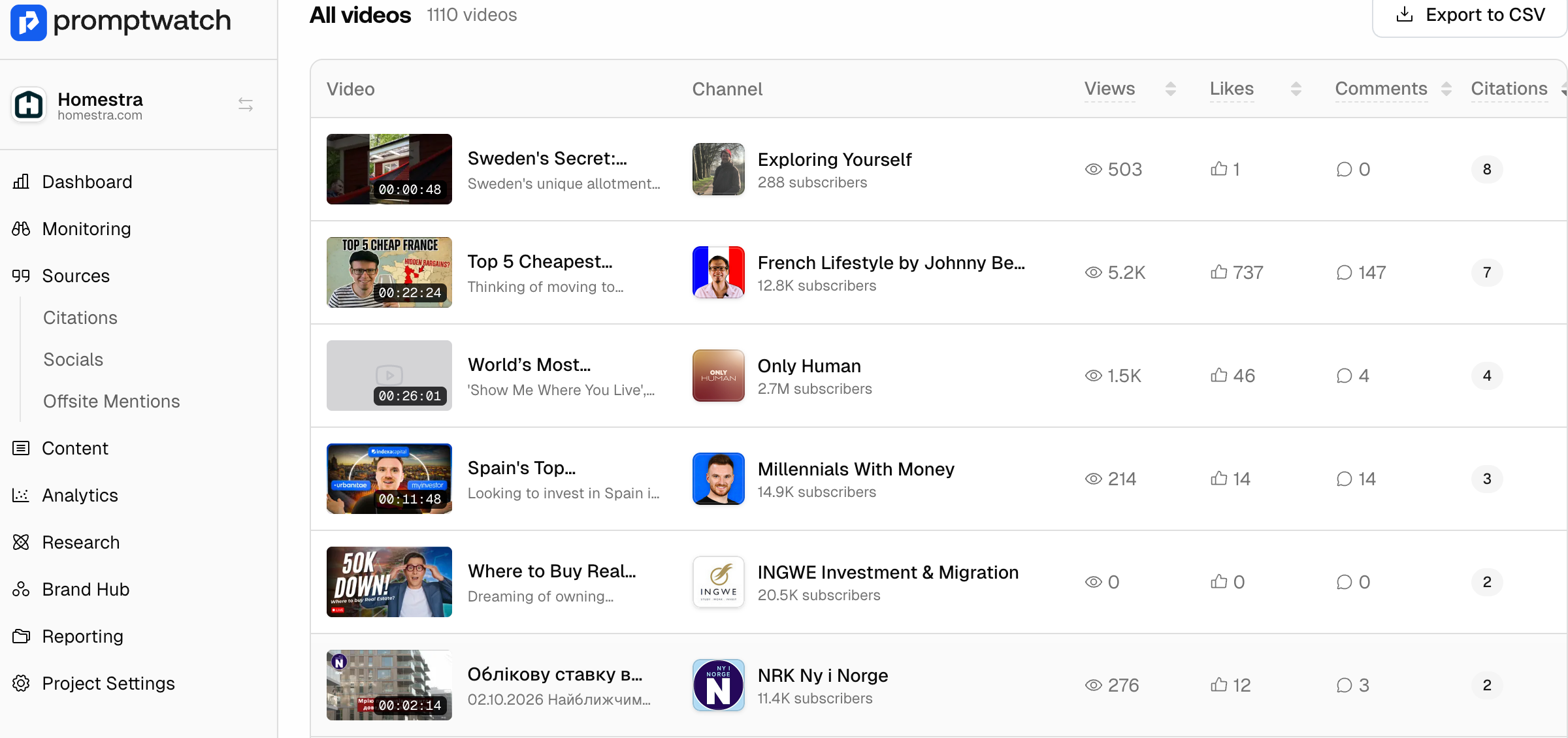
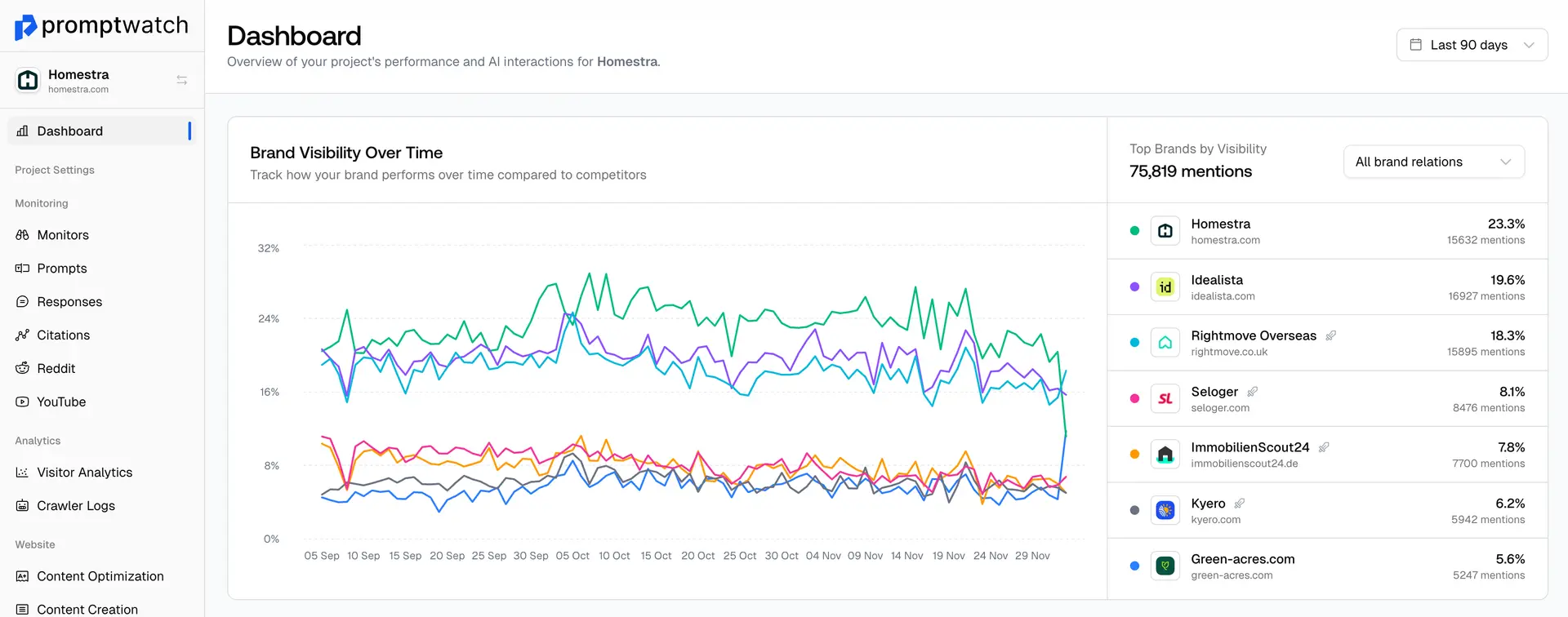
Google AI Overviews, AI Mode, Gemini and other AI Models continue to pull citations from YouTube videos to make their recommendations.
If you want to increase your visibility in these models, knowing what and where to post on YouTube can make a big impact in a short period of time.
Knowing where to start can be overwhelming, which is why Promptwatch has a dedicated YouTube citations page to help you understand what kind of channels and content are getting cited in responses.
How to access YouTube Citations
Step 1: In the left sidebar, click on Social, then select Youtube.
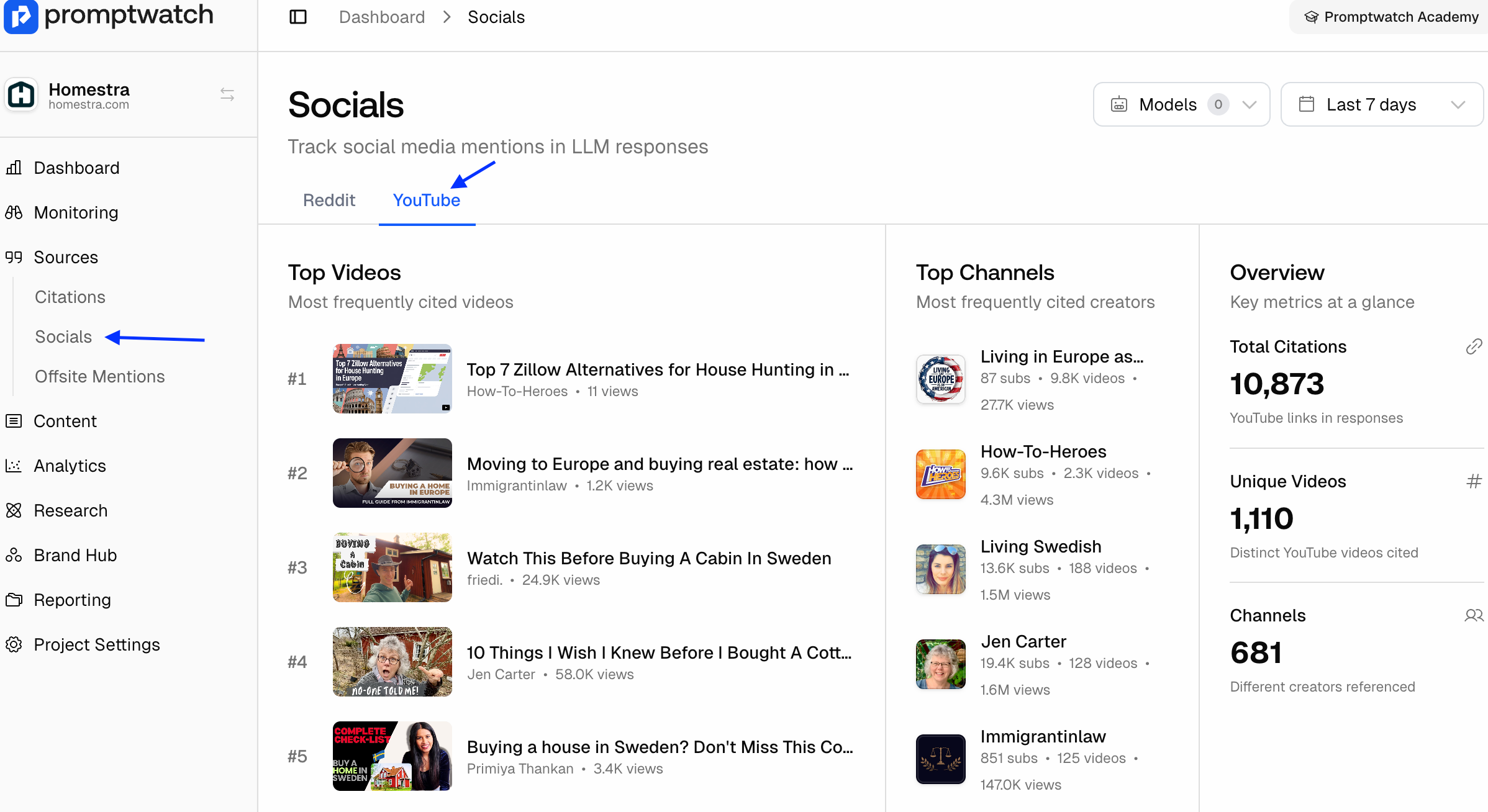
Step 2: Here you can see the overview on YouTube videos being cited from the prompts you are tacking
Top videos
- See which videos are being cited the most and spot any opportunities to collaborate with creators or which types of content is working.
Top Channels
- Spot any opportunities for channel sponsorships.
All Videos
- See an overview of all videos, channels, views, engagement and more to see which content types are getting cited.