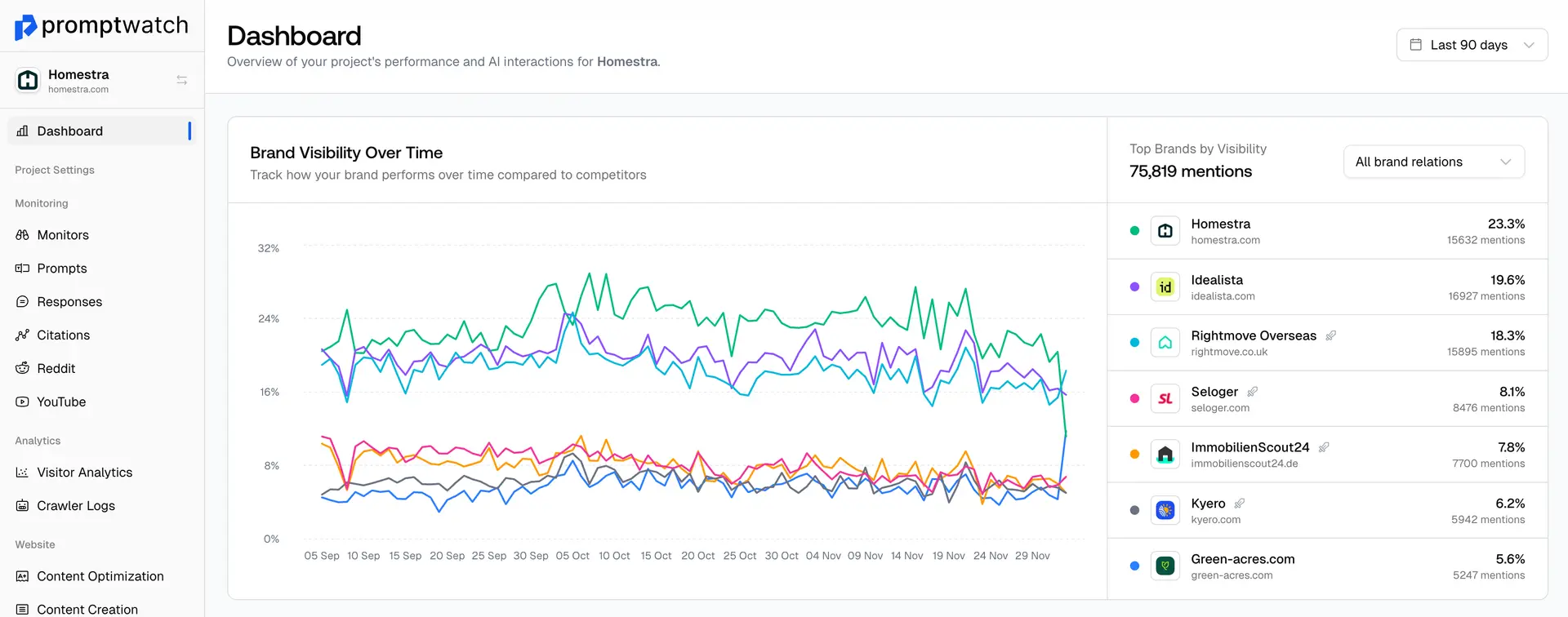
Yes, you can absolutely export your responses. Here is the quick step-by-step process to download your data:
From the top navigation menu, go to Prompts and select the Responses sub-tab.
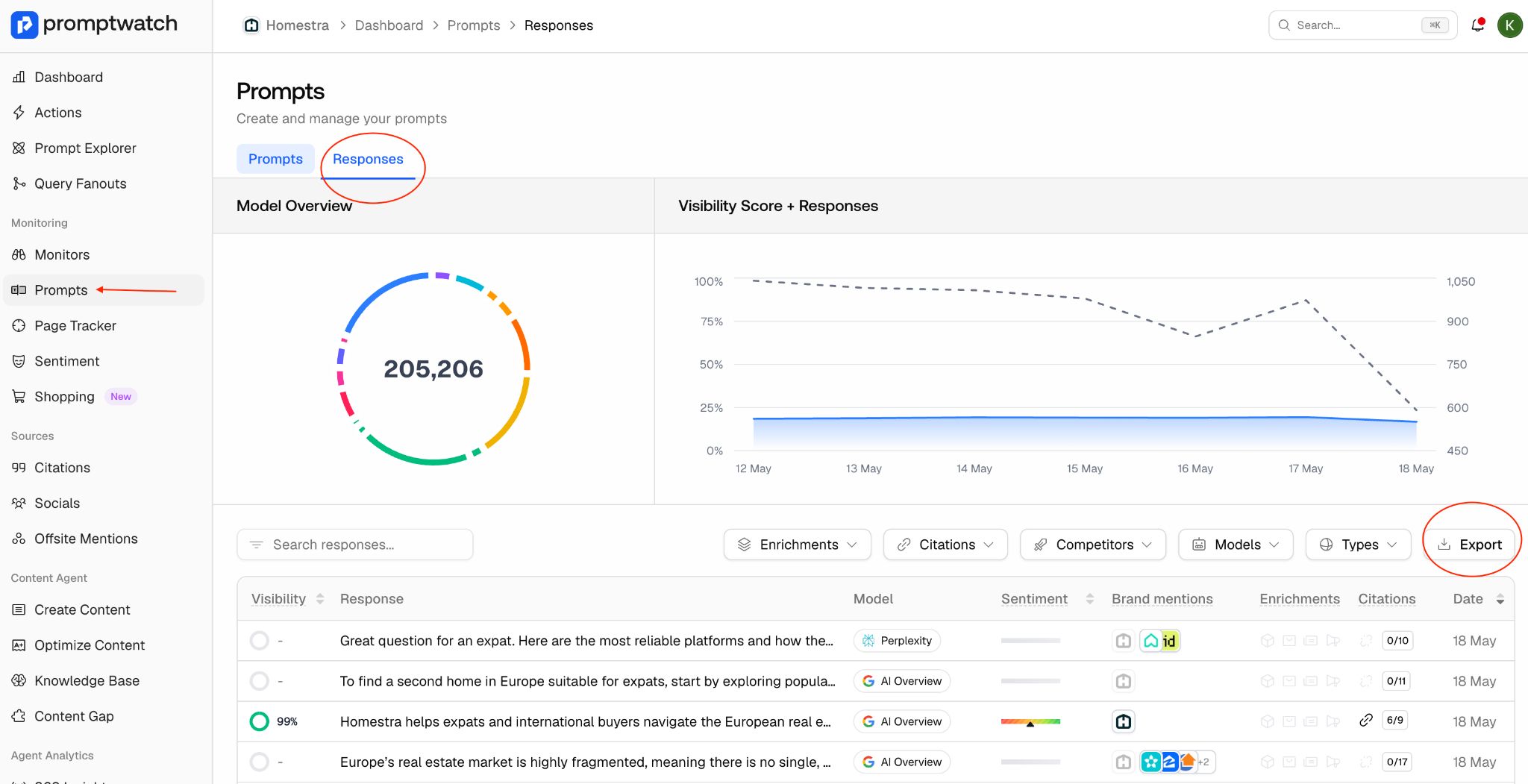
Click Export: Click the Export button located on the far right side of the filter bar.
Filter Your Data (Optional): An "Export Responses" modal will appear, allowing you to narrow down your data. You can filter by:
- Models
- Types
- Enrichments
- Citations
- Tags
- Competitors
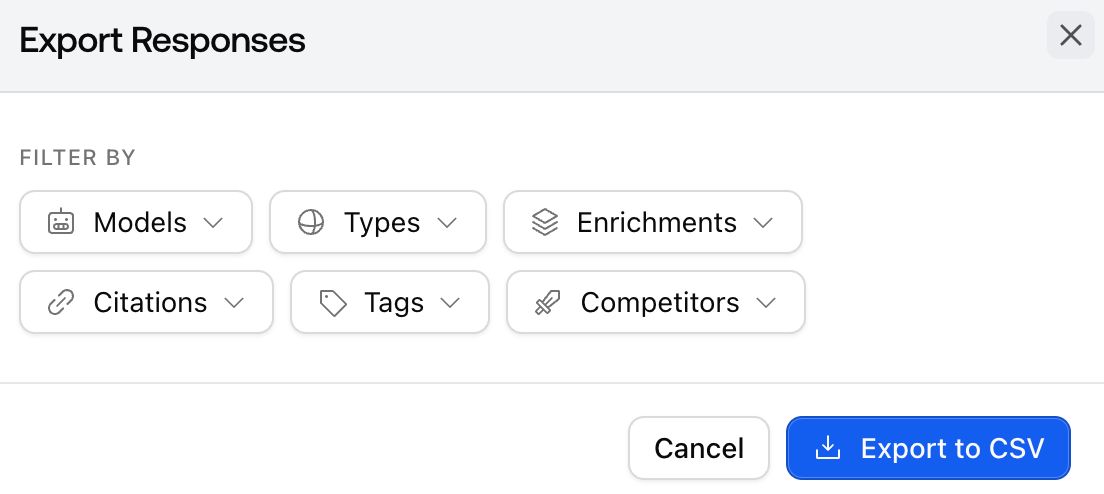
Download: Click the blue Export to CSV button to download your report instantly.