To stay within your monthly response limit, we recommend selecting no more than four models per monitor.
If a monitor has more than four models selected, remove any models that are not essential and keep only the four most important ones.
To check how many models are selected:
- Open a monitor.
- Click Settings.

3. Review the list of selected models.
4. Remove any unnecessary models until only four remain.
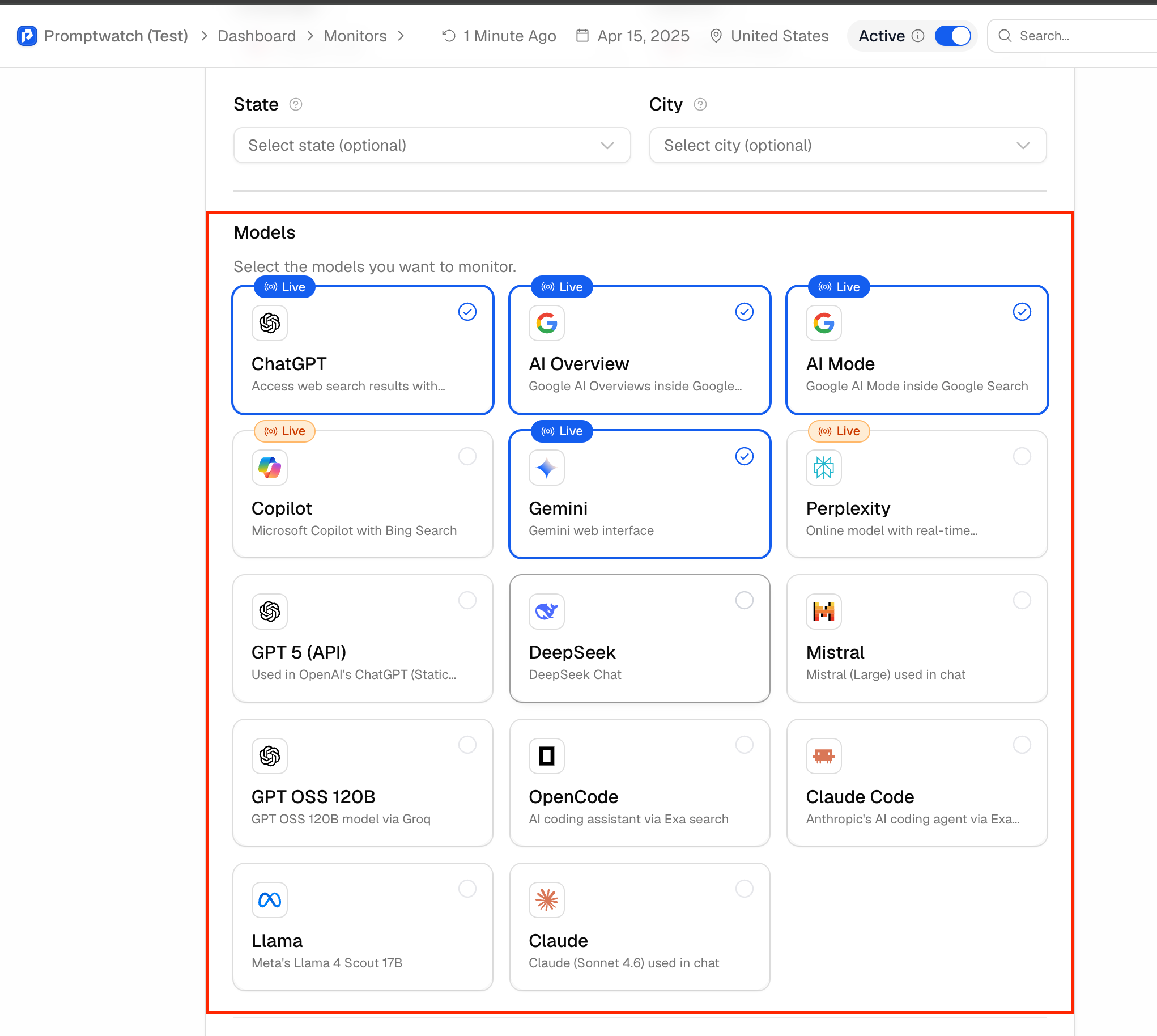
You can select or deselect a model by clicking the circle icon next to it.
Repeat this process for each monitor in your account.
If you require more than four models per monitor, we recommend upgrading your plan or purchasing additional Responses packages.
How is the response limit calculated?
Your monthly response usage is calculated as:
Total Prompts × Number of Models × 30 days
Example (Essential Plan):
- 50 prompts
- 4 models
- 30 days
50 × 4 × 30 = 6,000 responses per month
If you select more than four models, your response usage will increase proportionally, and you may reach your monthly limit sooner. Once the limit is reached, monitoring will pause until your monthly limit resets or additional responses are added to your account.