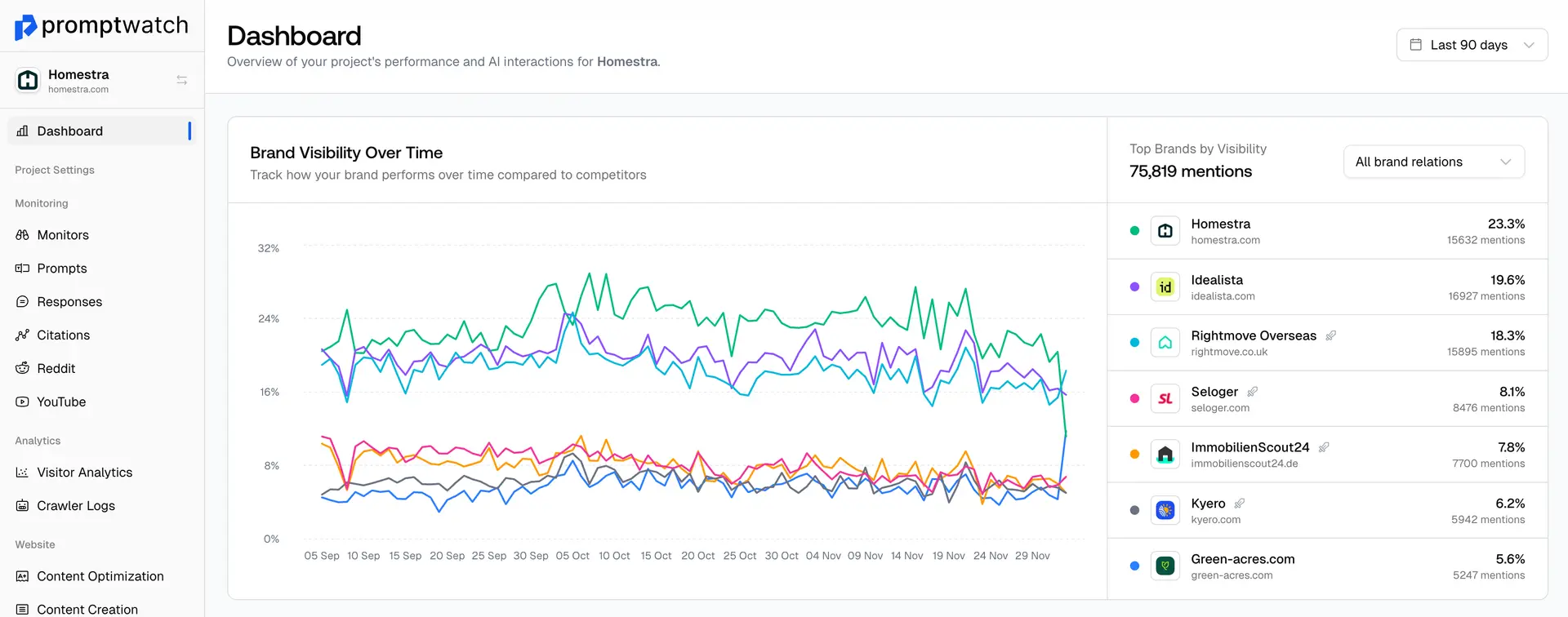
Importance of tracking the right prompts
Tracking the right prompts is what will make or break your AI Visibility strategy. For more information on tracking the right prompts, click here.
How to add an additional prompts to track
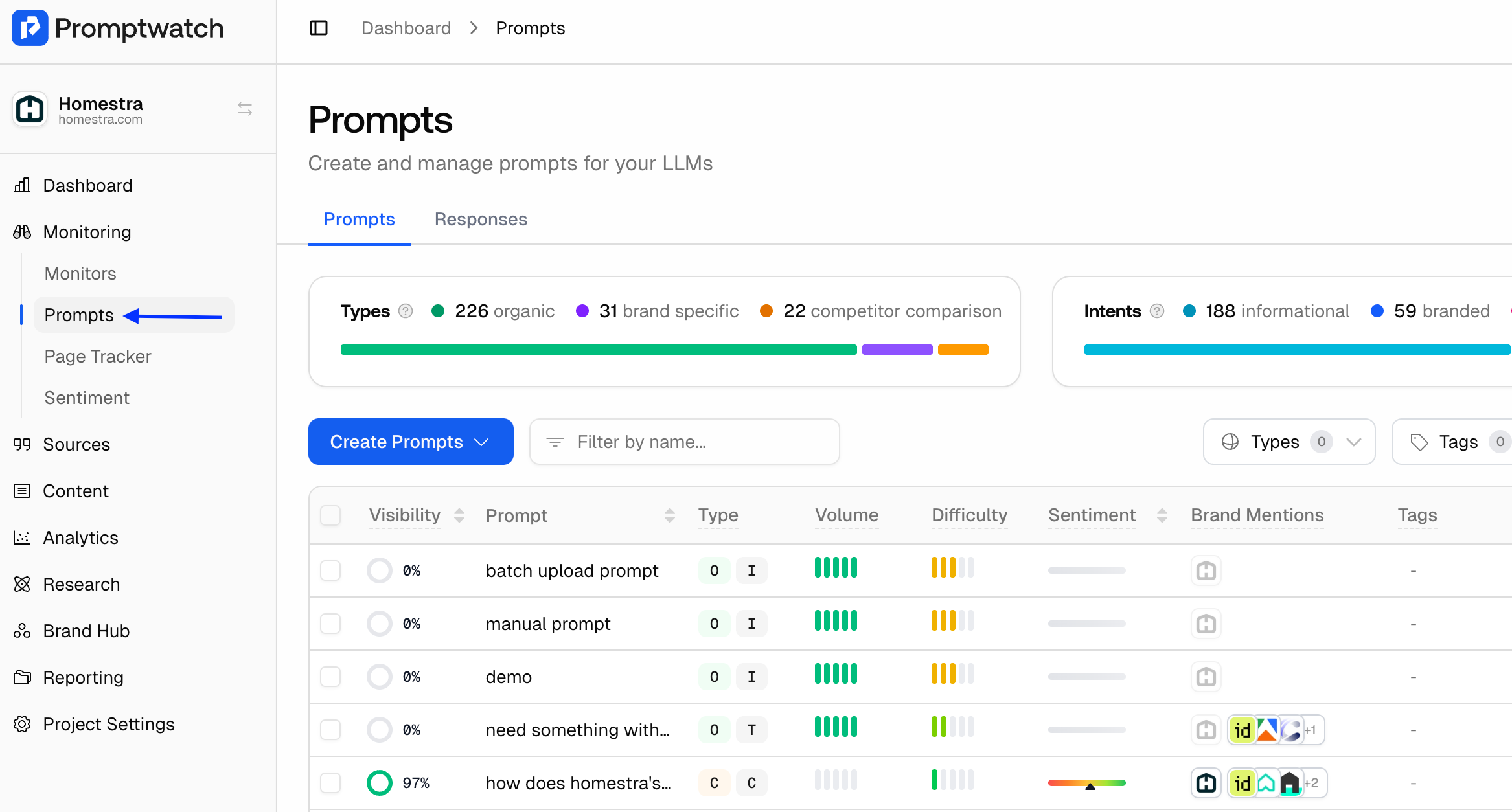
Step 1: On the side bar select Prompts
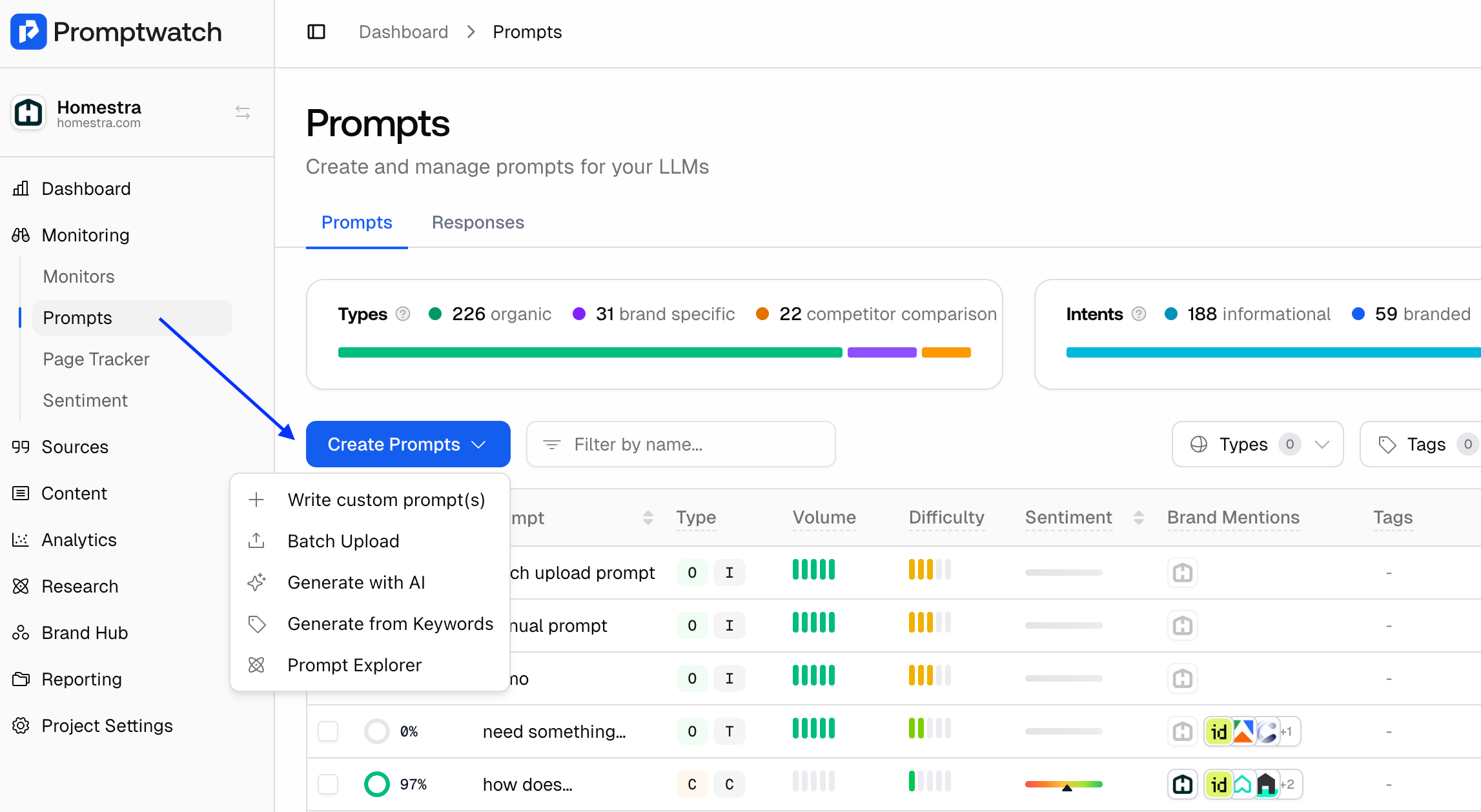
Step 2: On the left side of the screen select “Create Prompts”. You can add prompts using the following options:
- Write Prompts manually
- Batch upload them
- Generate with AI
- Generate from Keywords
- Use the Prompt Explorer
Step 3: After you choose an option, connect the prompts to a monitor. Make sure the monitor is active so you can start getting responses right away.
Step 4: Enter your prompt, choose the classifications, and select the language of the prompt and the language you want to track responses in.