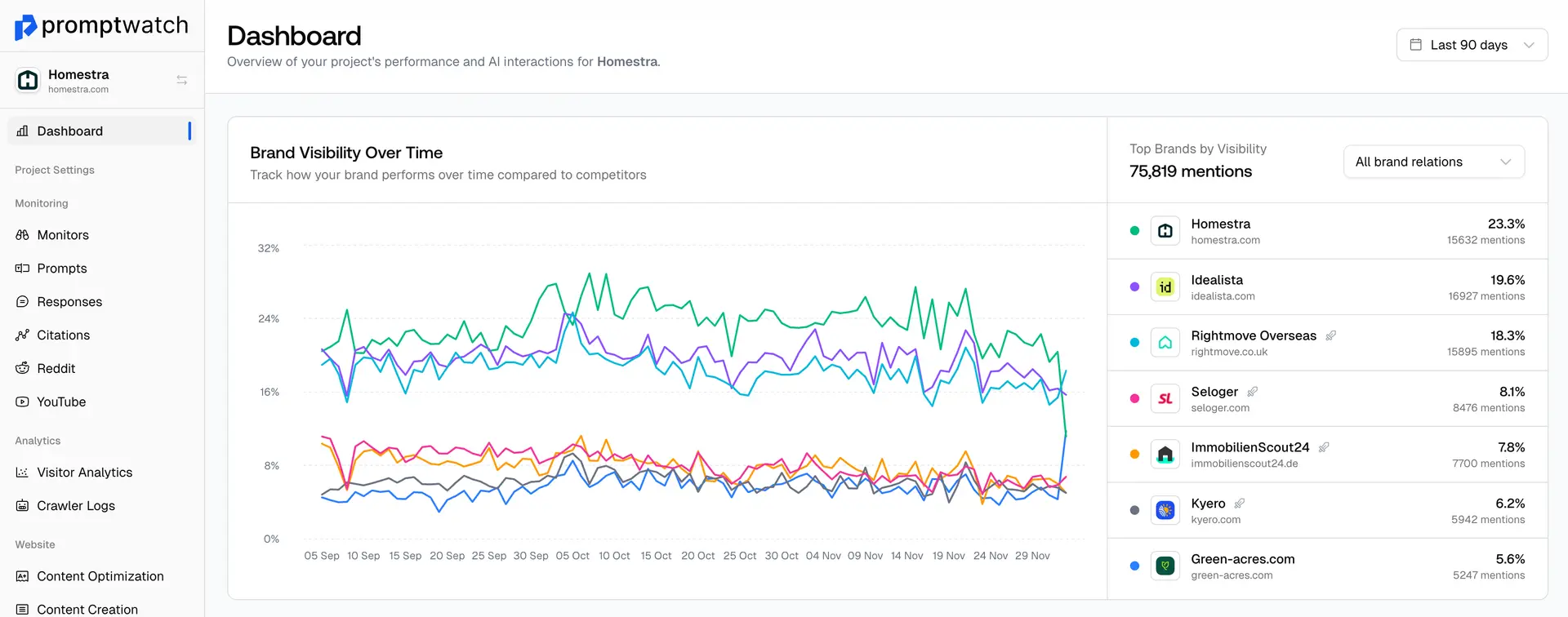
Open Team Settings:: Click on your profile name in the top right corner and select Team members from the dropdown menu.
- Enter Email: In the "Invite New Member" section, add the email address (e.g., [email protected])
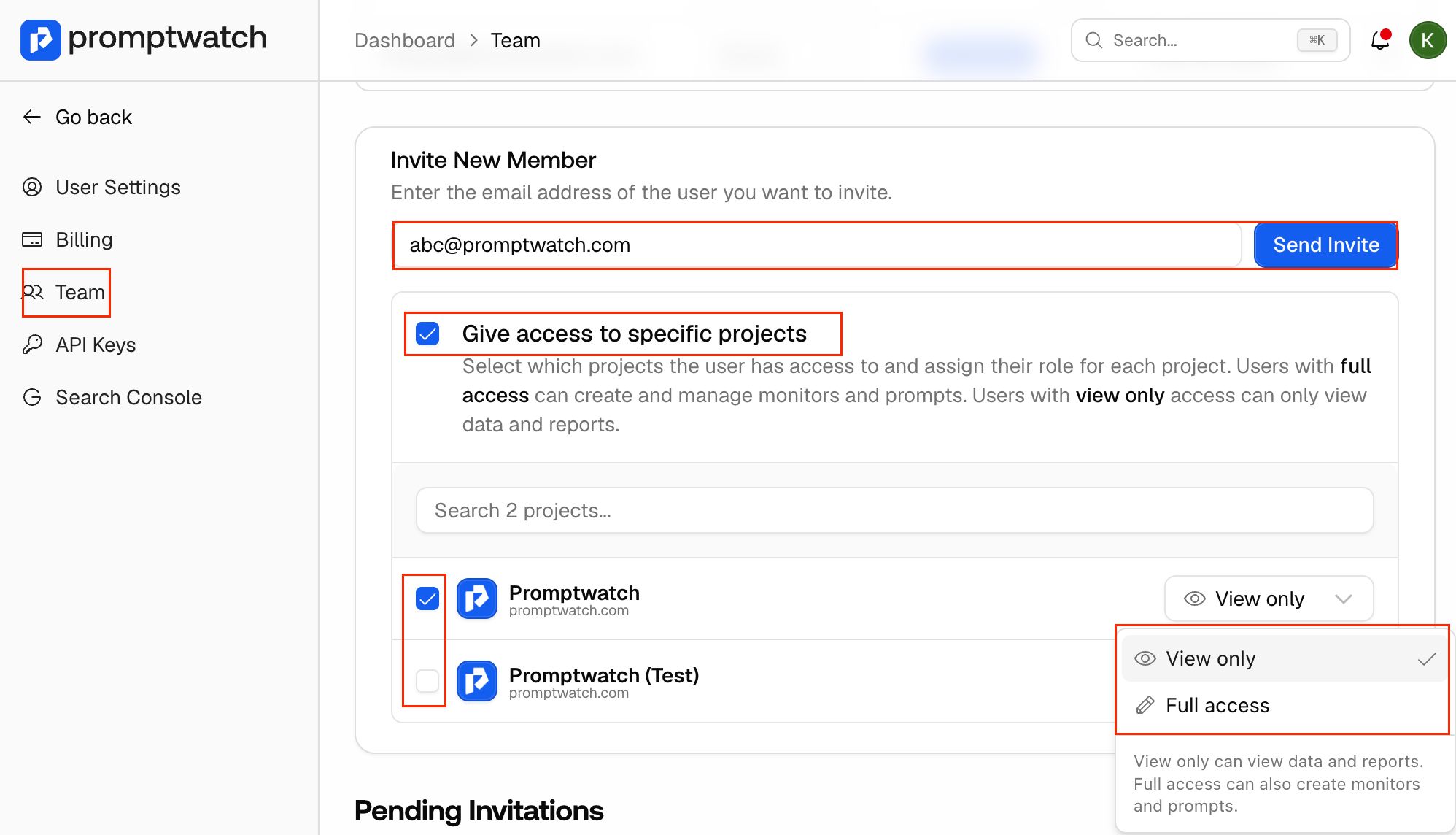
- Assign Projects: Check the box "Give access to specific projects" and select the desired project from the list. If you don’t select the specific project it will give access to the whole account.
- Set Permissions: Use the dropdown next to the project name to choose between View only (read reports) or Full access (create monitors and prompts).
Send: Click the blue send button.