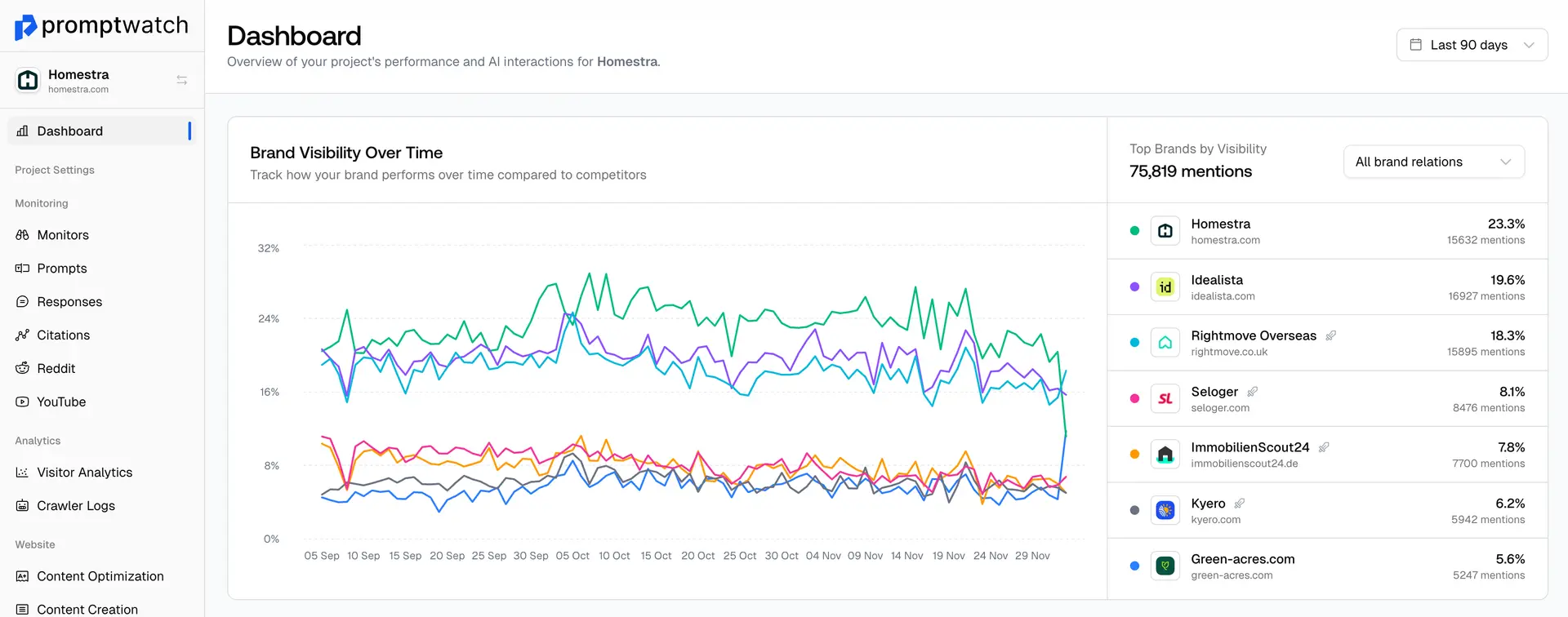
You can move the prompts by going to the Prompts section. Once there, select the prompts you want to move by checking the box next to them.
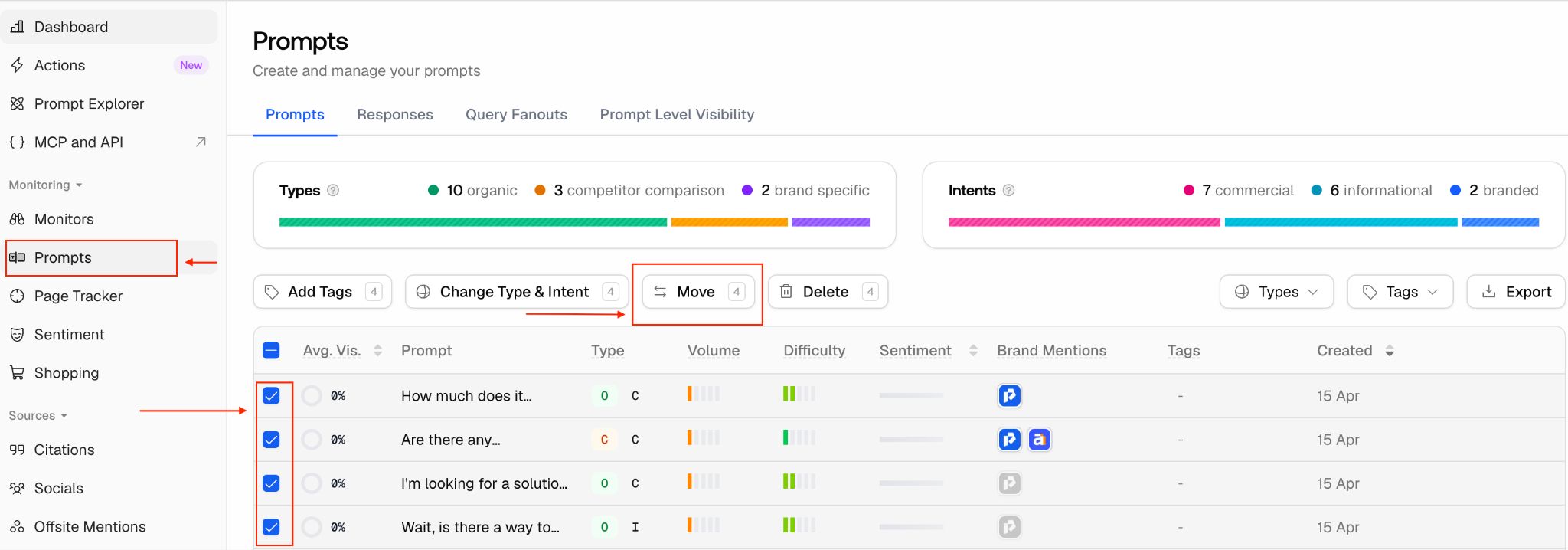
After selecting the prompts, click on Move. Once you click it, a new page will open where you can choose the monitor you want to move the prompts to. After selecting the monitor, click on Move Prompts.
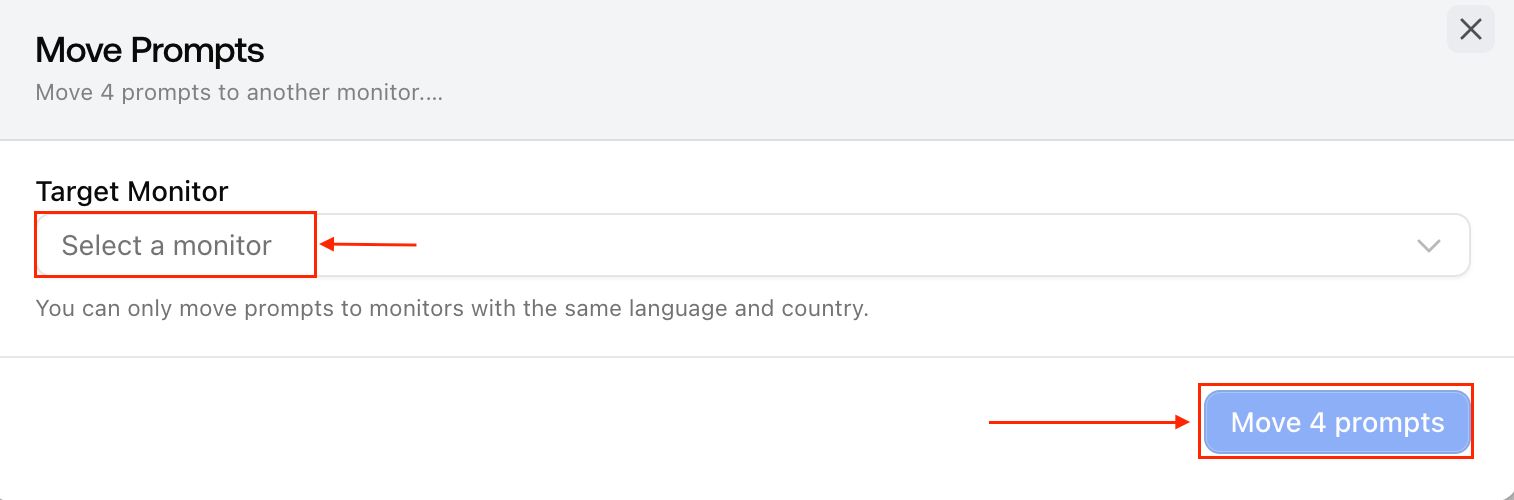
Please note that a prompt can only belong to one monitor at a time.