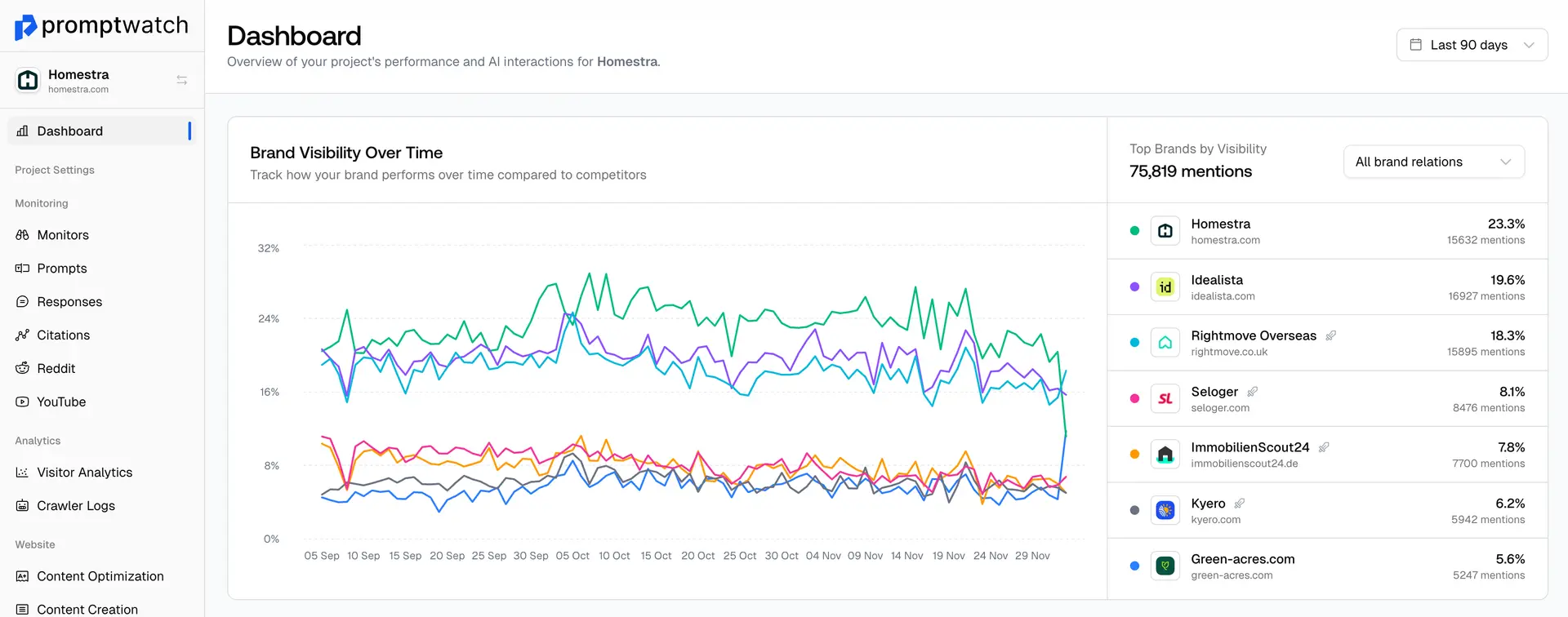
For Essential Plan: To have a new project
Quick Steps to Update Your Project Details
Since you are working with a single project, you will be overwriting your current setup. Here is how to do it quickly:
- Delete current monitors: Clear out your active tracking to prepare for the new brand. Open your monitor and go to Settings and scroll down at the bottom, there you can find the option to delete the monitor.

2. Go to Brand Book: In the left sidebar, click Brand Book.
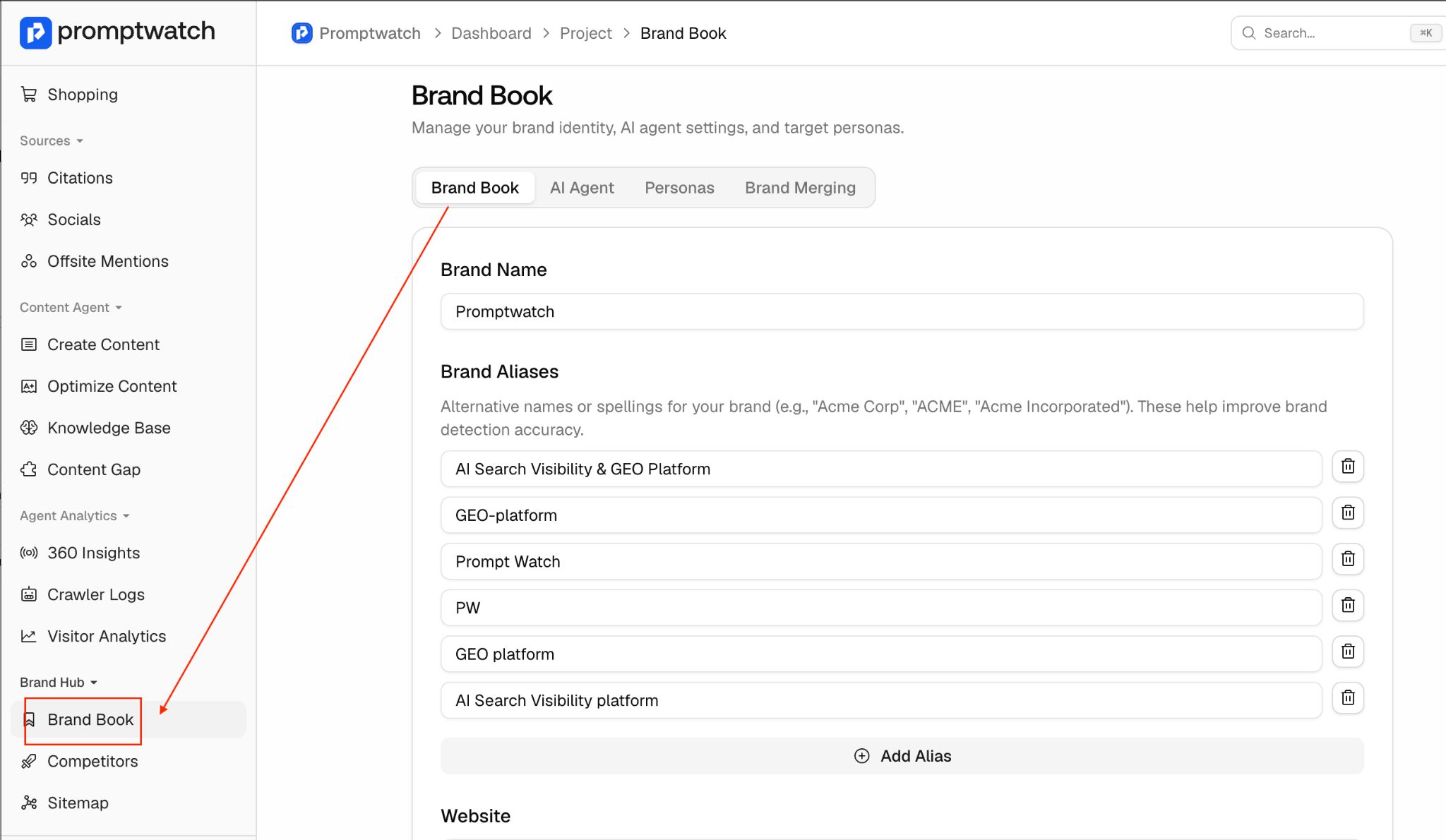
3. Update details: Enter your new information under Brand Name, Aliases, and Company Information (Website, Short description, Language &Country, ) Don’t add industry information, description, or key features, this will be updated automatically when you click “Regenerate Brand Book.”
4. Save & Refresh: Click Save changes, then click Regenerate Brand Book