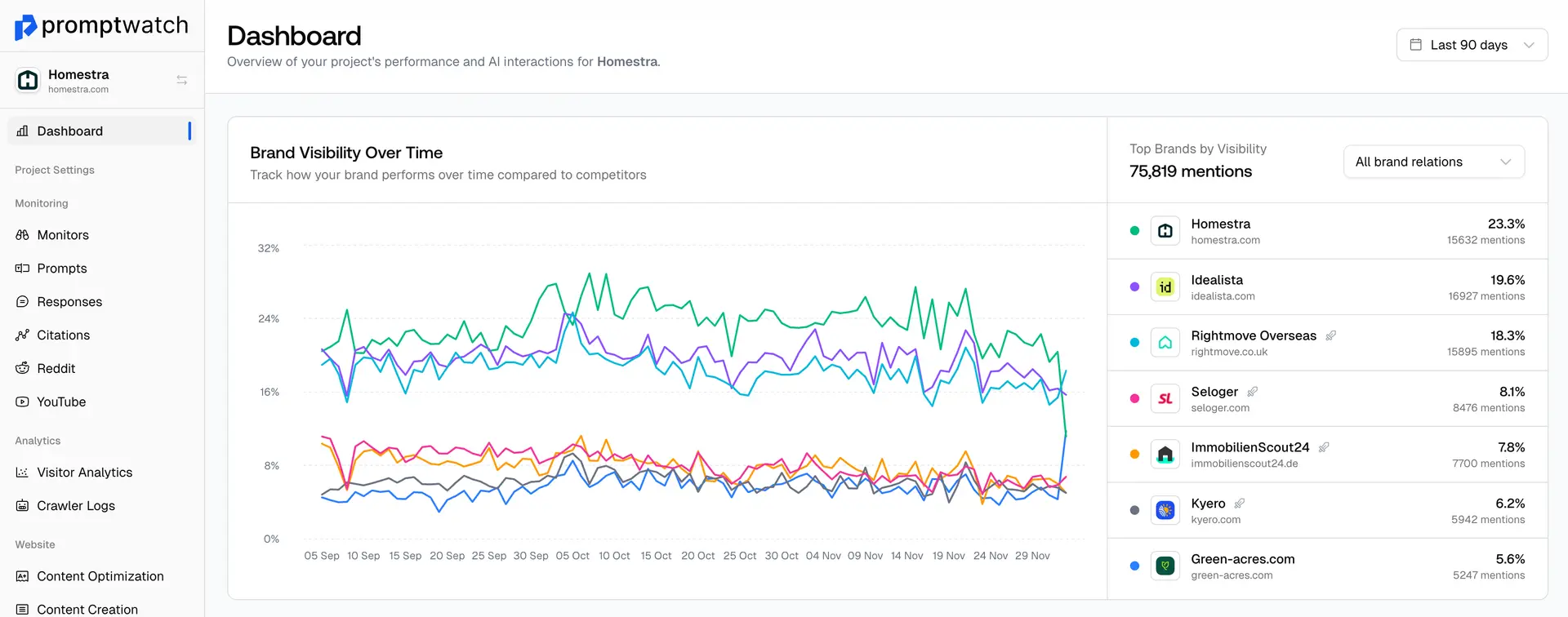
You can deactivate the monitor by opening the specific monitor. Once it’s open, click on Settings.

On the Settings page, scroll down to the bottom, and you’ll see the option to delete the monitor.
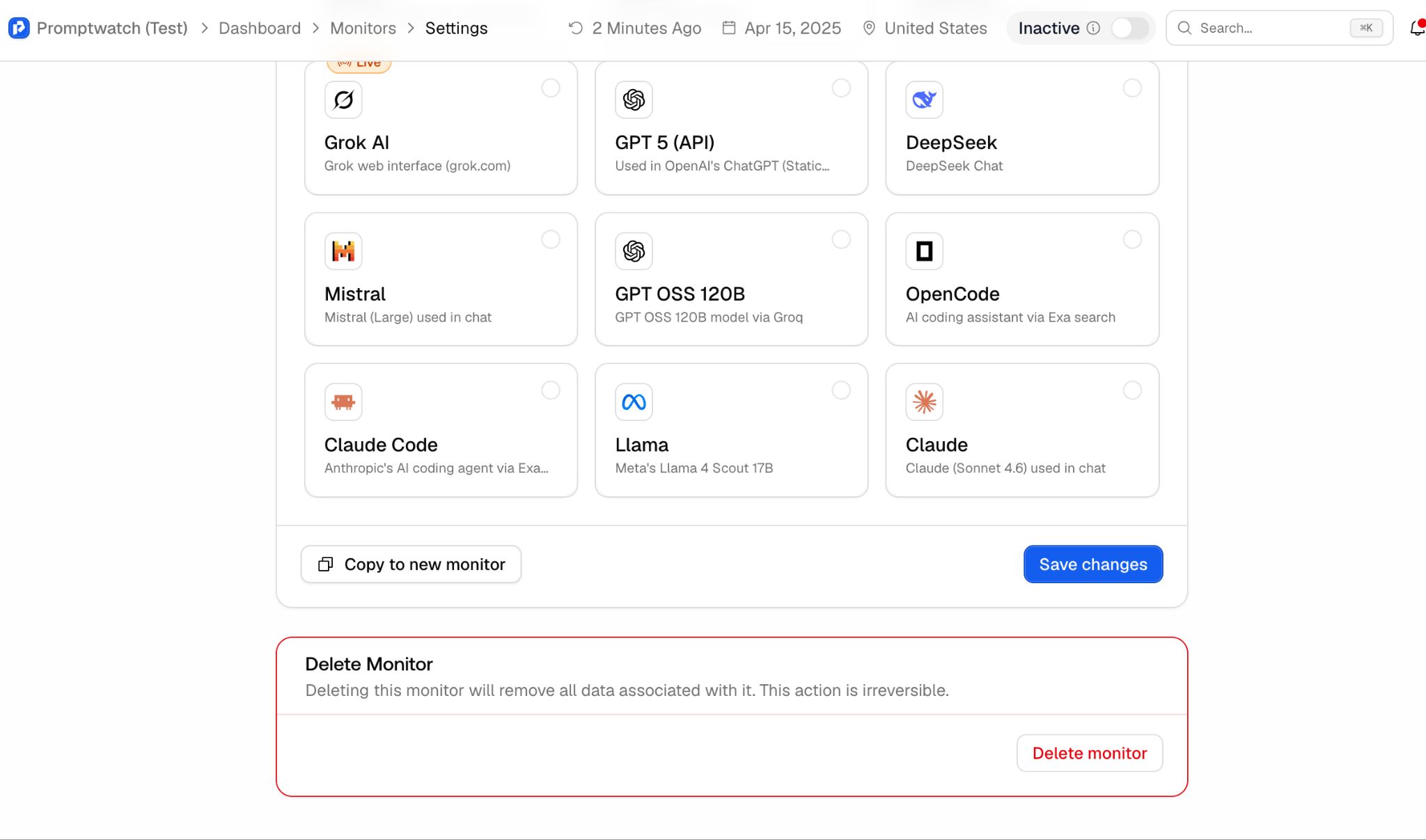

You can deactivate the monitor by opening the specific monitor. Once it’s open, click on Settings.
On the Settings page, scroll down to the bottom, and you’ll see the option to delete the monitor.
 by Kavita Mer
To manage your Monthly limit, we recommend selecting no more than four models per monitor.
 Kavita Mer
To delete a project, first switch to a different project. Then open the project dropdown, hover over the project, and click the trash icon.
Kavita MerGuidelines for connecting Data Studio with Promptwatch
Kavita MerExport responses, from the top navigation menu, go to Prompts and select the Responses sub-tab.
Kavita MerMonitor your brand's visibility across ChatGPT, Claude, Perplexity, and Gemini. Get actionable insights and create content that gets cited by AI search engines.