

- Fill Entry Gaps identified in your monitors.
- Target relevant prompts where your brand is not yet visible.
- Create tailored content types that match user intent (e.g., listicles vs. comparisons).
- Leverage personas and citations to shape the right angle for your content.
- Go to the Content section of Promptwatch.
- Click “Generate Content”.
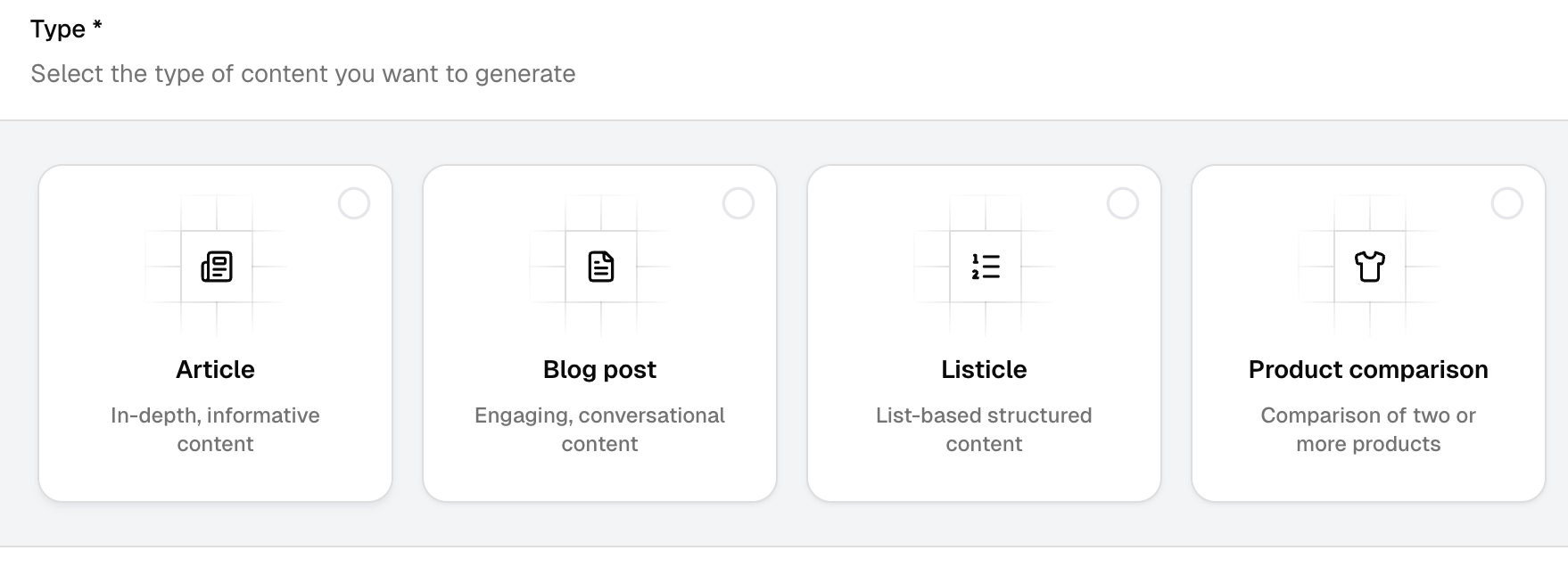
- Select from:
- Article
- Blog post
- Listicle
- Product comparison
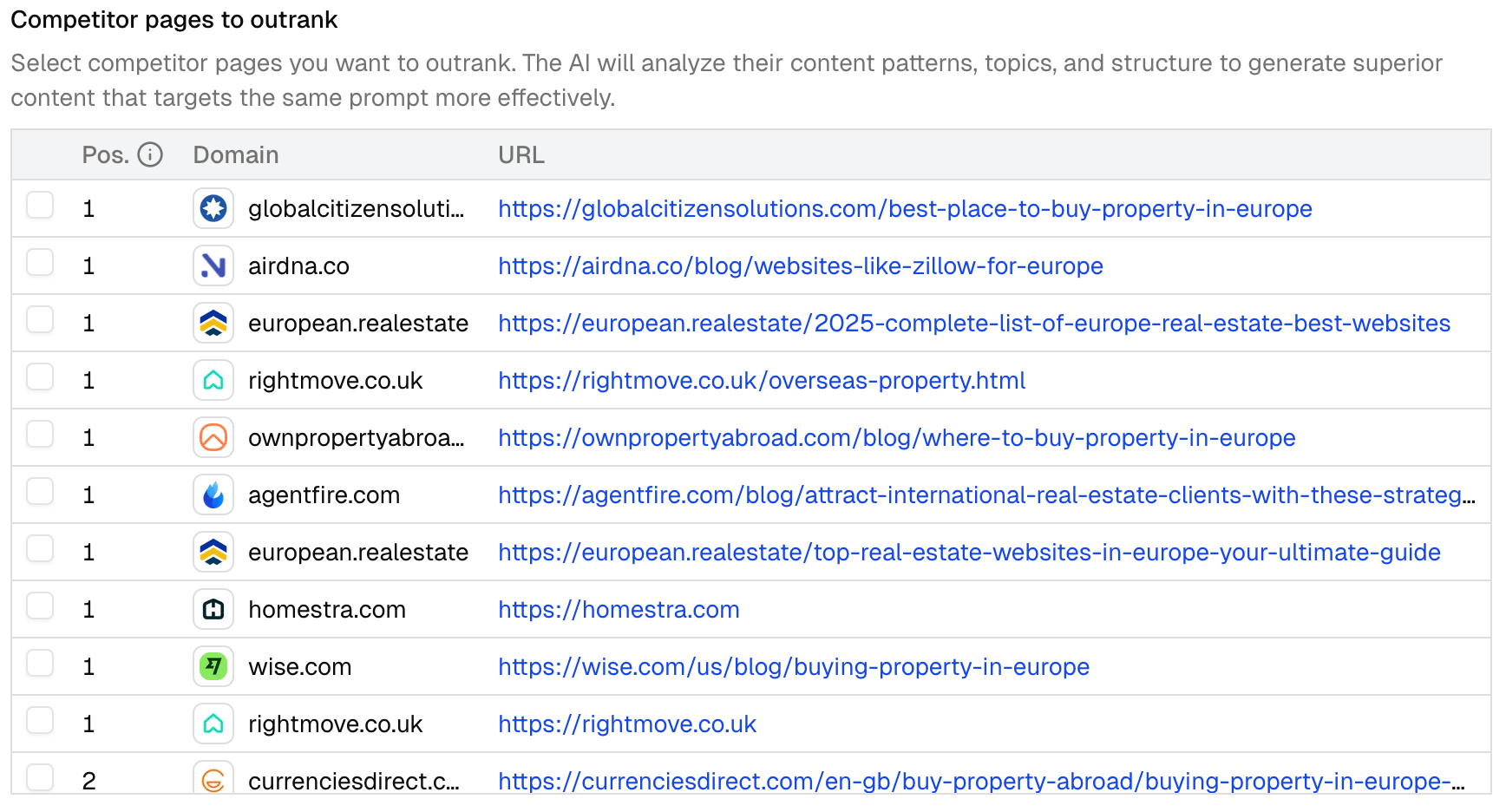
- Choose a prompt from your monitors that you want to improve visibility for.
- Example: A product-related query relevant to your company.

- Select the persona you want to write for.
- Pull in top-performing citations from your monitor overview to ground the content.
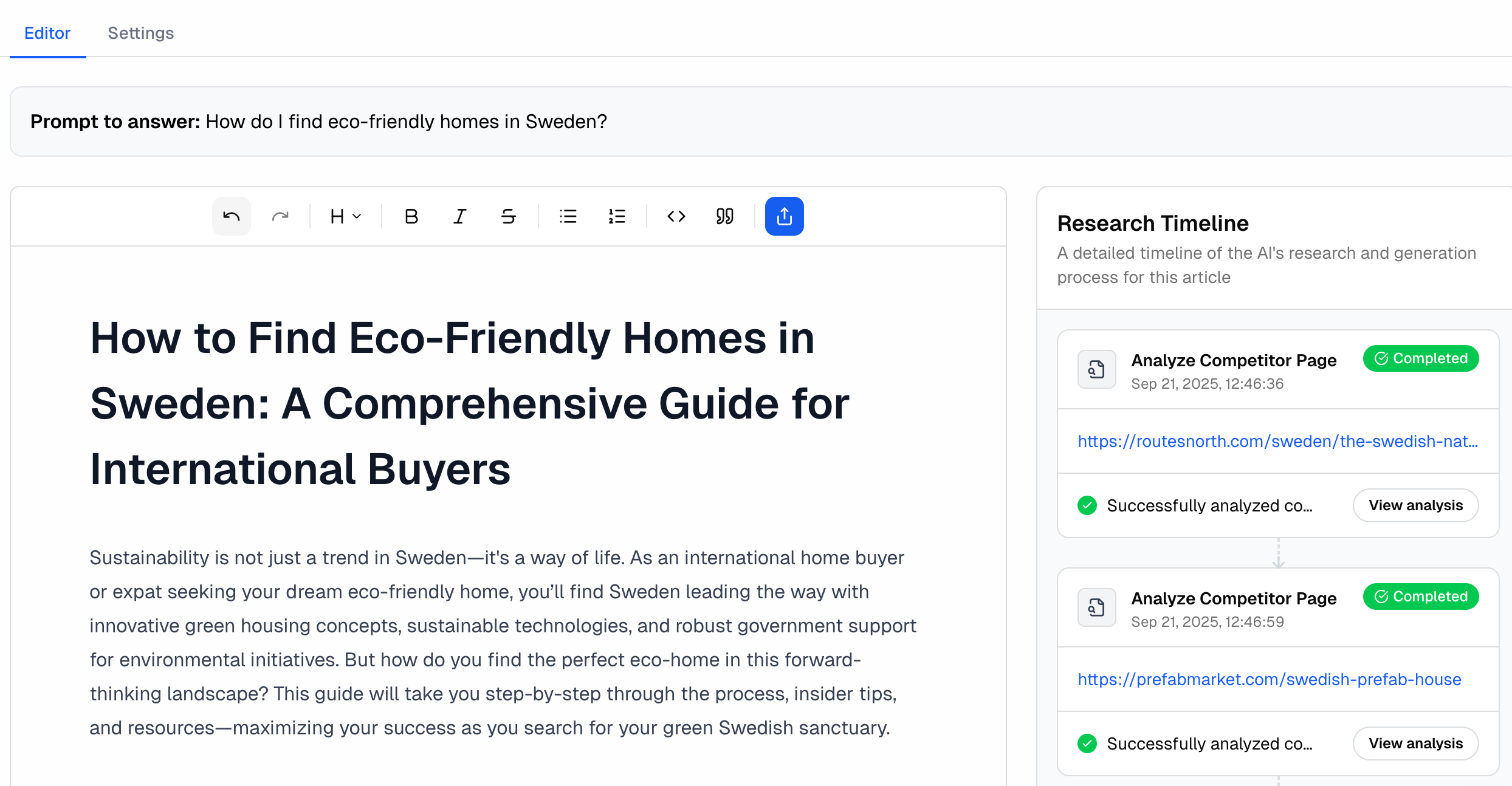
- Promptwatch generates a first draft in the AI Editor.
- You can edit, refine, and adapt the content to your brand’s tone of voice.
- In the settings tab, review the configuration for the selected monitor.
- Adjust if needed for better alignment with your GEO strategy.
- Fill a visibility gap for a competitive product prompt with a well-structured comparison article.
- Strengthen your funnel by generating a blog post around a highly cited industry query.
- Create top-of-funnel awareness with a listicle that captures trending prompts.
- Regularly review Answer Gap Recommendations inside monitors.
- Use Content Generation to quickly produce content that targets those opportunities.
- Combine with Crawler Logs and Visitor Analytics to measure impact once published.