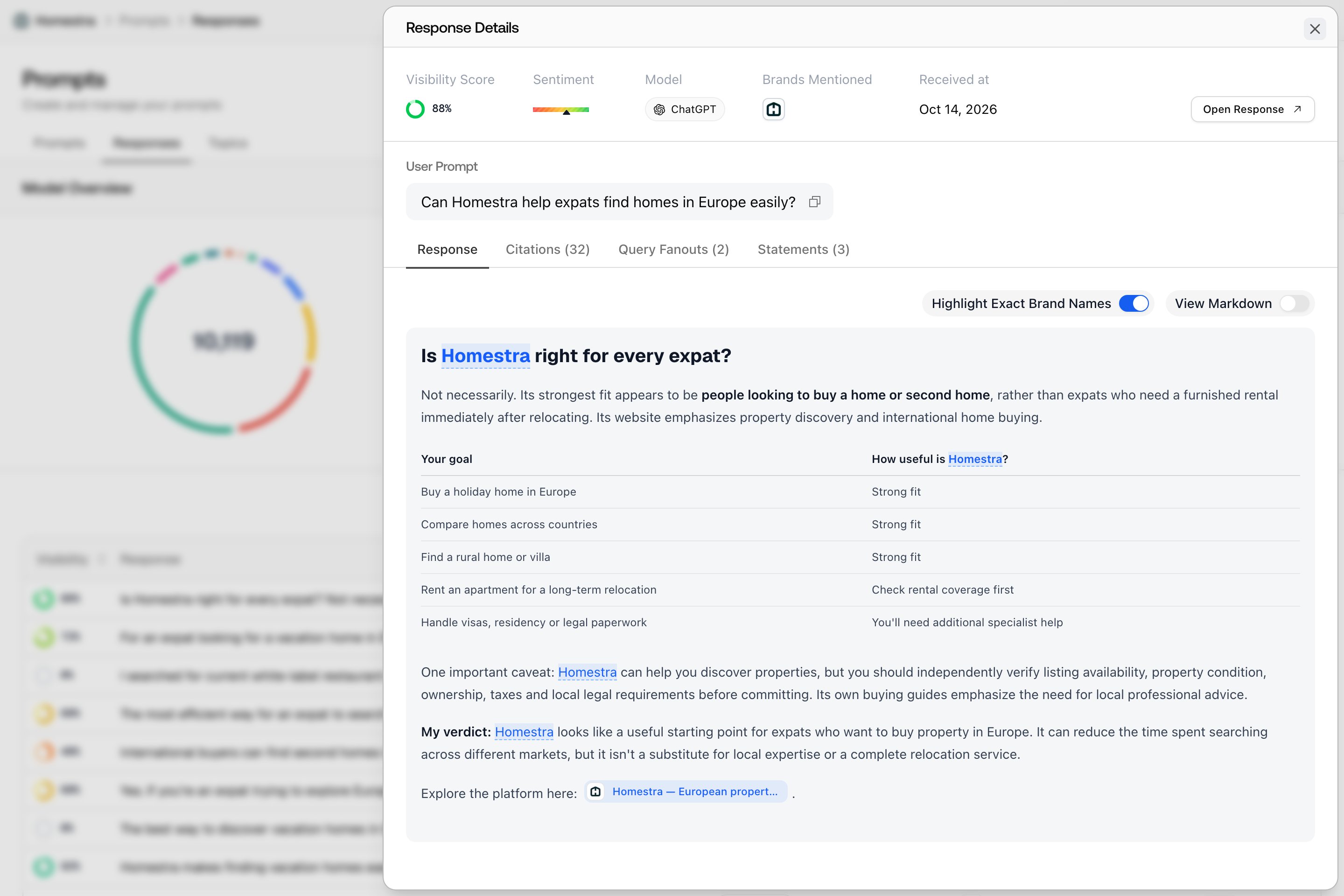
Where the answers come from
Promptwatch tracks two kinds of models, and each is collected the way that matches what it represents. See Choosing your models for the current registry and how the two groups differ.- Live-search platforms are collected from the real product. For ChatGPT, Promptwatch runs automated browser sessions that open the actual interface and enter your prompt the same way a user would (if the monitor has persona stacking enabled, the persona context is wrapped around your prompt before it’s sent). Gemini, Perplexity, Copilot, and Alexa answers are collected from the live products, and Google AI Overviews and AI Mode from real Google Search results pages. What lands in your dashboard is the answer the platform produced.
- API models are called through their provider APIs, on purpose. Models like DeepSeek and Mistral are in your model list to show what the model itself believes about your brand, independent of today’s search results, so the provider API is the right way to ask them. A few API models, like Claude and the coding assistants, run with a web search tool attached; Choosing your models covers which is which.
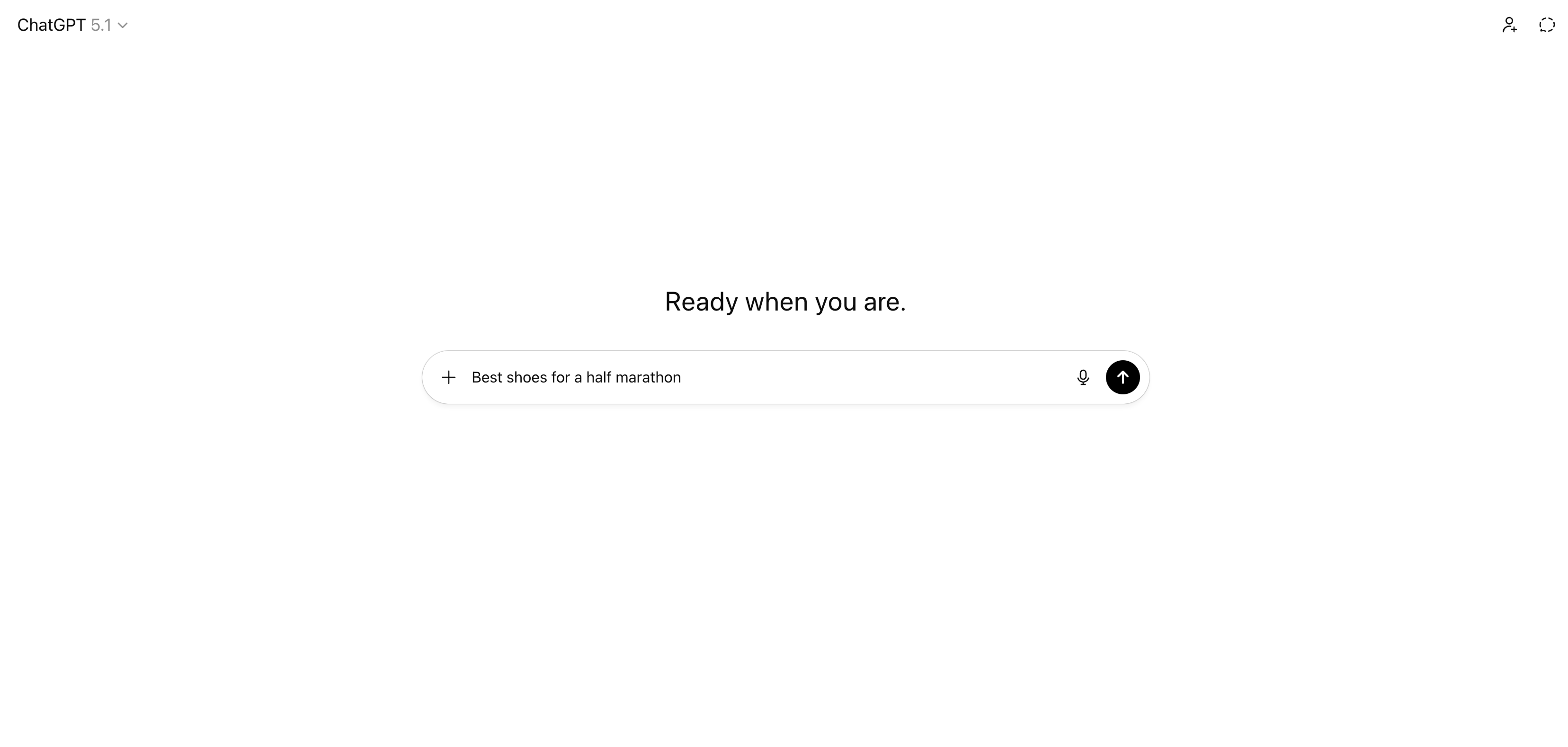
Why collect from the real interface?
Calling a provider API is cheaper and simpler than automating a browser, so it’s worth being explicit about why Promptwatch doesn’t take that shortcut for the platforms your buyers use:- The consumer product is what your market sees. The API version of a search-enabled model retrieves differently and skips interface features, so an API answer to “best project management tool” is not the answer a ChatGPT user gets. Tracking the API when your buyers use the app measures the wrong thing.
- Answers depend on where they’re asked from. Live-search runs are made from the monitor’s country, so a monitor set to Germany collects the answers a user in Germany sees. That’s what makes per-market monitors like “US - English” and “DE - German” meaningful rather than cosmetic.
- Parts of the answer only exist in the interface. Shopping carousels, ads, images, and comparison tables are rendered by the product, not returned by the API. Collecting from the interface is what makes features like Shopping prompts and the Ads Radar possible at all.
What one collection run looks like
- Scheduling: on a monitor’s run day, every prompt is paired with every model the monitor tracks, and each pair becomes one response to collect. Cadence, timing, and why “today” looks thinner than yesterday are covered in How fresh is my data?.
- Collection: pairs are dispatched in batches through the day rather than one burst. Each platform has its own queue with its own capacity, so a slow or flaky platform can’t stall the others, and failed runs are retried automatically with budgets tuned per platform.
- Capture: each completed run stores the full answer text exactly as the model returned it, the source URLs it cited, and the structured extras it rendered (images, tables, shopping results, news items, and ads), so nothing you see in a chart lacks a raw answer behind it.
- Analysis: every captured response is then analyzed to extract the brands it discusses and score each one for visibility, sentiment, and position. A response only counts in your metrics after this step, which is why charts fill in progressively through the day.
How to check the raw data yourself
You never have to take the pipeline on faith. The Responses tab on the Prompts page shows every collected answer in full, with its citations, enrichments, and extracted scores attached, so any surprising number in a chart can be traced back to the exact answers behind it. Start with Understanding responses, and if one model shows nothing, see No data for a model before assuming collection failed.