

Where the sitemap settings live
Click Settings at the bottom of the rail. Settings opens on its first item, which is Sitemap under Project settings: the page is titled “Sitemap” with the description “Configure your sitemap URLs and crawler settings.”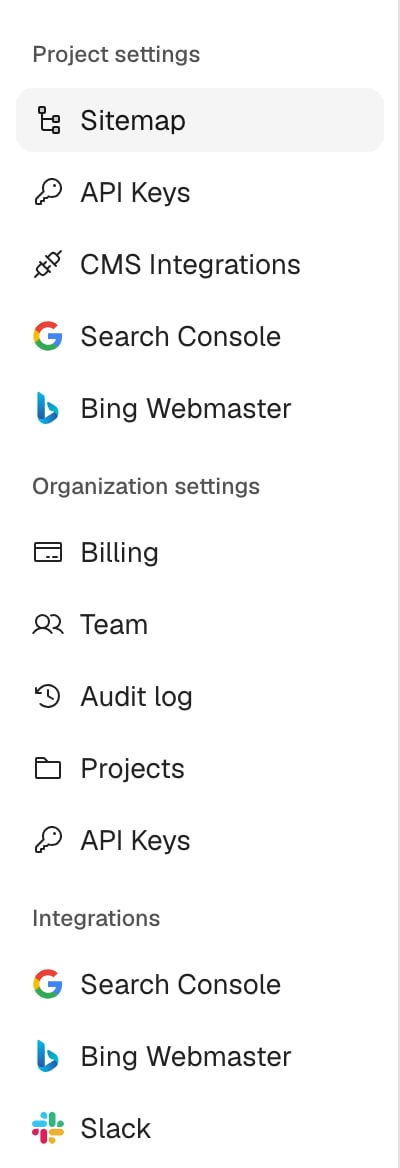
How to add a sitemap
- Click Settings at the bottom of the rail. The Sitemap page under Project settings opens.
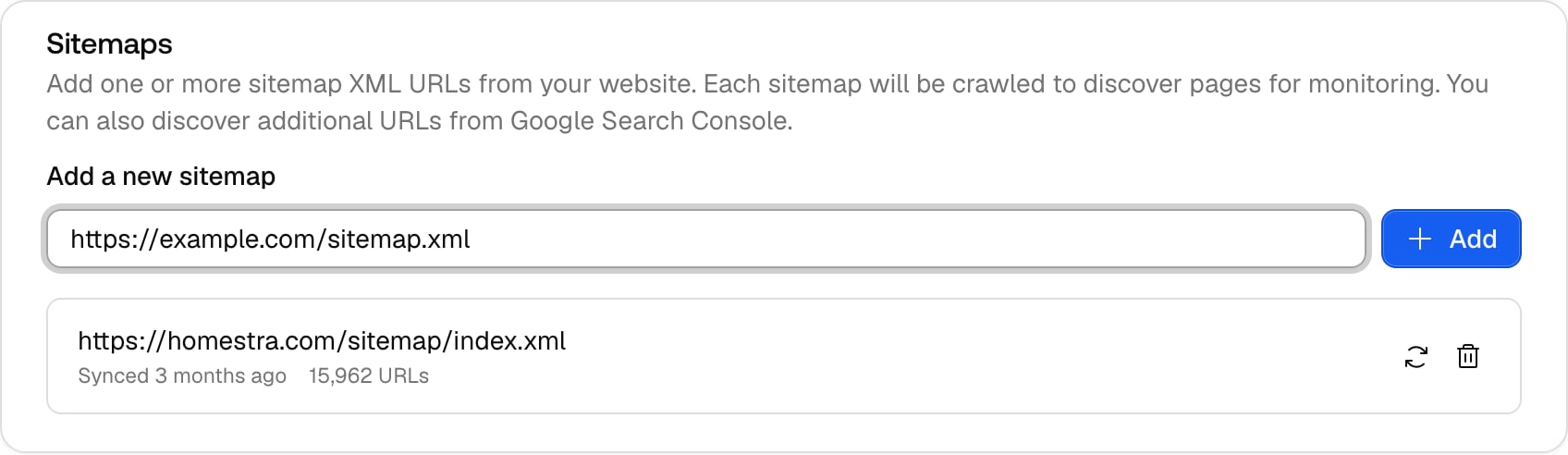
- In the Sitemaps card, paste your sitemap URL into the field labelled Add a new sitemap, for example
https://example.com/sitemap.xml. It has to be a valid URL. - Click Add.
The rules that decide what gets in
- The domain has to match: the sitemap’s root domain must be the same as the project website’s root domain, otherwise the add is rejected with “Failed to add sitemap: Sitemap URL must be on the same domain as the project website”. Subdomains of the same root are fine, so
https://blog.example.com/sitemap.xmlworks for a project whose website isexample.com. A project needs a website before it can take a sitemap. - You can add more than one: the Sitemaps card accepts one or more sitemap XML URLs, each listed as its own row. Useful for sites that split their sitemap per section or language.
- Other subdomains are excluded by default: only URLs on the main host and its www variant are synced. The switch Allow different subdomains in sitemap sync on the same page includes URLs from other subdomains such as blog.example.com or shop.example.com.
- The page limit depends on your plan: Promptwatch crawls up to a plan-specific number of pages per organization, shared by all its projects, shown on the Pages page as “Page limit: X / Y”. On the Explore plan the Pages page is locked behind the “Monitor how AI crawlers index your site” overlay and no pages are crawled. See Plans and billing for the limits.
- Viewers can look but not change: the add, crawl and remove controls are disabled for project viewers.
What each listed sitemap shows
Each sitemap in the Sitemaps card is a row with its URL, when it was last synced (“Synced X ago”, or “Not synced yet” if the first sync has not completed), the number of URLs it contributed (“N URLs”), and two icon buttons: a refresh icon with the tooltip Crawl this sitemap and a trash icon with the tooltip Remove this sitemap.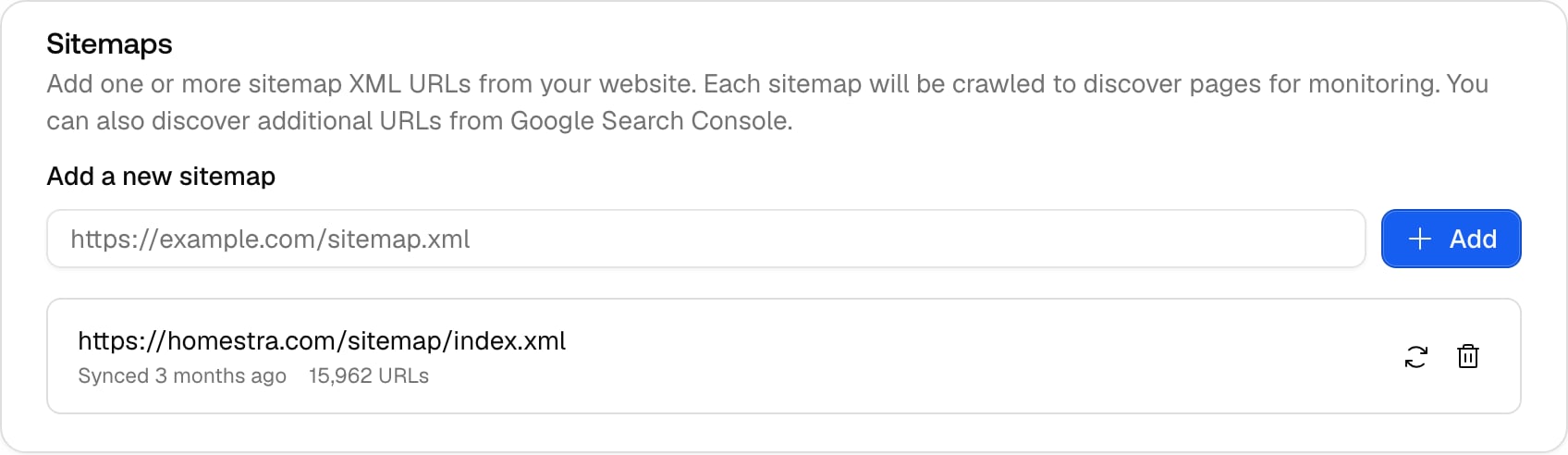
How to change your sitemap
There is no edit control on a sitemap row. To move from an old sitemap URL to a new one, add the new one and remove the old one:- Add the new URL with Add, as above, and wait for the “Sitemap crawled” toast.
- On the old sitemap’s row, click the trash icon (Remove this sitemap).
- Confirm in the dialog titled “Remove this sitemap?”. It explains that the URL “will no longer be crawled for new pages. Pages already discovered from it stay in your list.” Click Remove.
How to re-sync a sitemap
- Automatically, every day: sitemaps of organizations with an active or trialing subscription re-sync at 00:00 UTC, so pages you publish or remove show up in the inventory within a day as long as your sitemap file is up to date.
- On demand: click the refresh icon (Crawl this sitemap) on a row to sync it now, for example right after you publish a batch of pages.