

New Feature
Custom Dashboards
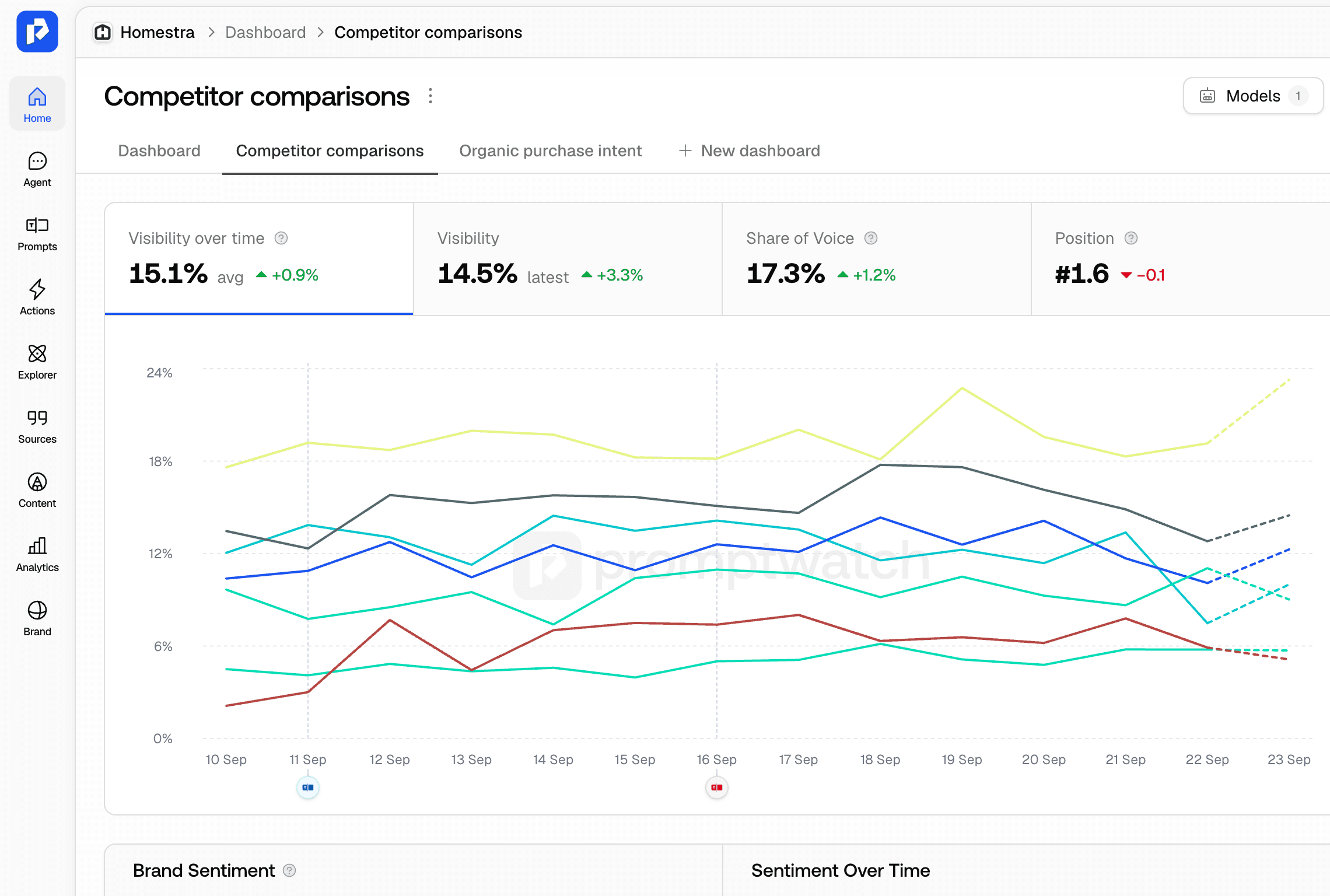
Save the Overview with your own filters as a dashboard. Each saved dashboard gets its own tab and keeps its date range, models, prompt types, topics, and monitors, so the view you check every week is one click away. Share a dashboard with the team or keep it personal.
- Set a team dashboard as the default and it opens whenever someone goes to the project.
- Change a filter on a saved dashboard and you can reset it, update the dashboard, or save the changes as a new one.
- The dashboard URL carries every filter, so a shared link opens exactly the view you saw.
- Rename, duplicate, or delete a dashboard from its tab menu, and move it between personal and team.
Track AI visibility per market, model, and competitor
- Build one dashboard per market or product line. Filter to the monitors for a country or the topics for a product, then switch tabs to compare how visible you are in AI answers for each.
- Make a dashboard with only the models your buyers use, for example ChatGPT and Google AI Overviews. Check it weekly so a drop in visibility or share of voice shows up before it turns into lost traffic.
- Set the dashboard your team reviews each week as the team default, so everyone starts from the same numbers. Send its URL when you report results to stakeholders or clients.

