Per-Project Usage Limits
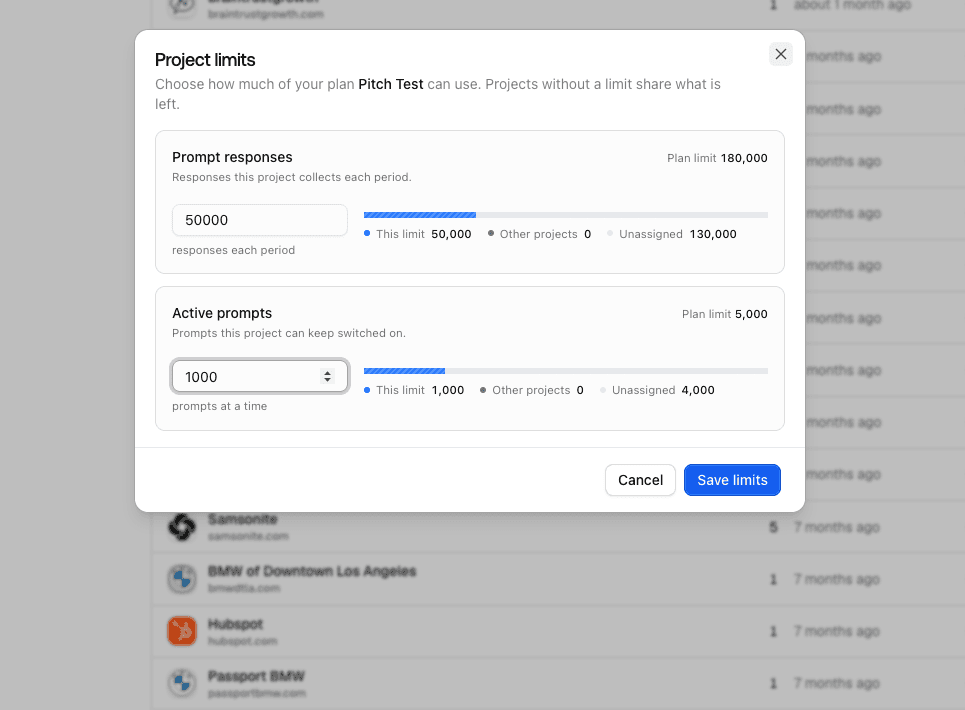
Organization owners can cap active prompts and prompt responses per project from organization settings. Usage, the upgrade banner, and tracking projections follow those caps, so one workspace can't spend the whole plan.
Organization owners can cap active prompts and prompt responses per project from organization settings. Usage, the upgrade banner, and tracking projections follow those caps, so one workspace can't spend the whole plan.
Topics now sit next to tags wherever you create or review prompts. Assign them when generating prompts from keywords or pages, see them in the prompts table, include them in exports, and filter citations, Reddit, and YouTube by topic.

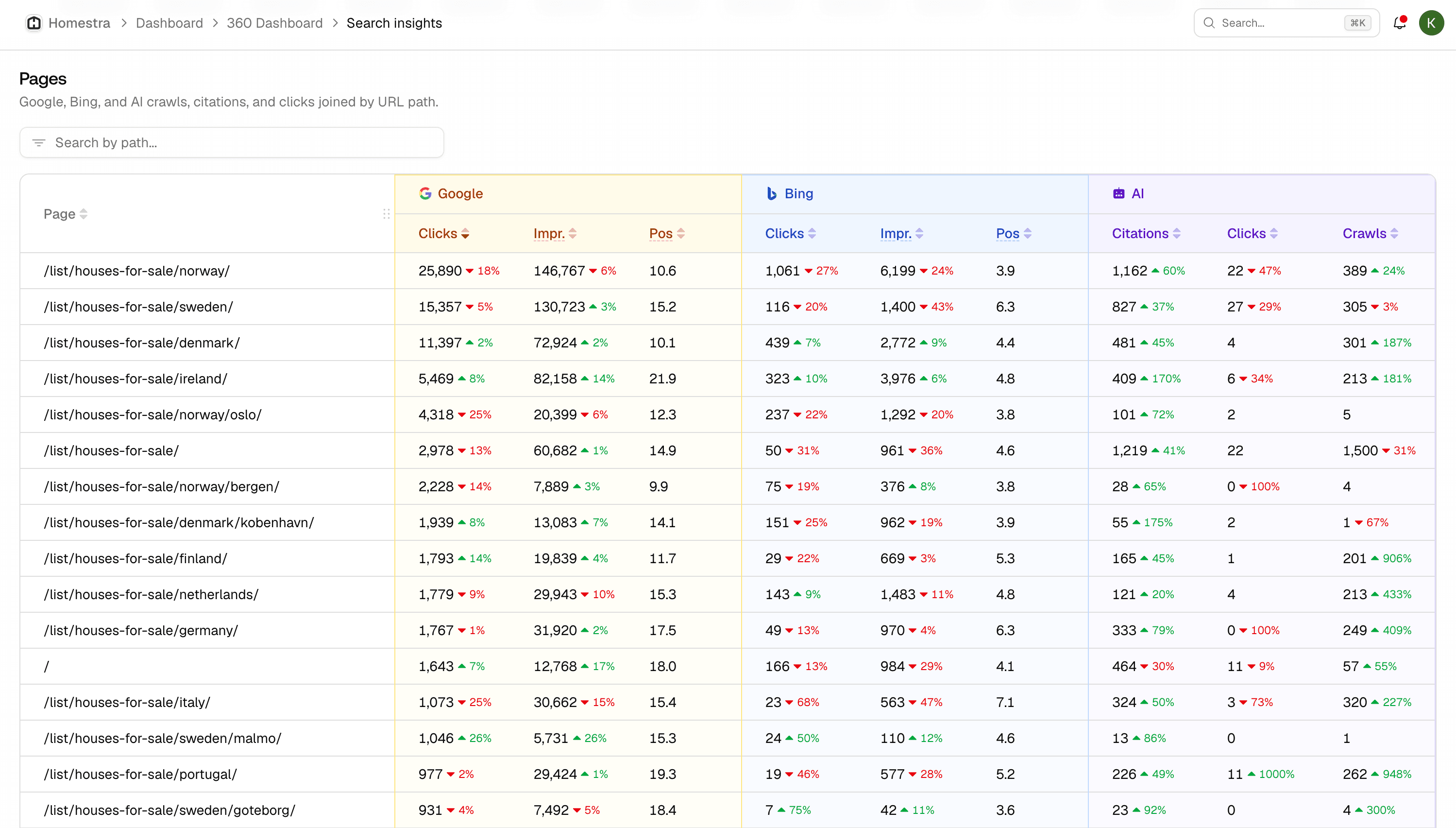
You can now connect Bing Webmaster Tools next to Google Search Console in project settings. Query, page, and ranking stats sync on a schedule and feed the Search insights tab on the 360 Dashboard, so Bing traffic shows up alongside Google and AI.
Sites hosted on Kinsta can now send crawler logs through Cloudflare, using the same Worker deploy as WP Engine, Webflow, and Shopify. The crawler setup guide walks through the DNS and Worker steps.

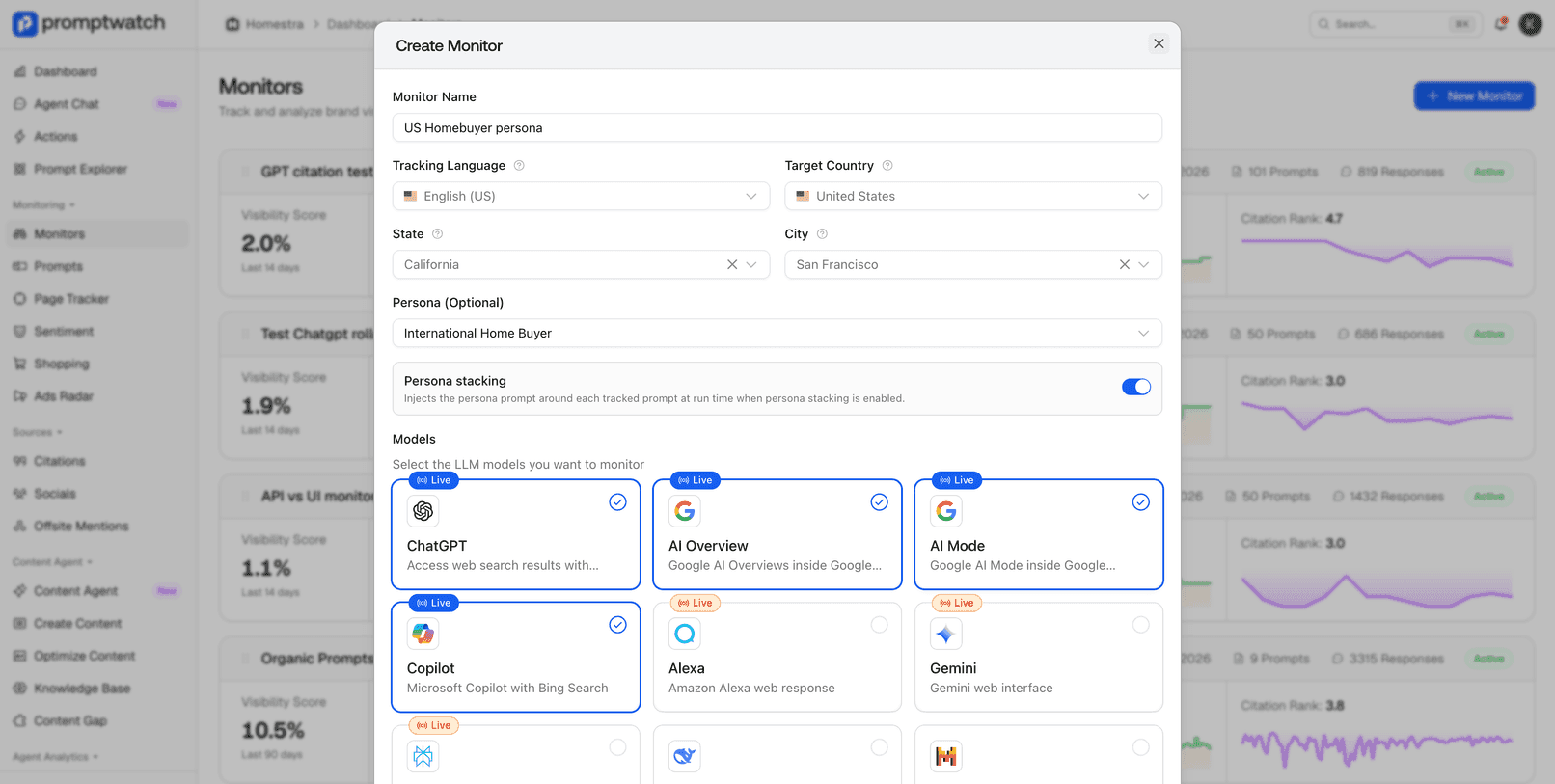
You can now stack a persona on top of a monitor's prompts. Every prompt run is asked from that persona's perspective, so you can track how AI answers change for the exact audience you care about, like a technical buyer, a first-time shopper, or an enterprise decision maker.

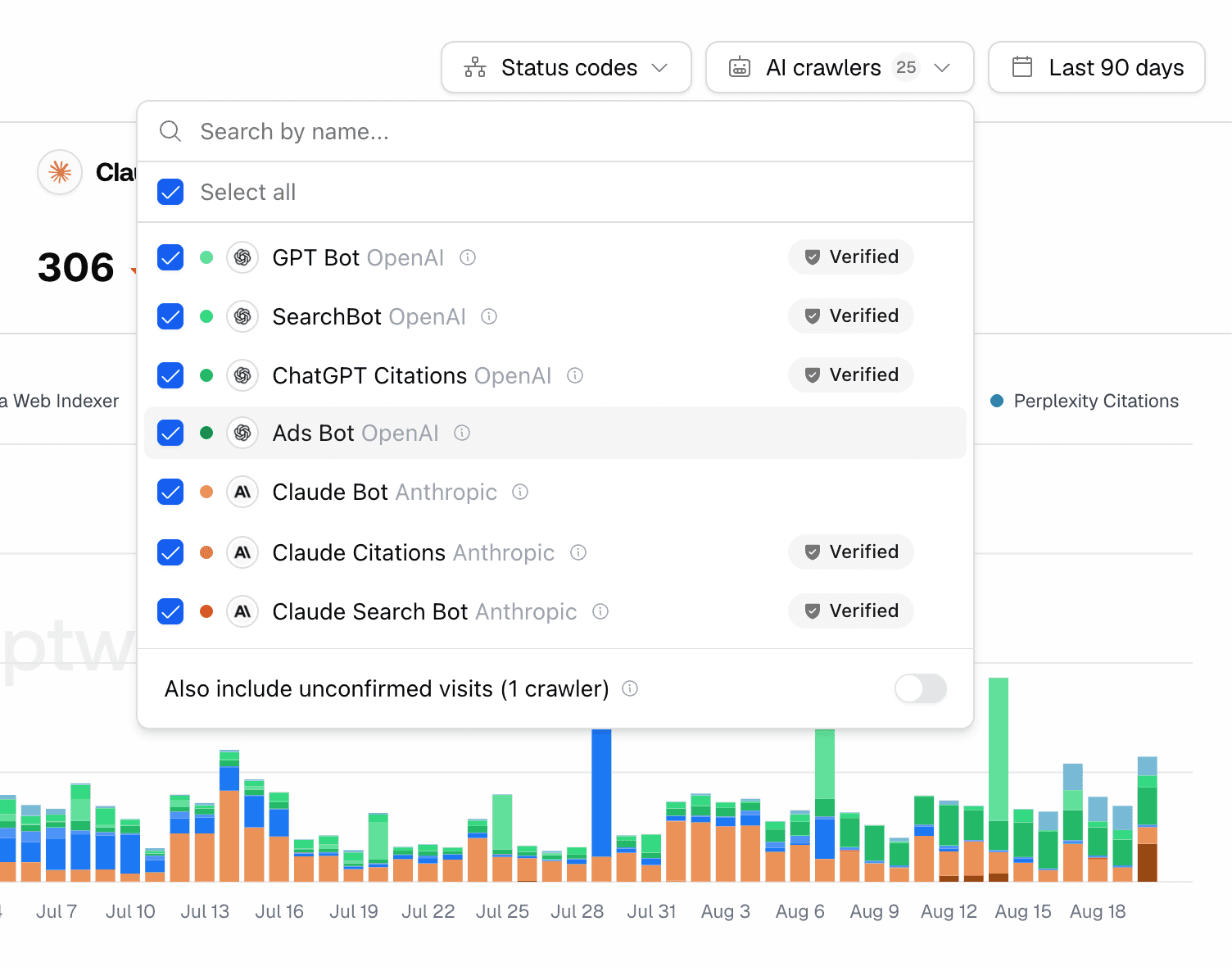
Crawler visits are now verified against each AI provider's published IP ranges. Bots pretending to be ChatGPT, Claude, or Perplexity crawlers are filtered out, so your crawler analytics only count real AI crawler traffic. Visit counts may look lower than before, but the data is more accurate, and the verification applies to historic data too.

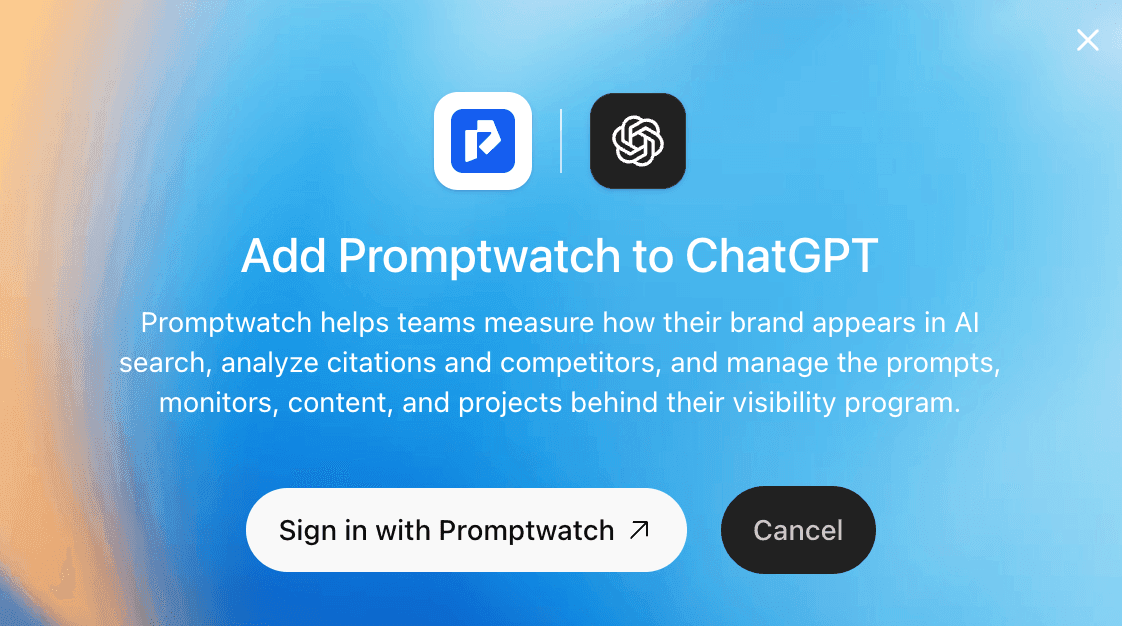
Promptwatch is now an official plugin in the ChatGPT store. Add it to ChatGPT, approve access to your organization, and your AI visibility data becomes part of the conversation: ask how your visibility changed, which sources cite you, or what your competitors are doing, and ChatGPT answers from your live Promptwatch data.
Articles published by the Content Agent now carry proper attribution. Set a default author for your project — name, title, and photo — and every publish maps it to your CMS author fields. Need a different byline on a specific article? Override the author per document before publishing.
Two Agent Chat updates: archived chats now live in a collapsed section at the bottom of the sidebar, so old conversations stay out of the way but within reach. And the agent now works with your full prompt list instead of a truncated sample, with specialist analyses returning far more detail than before.
Links in the content editor work again, switching projects no longer reloads the page, and placeholder analytics numbers are blurred.
Connect your WordPress site to Promptwatch with our official plugin. One install brings content publishing, visitor analytics, and crawler logs together, with no CDN setup or code changes required.

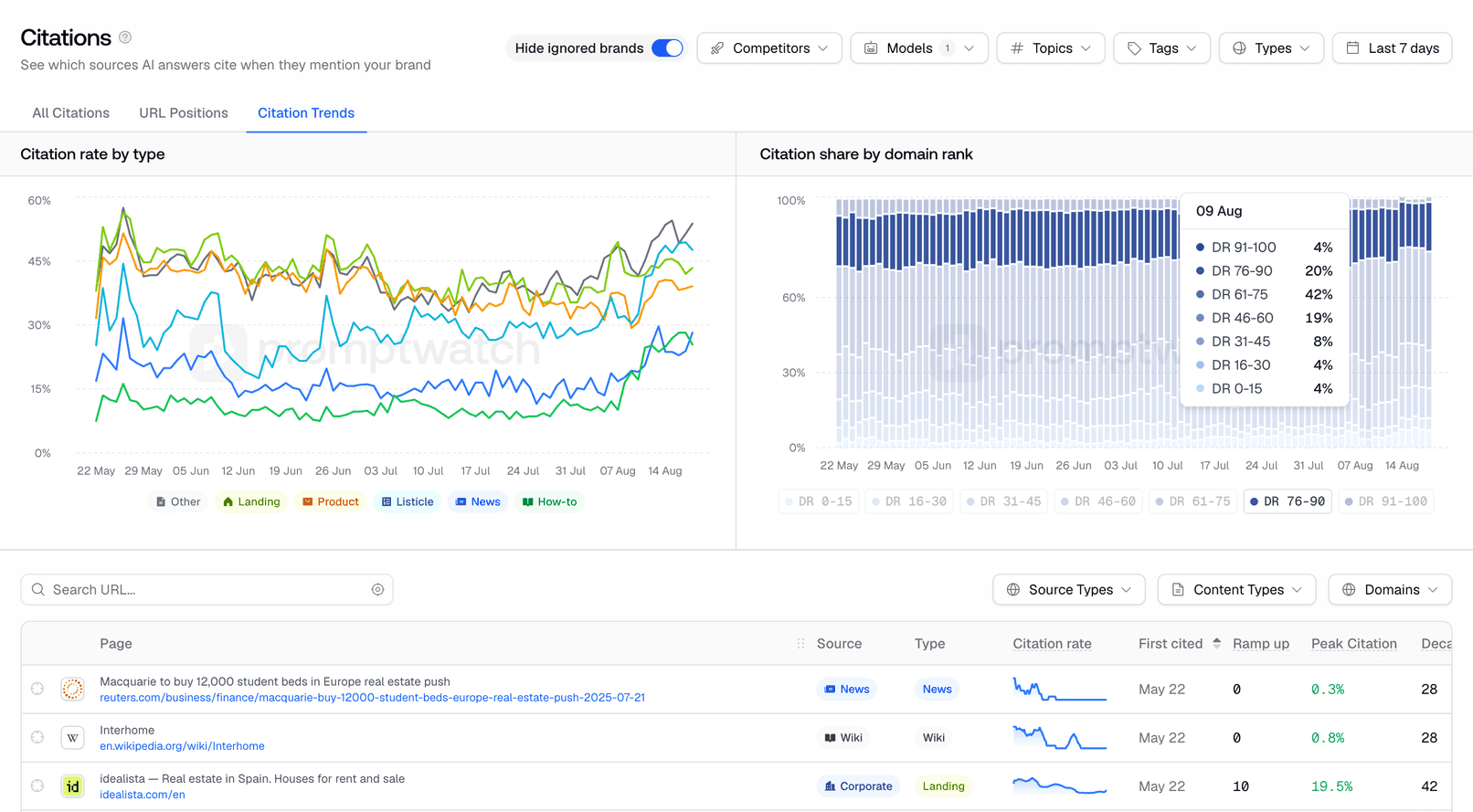
A new Citation Trends tab shows how your citations evolve over time, so you can spot rising and fading sources instead of looking at a single snapshot.
Ads Radar, Shopping, and Content Agent endpoints in the REST v2 API and MCP server, plus PDF reports from Agent Chat and MCP.
Prompt detail pages now include per-prompt charts and richer stats, and the prompts table shows each prompt's citation rate. Visibility and sentiment changes now line up with the time range preset you've selected, and you can shift-click to select a range of prompts in any list.
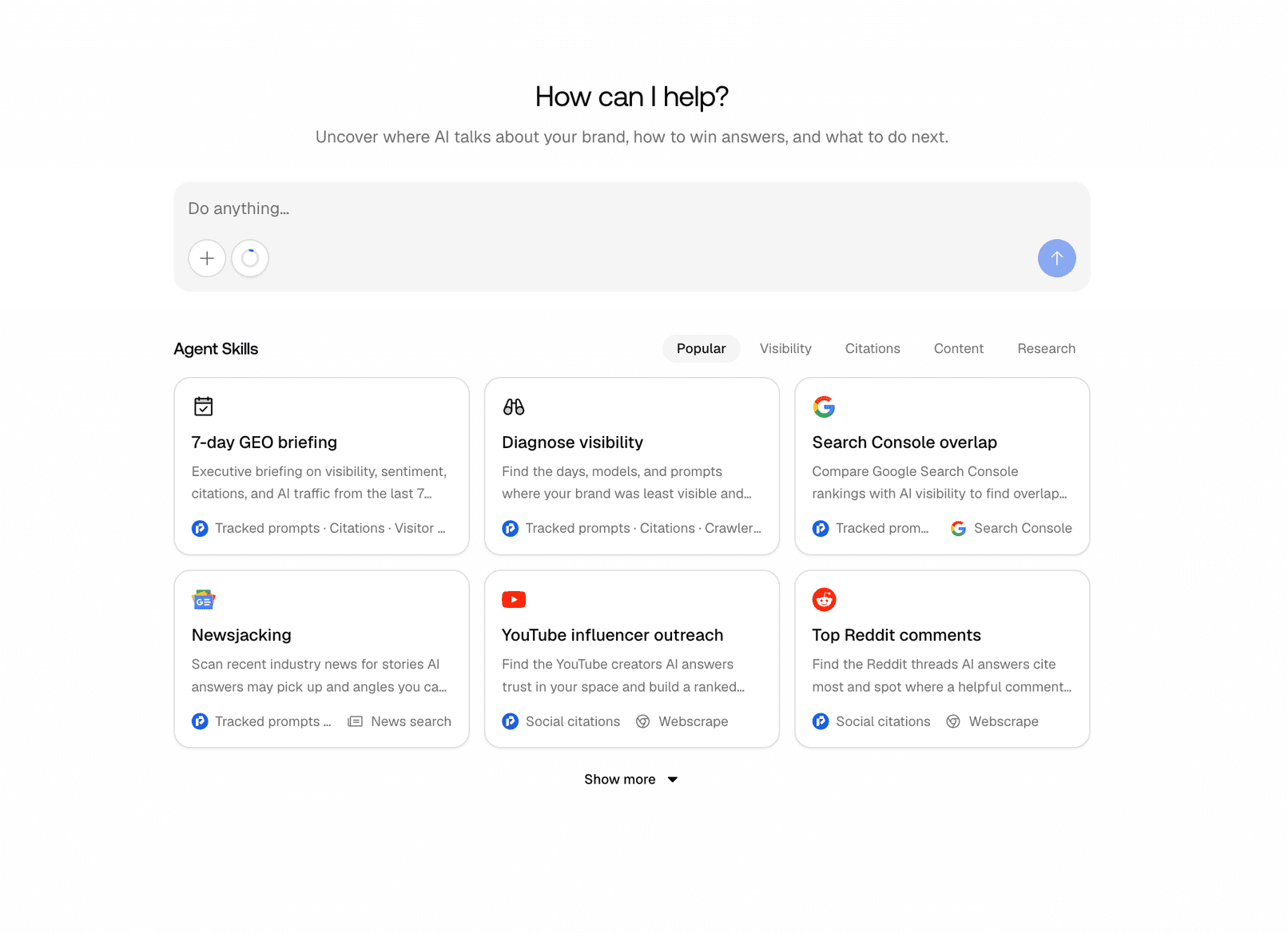
Put your AI search analyst on a schedule. Agent Chat can now run recurring analyses for you, like weekly briefings, competitor checks, or citation reviews, and deliver the results in-app and to Slack.

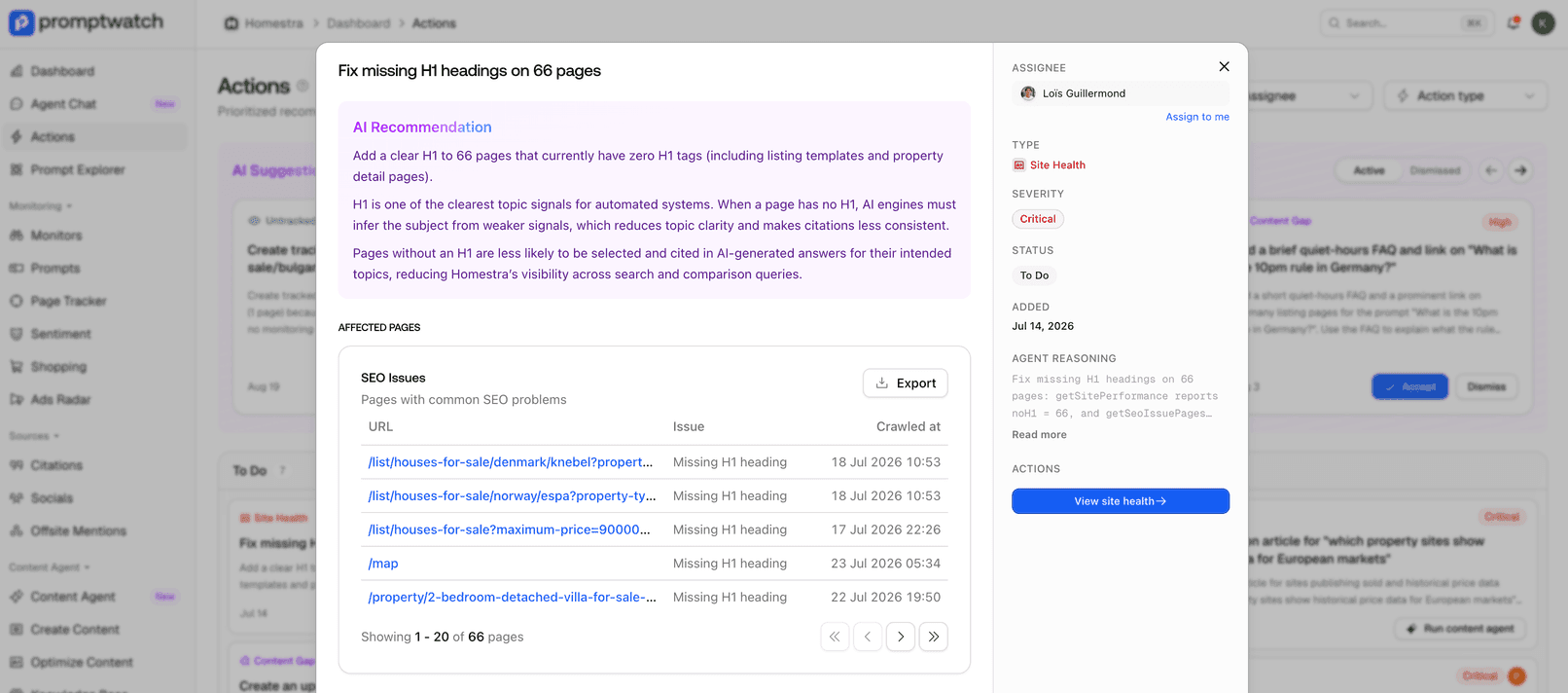
Action items are now built for teams. Assign each item to a teammate, discuss it in comments with @-mentions, and follow the full activity timeline. Assignees and mentioned teammates get notified, so nothing falls through the cracks.
Every export now offers Excel alongside CSV. Pick the XLSX format in the export modal and get a spreadsheet that opens cleanly in Excel, with no delimiter or encoding issues.
The Content Agent is now available to all plans. It plans, writes, and publishes GEO-optimized content on a schedule you control, sourcing ideas from your content gaps, prompts, and competitor data, and publishing straight to your CMS.

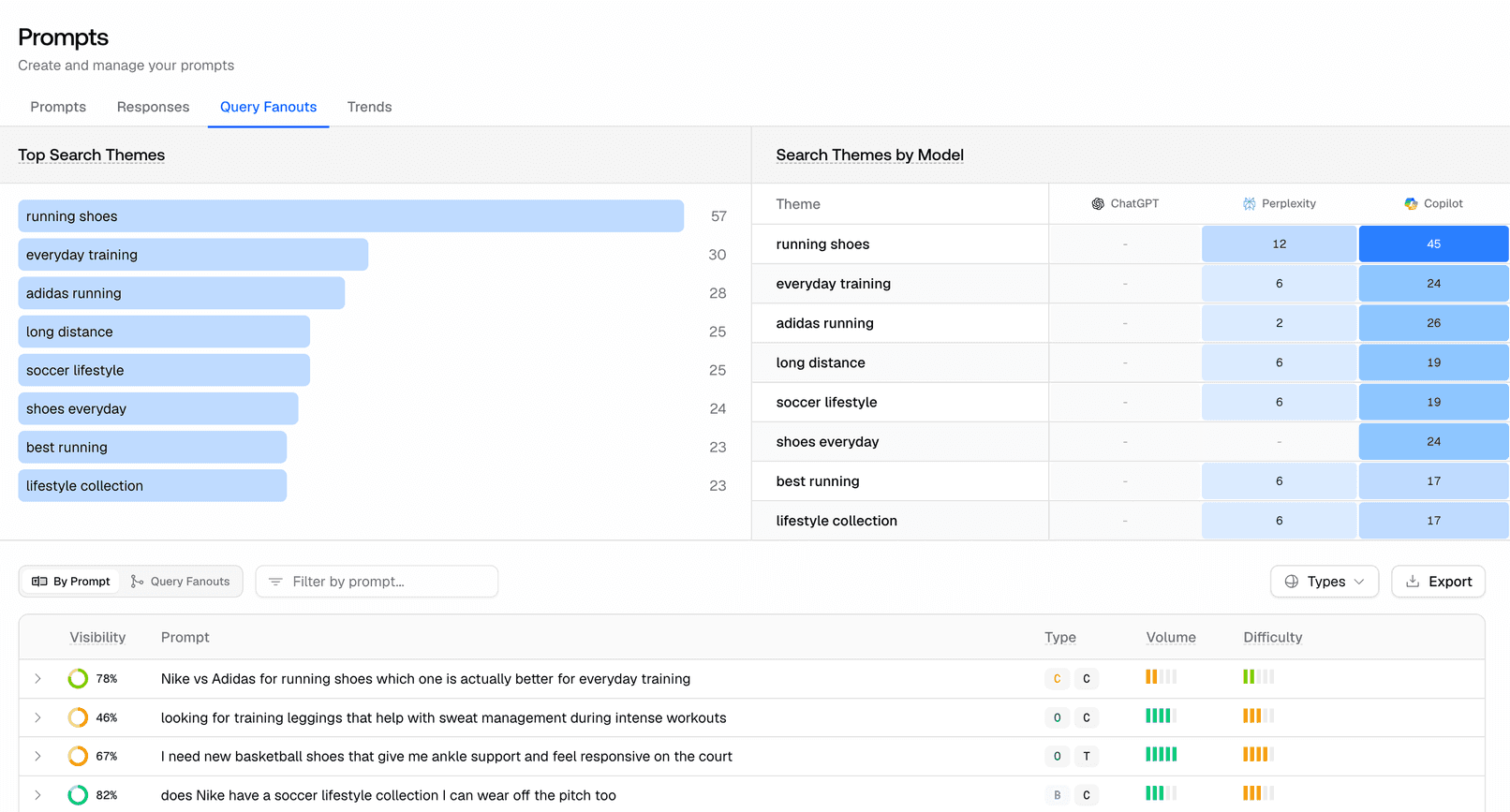
Query Fanouts got a lot smarter. New insights reveal the terms and themes AI models actually search for behind every answer, including a per-model comparison, and you can now see the exact fanout queries behind each individual response.

Agent Chat is now live for everyone. Ask anything about your AI visibility and get answers backed by your live Promptwatch data. The agent digs through prompts, citations, competitors, and traffic for you, and renders charts right in the conversation.
Join thousands of companies using Promptwatch to monitor and improve their presence in AI search results.