


TL;DR:
- Promptwatch's Content Agent connects natively to Webflow (OAuth), Framer (a project URL and API key, with content delivered as markdown), and WordPress (an official plugin using a site URL and sync token).
- Publishing AI-optimized content automatically requires three things working together regardless of CMS: a system that already knows what to write (content gap data), a fast connection method, and field-level mapping so nothing needs manual cleanup before it goes live.
- Every platform shares the same review model by default: articles land in a review inbox and nothing publishes without approval, with an optional schedule-bounded hands-off mode for teams that want it.
- Content typically needs a refresh roughly every 8-14 weeks to stay cited by AI models. That's Promptwatch's own finding across tracked projects, and it only holds up in practice when publishing isn't a manual export step.
Why manual publishing is the weak link in AI visibility work
Most tools that track AI visibility stop at diagnosis. They'll tell you which prompts your brand is missing from, and some will even hand you a drafted article, but getting that article live is left as separate work. Run that against a continuous stream of tracked prompts and content gaps, and the export-and-reformat step is where most GEO programs quietly stop working.
Promptwatch removes that translation step entirely, whichever CMS is on the other end. The same system that found the gap and drafted the fix also puts it live, with nothing manually rebuilt in between.
What automatic CMS publishing actually requires
Getting a generated article from draft to a live page without manual rework comes down to three things, no matter which platform it's publishing to: a connection that's fast to set up and doesn't create its own maintenance burden, field mapping that respects how the target CMS actually stores and renders content, and control over what goes live without a human in the loop. Promptwatch's Content Agent solves all three, with the connection method itself varying by platform.
Webflow: OAuth and Webflow Marketplace publishing
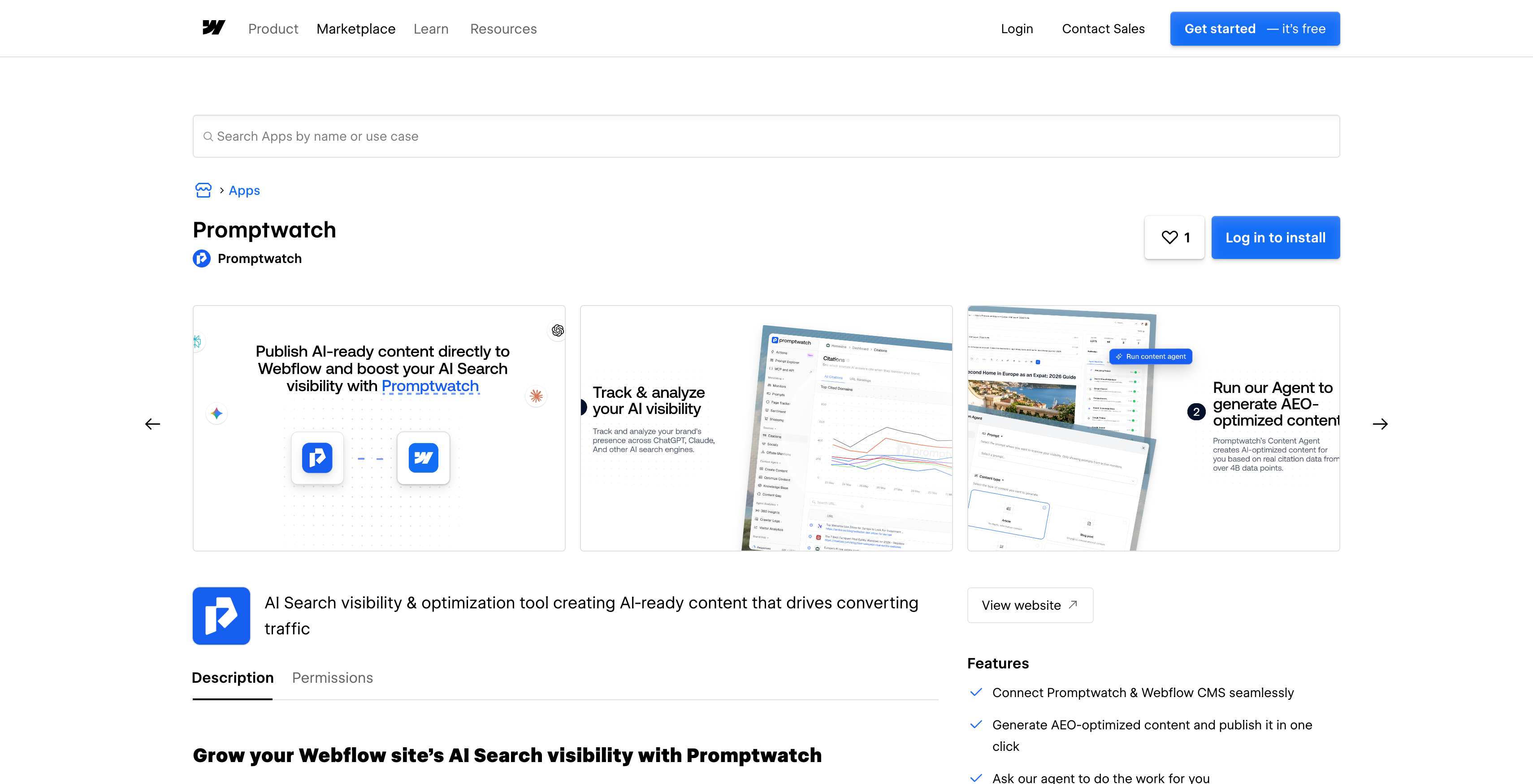
The Webflow integration authorizes over OAuth, either from inside the Promptwatch app or from the Webflow Marketplace listing directly. There's no API key to generate, store, or rotate. Once connected, Content Agent maps five fields into the target Webflow collection automatically: title, description, body content, featured image, and publish date, with featured images uploaded straight into Webflow's own asset library rather than linked externally.
Articles can publish as drafts for review inside Webflow, or go live immediately without triggering a full site rebuild.
Framer: a project URL, an API key, and markdown-native delivery
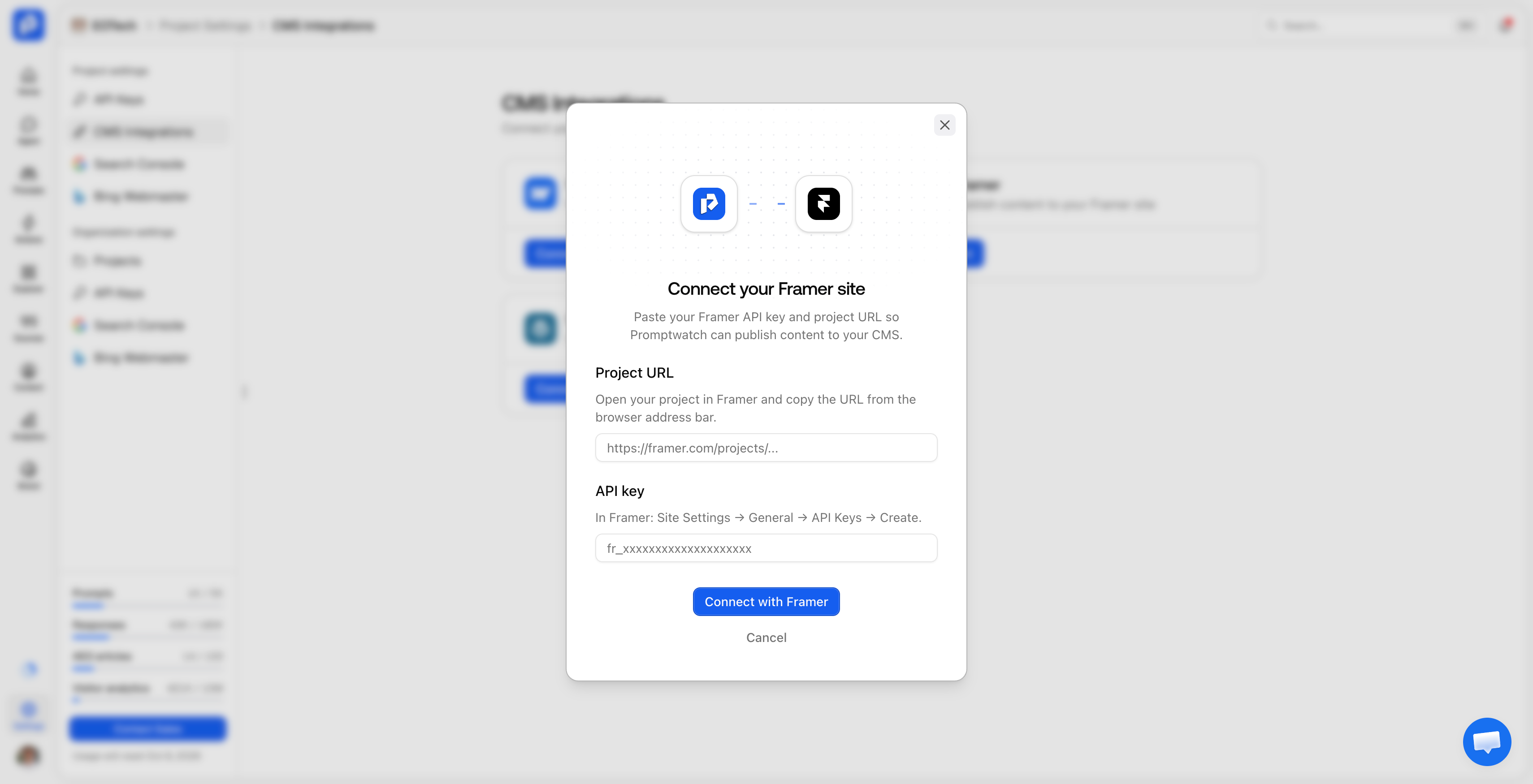
The Framer integration skips OAuth in favor of a simpler setup: pasting a Framer project URL and an API key, a one-time step that takes minutes. Content is delivered as markdown, which Framer renders natively, so there's no HTML cleanup or formatting pass needed once an article lands in the CMS. The same five fields map automatically (title, description, body, featured image, publish date), and live publishing triggers a Framer site publish, the same action as clicking Publish in the Framer editor itself.
WordPress: an official plugin with server-side crawler visibility
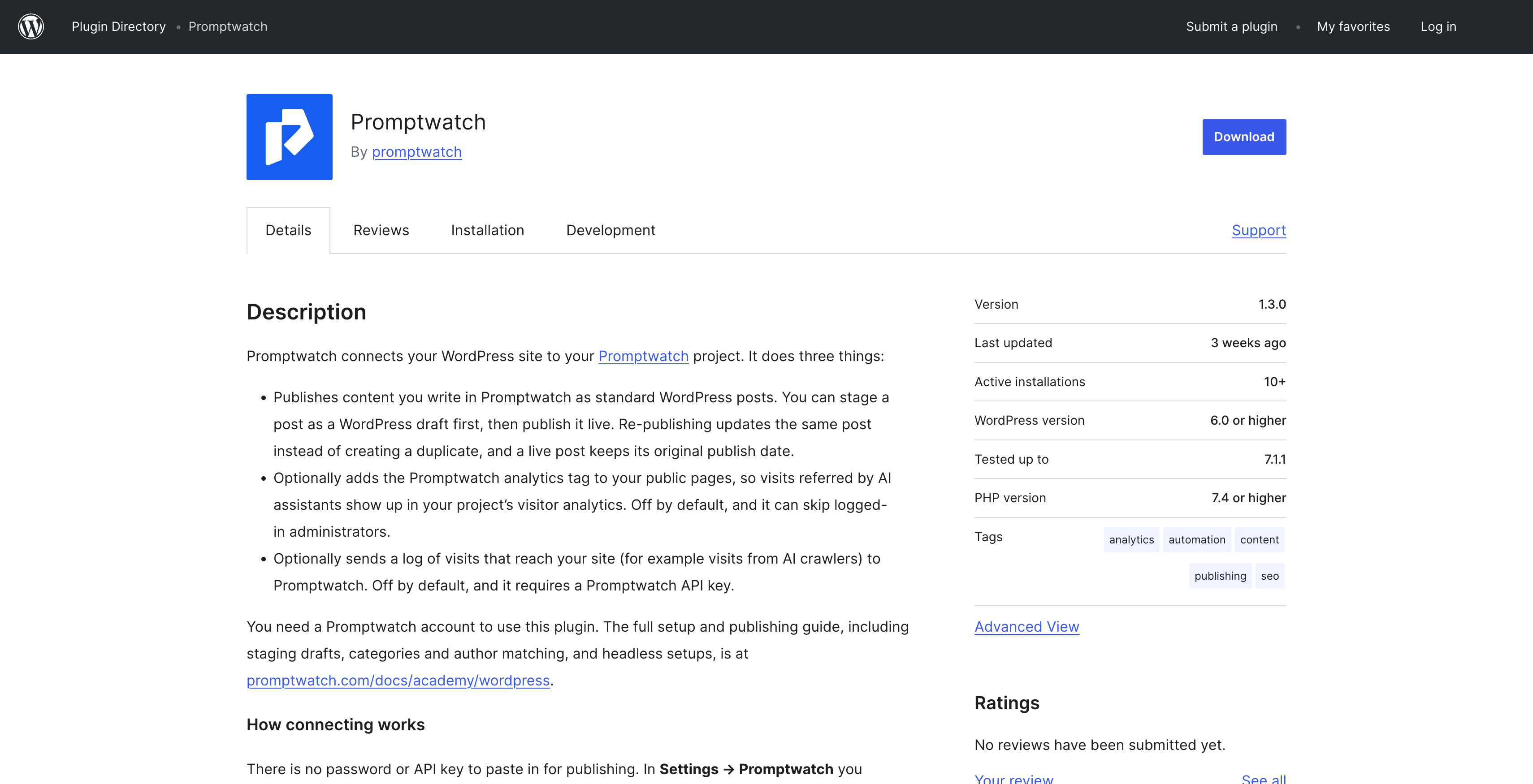
The WordPress integration is built as an official plugin rather than a simple API connection, expanded to every organization as of August 31, 2026 (previously waitlisted). Setup means installing the plugin from the WordPress Plugin Directory or downloading the ZIP during CMS setup, then pasting the site URL and sync token the plugin generates in its own settings screen, rather than putting an API key directly into wp-admin.
WordPress gets one capability the other two platforms don't need in the same way: because a large share of WordPress installations are self-hosted rather than sitting behind a CDN with its own log export, the plugin also captures AI crawler logs directly from the WordPress server itself, showing which crawlers (GPTBot, ClaudeBot, PerplexityBot, and others) requested which pages. That means seeing which AI bots are actually crawling a site doesn't depend on which CDN, if any, sits in front of it. Category and WordPress author are configured once as defaults and then apply to every article Content Agent publishes afterward, and headless WordPress setups can set a public blog path so live URLs resolve against the actual front-end site.
"In Promptwatch we are able to see how active the ChatGPT bot is on our client websites and exactly how often our content is being used in responses of LLMs." - Marijn ten Bulte, Head of Organic Channels at Advise
Why publishing speed is the real GEO bottleneck
Speed matters here because AI visibility isn't something you fix once. Content Agent builds its briefs from Content Gap Analysis: breaking each tracked prompt into the sub-queries an AI model's query fan-out actually asks, checking the indexed site for pages that already answer them, and turning the unanswered ones into specific, scoped briefs rather than generic topic suggestions.
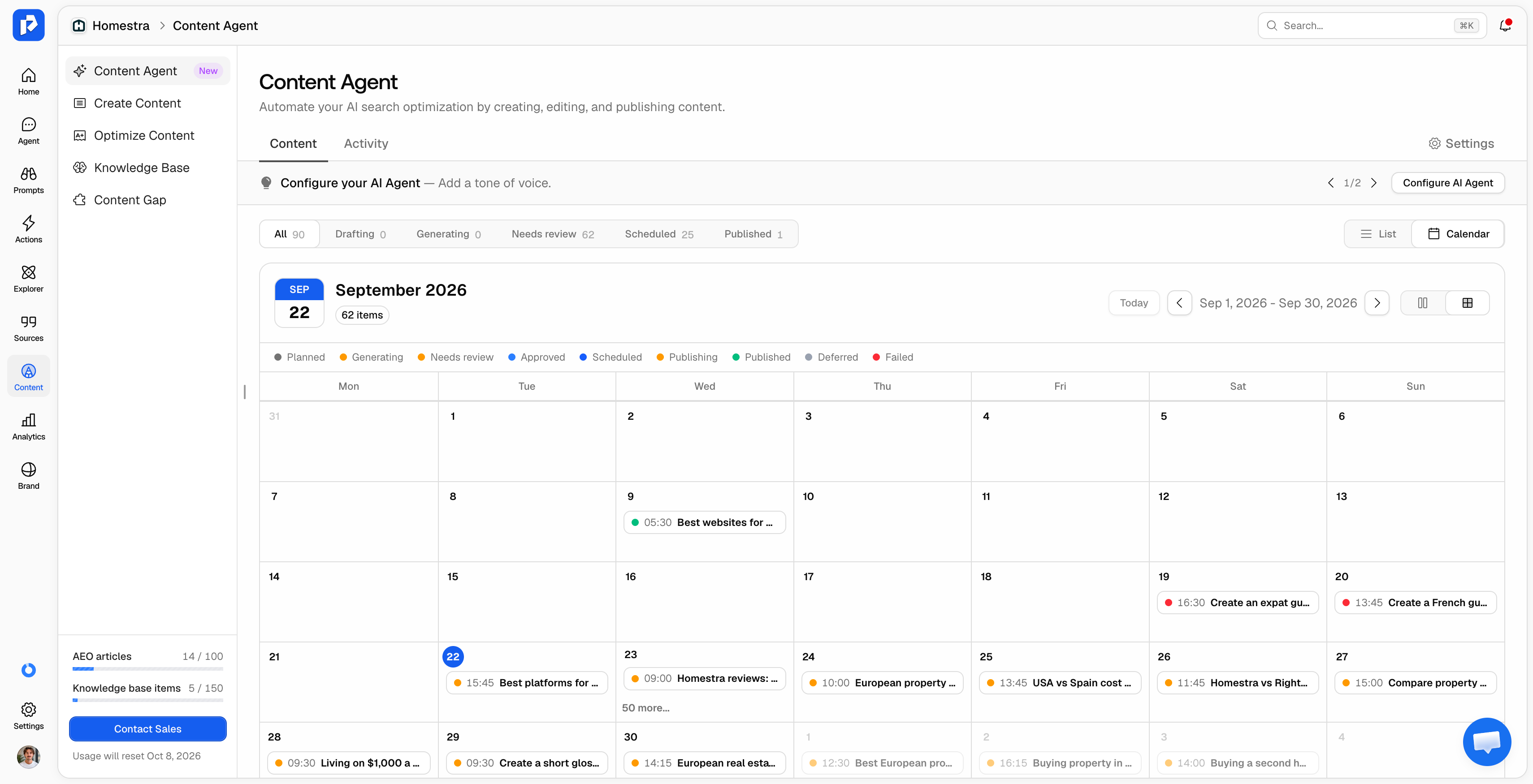
That process only pays off if the resulting fix reaches production quickly. Across tracked projects, Promptwatch's own data shows content typically needs a refresh roughly every 8-14 weeks to stay cited, since AI models re-crawl and re-index on their own schedule, not the publisher's. A gap that takes two or three weeks to close because of a manual export-and-reformat process has already burned a real chunk of that citation window before the fix is even live, on any CMS.
A direct connection collapses that cycle from weeks to minutes, regardless of which platform is on the receiving end. The article that closed a content gap in the dashboard is the same file live on the site, with no reformatting step where drafts sit unpublished and dates slip.
"Promptwatch turns AI visibility data into a clear project roadmap. Instead of just showing where you stand, it provides actionable next steps to help you prioritize what to optimize in AI Search." - Ramon Labrie, Digital Marketing Specialist at Deepblue Digital
Choosing draft-first review or scheduled hands-off publishing
Every platform shares the same review model. By default, Content Agent routes every article to a review inbox, and nothing reaches the live site until a person approves it. An optional hands-off mode exists for teams that want it, but it's schedule-bounded (allowed publishing days, blackout dates, and a maximum number of pieces per day), and only applies to drafts that already passed an automatic quality check. Promptwatch tracks each item's publish status (draft, staged, or published) and its live URL, so the state of every article is visible from the dashboard without opening the CMS itself.
Setting up automatic publishing in Promptwatch
- Open your project's integration settings and select your CMS: Webflow, Framer, or WordPress.
- Connect using the method for your platform: OAuth for Webflow, a project URL and API key for Framer, or the official plugin (site URL and sync token) for WordPress.
- Confirm the field mapping (title, description, body, featured image, publish date), and for WordPress, set your default category, author, and, if applicable, your headless blog path.
- Choose your publishing mode: review-inbox drafts by default, or hands-off mode with your own allowed days, blackout dates, and daily publish cap.
- Let Content Agent generate from your existing content gaps, and track each article's status and live URL from the Promptwatch dashboard.
Any CMS outside these three still requires exporting the generated article manually.
Frequently asked questions
Do all three CMS integrations use the same connection method?
No. Webflow uses OAuth, Framer connects with a project URL and API key, and WordPress uses an official plugin authenticated with a site URL and sync token rather than an API key in wp-admin. The field mapping and review flow are the same across all three once connected.
Will AI-generated content publish live without my review?
Not by default, on any platform. Every Content Agent article goes to a review inbox first, and nothing reaches the live site until it's approved. An optional hands-off mode exists, but it only runs within a schedule you configure yourself.
Does WordPress publishing require exposing an API key in wp-admin?
No. The official plugin generates its own site URL and sync token in its settings screen, and those are what connect to Promptwatch, keeping credentials out of wp-admin itself.
What format does content arrive in in Framer?
Markdown, which Framer renders natively, so there's no separate formatting or cleanup step needed once an article lands in the CMS.
How often does published content need to be refreshed to stay cited by AI models?
Roughly every 8-14 weeks, based on Promptwatch's own data across tracked projects. Models re-crawl and re-index on their own schedule, so content that isn't revisited on a similar cadence tends to fall out of citations over time, on any CMS.


