Use case 1: close a content gap cluster
Scenario: you sell accounting software, and your content gap page shows a cluster of “how to” prompts scoring under 30% coverage: “how to file quarterly taxes as a freelancer”, “how to reconcile bank statements”, and six more. Competitors get cited on all of them; you’re absent.- Let the planner do the sequencing. Turn the Content Agent on in Review first mode. The planner pulls those gap recommendations into the schedule ranked by expected impact, so the cluster becomes a queue ordered by value instead of a to-do list ordered by guilt.
- Feed it your substance first. Before the first drafts generate, add your real material to the Knowledge Base: your tax-deadline cheat sheet, support macros, product screenshots’ claims. Eight grounded articles beat eight generic ones, and this is the cheapest moment to guarantee that.
- Review with the gap in view. Each draft’s sheet shows why it was prioritized. Accept what’s right, use Open in editor for fixes, and decline with a reason when the planner misread your positioning; the reasons teach you what to correct in the Brand Book.
- Verify the cluster closes. Once a piece is live, Promptwatch adds its URL to the Page Tracker; CMS drafts aren’t tracked until they go live. The gap scores update after re-analysis, and citations on those prompts are your real finish line. See Publishing and tracking.
Use case 2: keep a comparison page competitive
Scenario: your “YourBrand vs. BigCompetitor” page earned citations for months, then the competitor shipped a redesign and your citations on “yourbrand vs bigcompetitor” prompts dried up.- Confirm the drop where it happened. Check the page in the Page Tracker: citations falling while crawls stay steady means models still read the page but prefer other sources. That’s a content problem, not a discovery problem.
- Rewrite against the pages that beat you. Open Content Refresh, pick the comparison prompt and your page, and select the competitor pages currently cited for it (up to 5). Choose the Balanced level to keep your structure, or Full Rewrite if the page was thin to begin with.
- Review, publish, and watch the same tracker row. The refreshed draft lands in your Content Refresh list; review it in the editor and publish through your normal path. Because the URL is unchanged, the same Page Tracker row shows whether citations recover.
- Make it a habit, not a rescue. Comparison prompts are high-intent, so re-run this loop whenever the tracker shows decay, not just after a competitor launch.
Use case 3: scale a program on autonomy settings
Scenario: an agency runs Promptwatch for a client with a 200-prompt setup and a thin content team. The backlog is deep, review capacity is one person, and the client wants steady output without surprises.- Start gated, measure your own accept rate. Run Review first for the first cycles. If you’re accepting nearly every draft untouched, the settings are dialed in; if not, fix tone, defaults, and Knowledge Base before adding autonomy.
- Move to Auto-publish with the CMS draft safety net. Switch autonomy to Auto-publish but keep publish state on CMS draft: the agent plans, writes, and pushes without you, while the client’s CMS remains the final human checkpoint. Full autonomy plus live publishing is the last step, not the first.
- Shape the cadence with guardrails. Set publish windows to business hours in the client’s timezone, cap max per day at 1 or 2, and set the budget share to leave room for the manual pieces you still write yourself. See Settings.
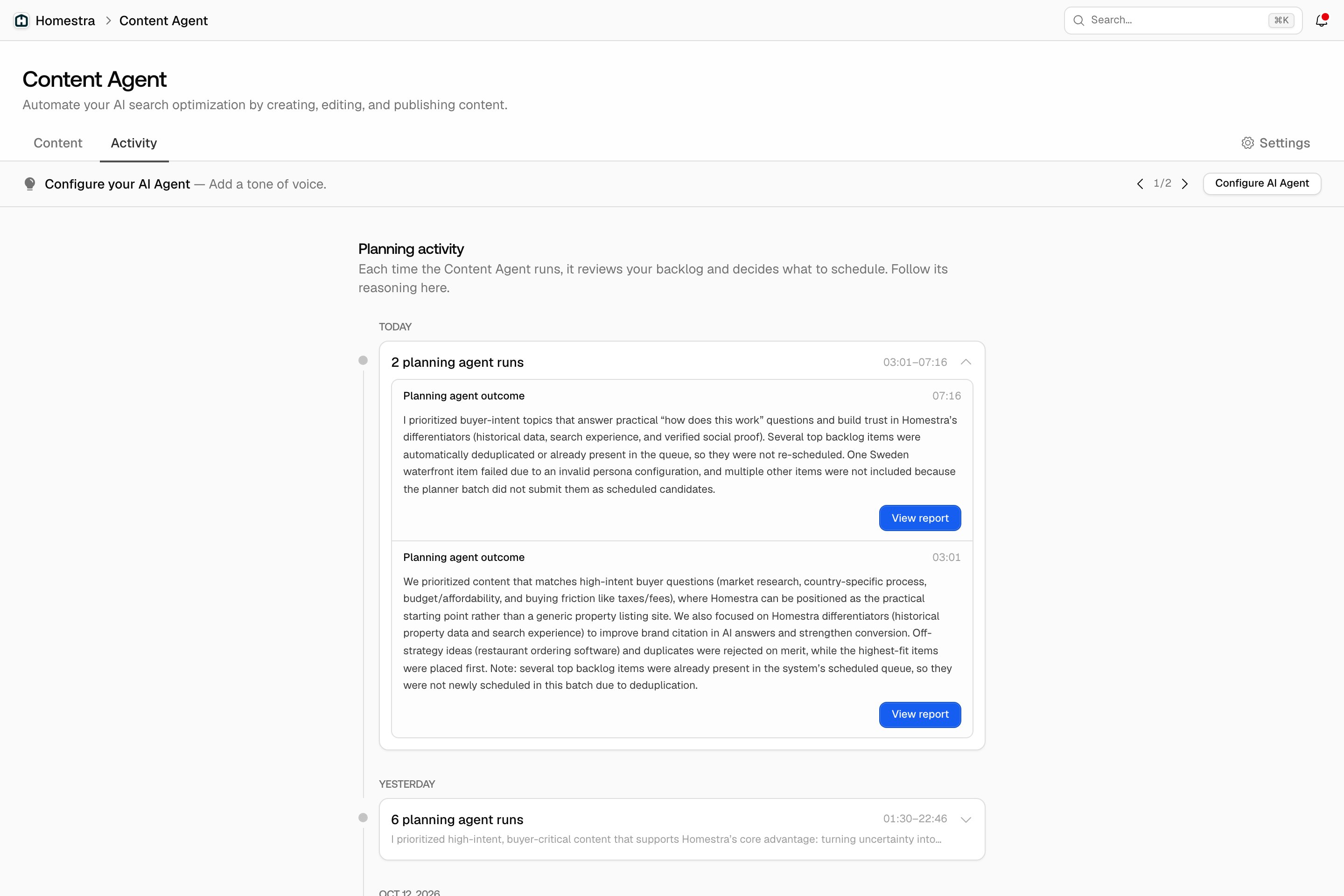
- Audit through Activity, not by re-reviewing. The Activity tab records each planning run’s reasoning, and auto-approved pieces are labeled in their detail sheets. That’s your monthly audit trail: what the agent chose, why, and what it published, without reinstating the bottleneck you removed.