

What the connection feeds
- Prompt suggestions from real demand: the Prompt Explorer can generate suggested prompts from queries your site already ranks for, so you extend proven search demand into AI answers instead of guessing what people ask.
- URL discovery: Promptwatch can import the URLs Google reported in the last 30 days into your sitemap inventory, which catches pages your sitemap misses and keeps your content picture complete.
- Historical search performance: Promptwatch stores clicks, impressions, CTR, and position per page, up to about a year if you run the performance sync. Use the Prompt Explorer to turn those queries into suggested prompts, or Agent Chat’s Search Console overlap skill to find queries you rank for in Google but miss in AI answers.
How to connect
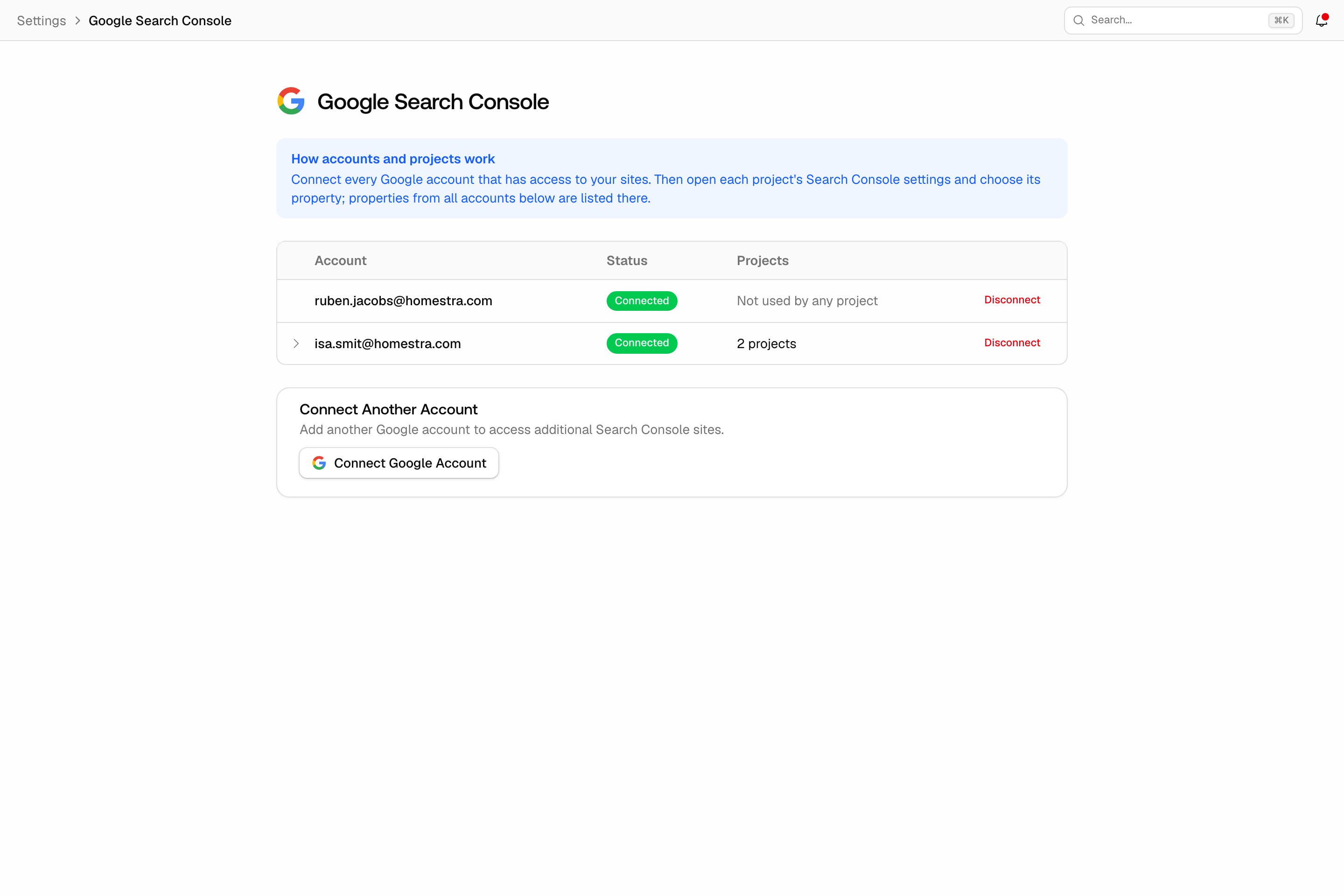
The connection has two steps, and they live at two levels on purpose: the Google account is authorized once for your whole organization, then each project picks its own property, so an agency can serve many client sites from one authorization.Step 1: connect your Google account (organization level)
- Open Settings in the left rail, then Search Console under Integrations.
- Click connect and sign in with the Google account that has access to your Search Console properties.
- Authorize Promptwatch.
Step 2: attach a property (project level)
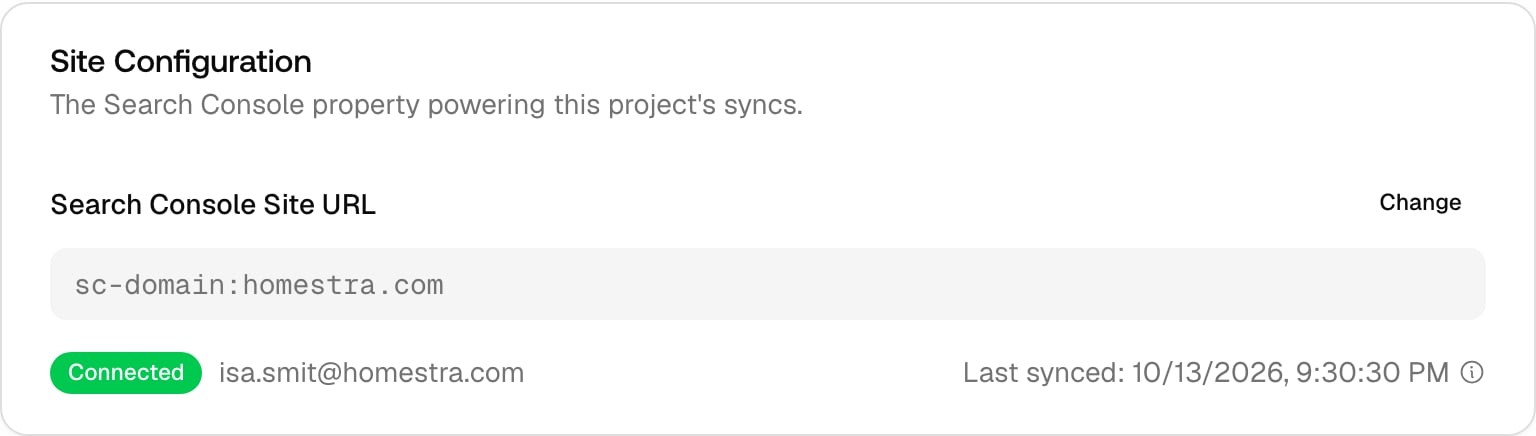
- Open Settings in the left rail, then Search Console under Project settings.
- Pick the Search Console property that matches the project’s website, then click Connect search console.
After you connect
The imports run as background jobs, so the first results appear after a short delay rather than instantly. From there:- Generate prompts from your GSC queries in the Prompt Explorer.
- Check your page inventory under Site, then Pages, in the left rail.
- Keep the connection healthy: if the Google authorization is revoked, reconnect under Settings, then Search Console under Integrations.