1. Noise: your sample is small
With a handful of prompts on one or two models, each day’s average rests on very few responses. One answer that skips your brand can move the number visibly, and it will often bounce back the next run without you doing anything. How to check: widen the date range. A dip that disappears in the 30-day view was noise. If your day-to-day line is jagged in general, the durable fix is more prompts and more models, so single answers stop mattering.2. You changed the prompt set
Adding prompts changes the denominator. Ten new organic prompts where you don’t appear yet add ten zero-scoring responses per model per run, and your average drops the day they start running, even though your position on every existing prompt is unchanged. Removing prompts where you scored well has the same effect from the other side. How to check: compare the drop date against when prompts were added or removed. To confirm, filter a monitor view to a tag, or the dashboard to a topic, covering only your long-standing prompts (the project dashboard slices by topic, not tag): if the score is flat there, the “drop” is your baseline resetting to include the new, harder prompts. That reset is healthy, it means you’re now measuring ground you want to win.3. You changed the model set
Models score very differently, and the dashboard blends them. Adding a model where you’re weak drops the blended average from the day it starts collecting, with no change on any platform you were already tracking. How to check: filter by each model separately. If every individual model is flat and only the blended number fell, the model mix changed, not your visibility. See choosing your models.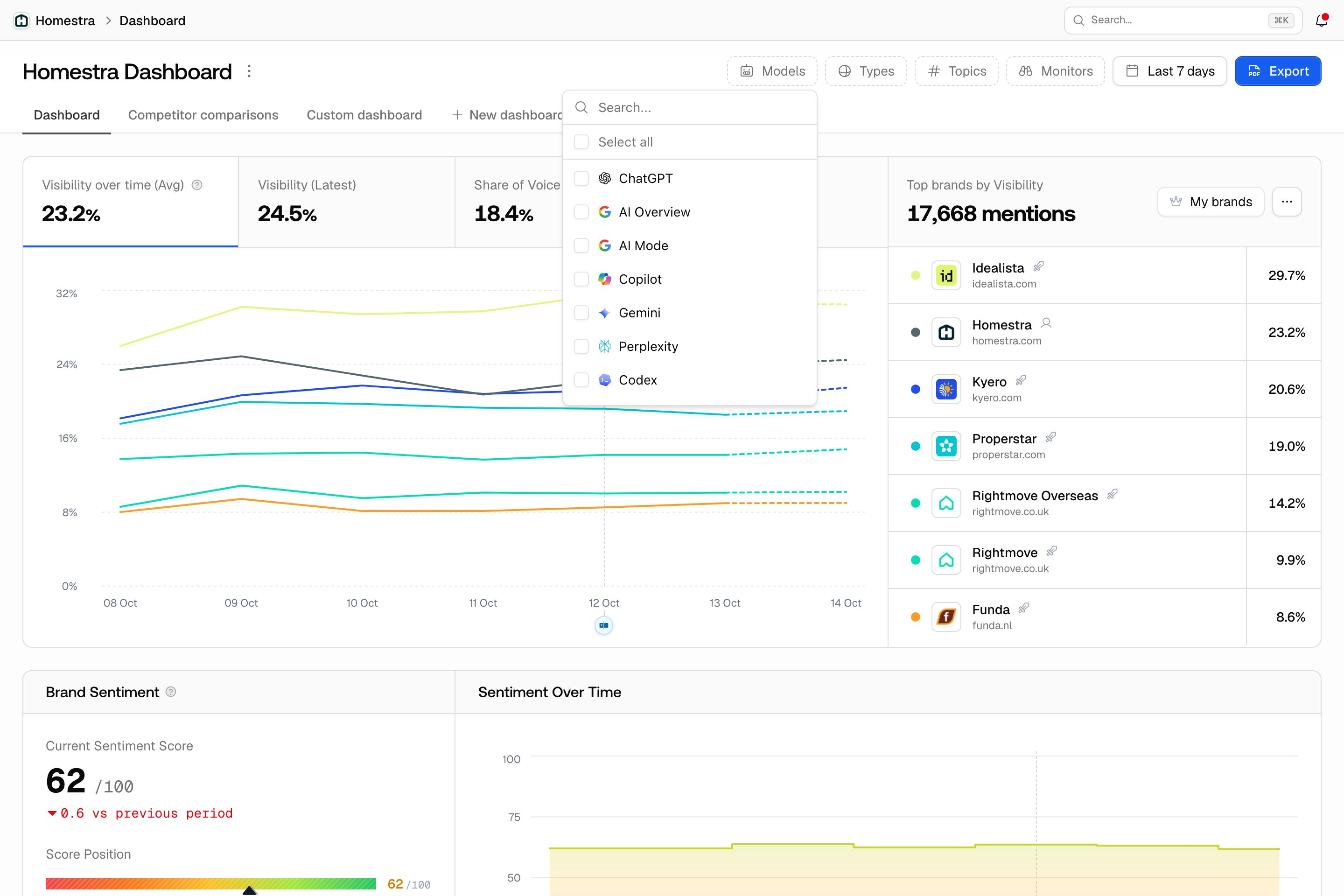
4. A real ranking change on specific prompts or one platform
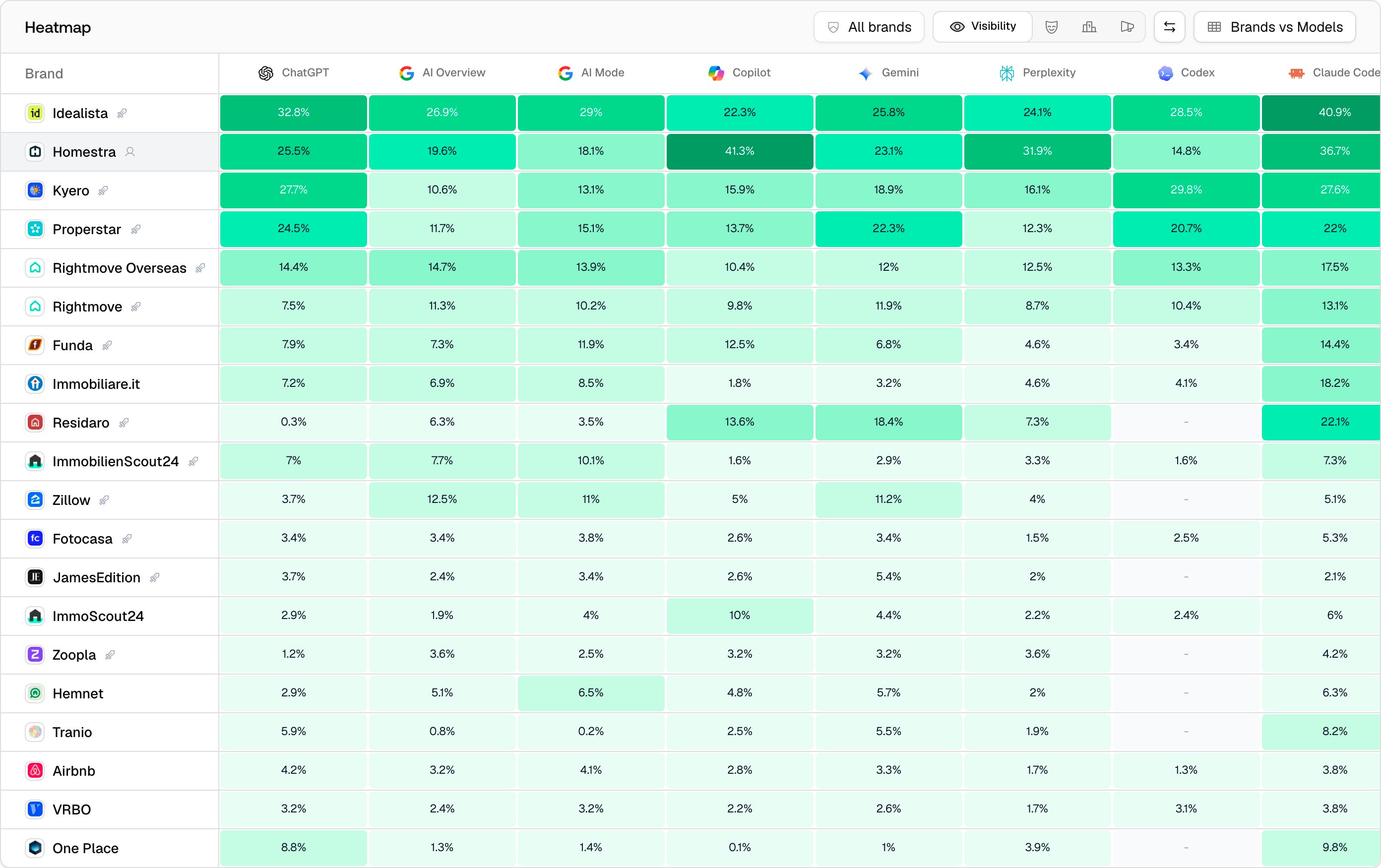
Once setup changes are ruled out, the drop is real somewhere, and it is almost never everywhere at once. A model update, a competitor’s new content, or a shift in which sources a platform cites usually hits specific prompts on specific platforms. How to check: filter by model to find which platform fell, then sort your prompts by visibility to find where. Open the responses for those prompts and compare recent answers against older ones: you’re looking for who replaced you and which sources the answer now cites. The Heatmap shows the same picture per competitor per model in one view.