

How model selection works
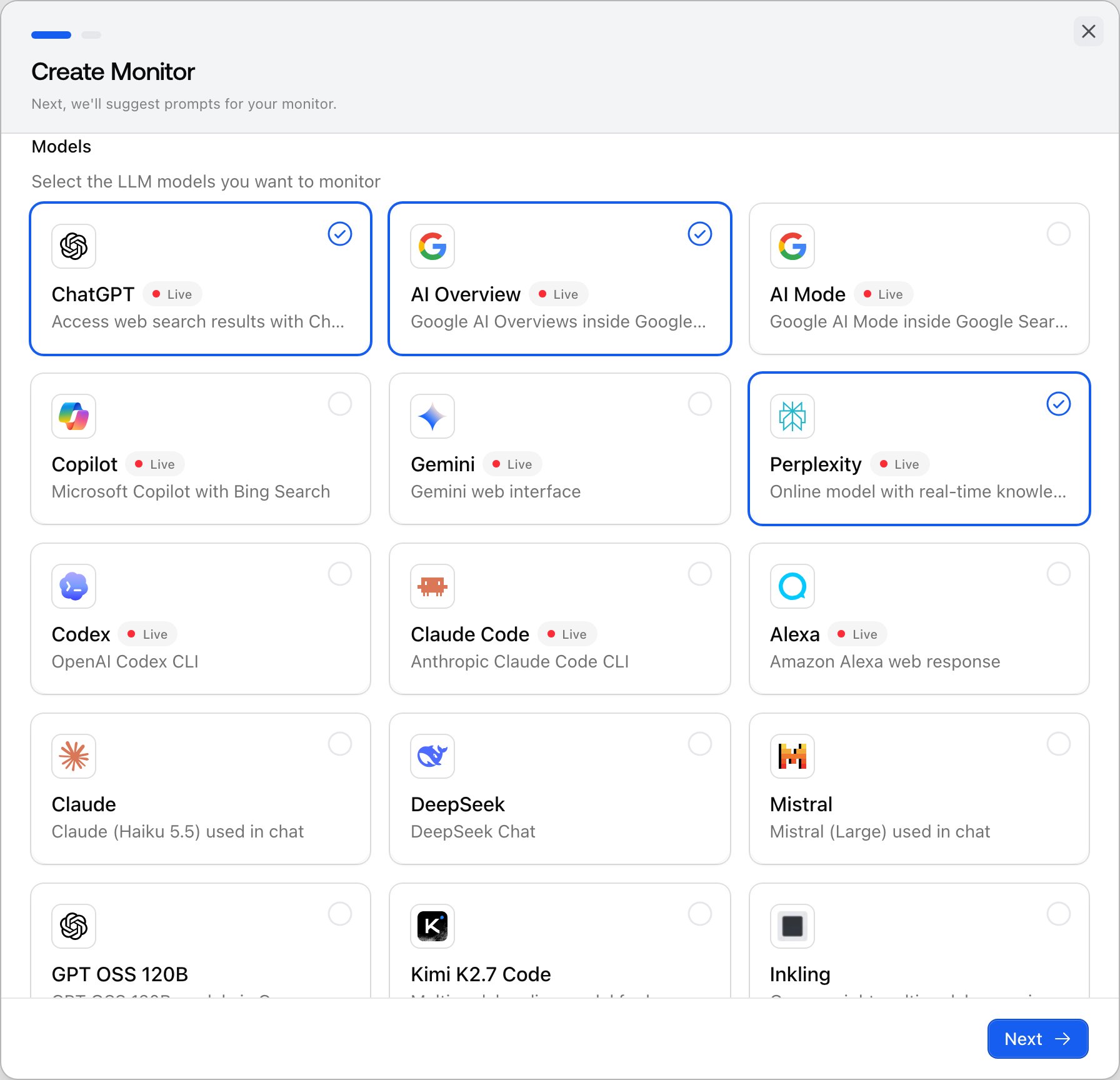
Models are selected per monitor, not per project. Each monitor picks at least one model from the registry of active models, and every prompt in that monitor runs against every selected model on the monitor’s schedule. There is no cap on how many models a monitor or project can track; the practical limit is your response quota, because each model multiplies usage: models × prompts × runs = responses. See managing your response limit. Plan gating is separate from selection: the entry-level Explore plan tracks ChatGPT only, and every other plan unlocks all active models.The two kinds of models
The registry spans the major AI answer engines, and they fall into two groups that behave differently:- Live-search platforms: ChatGPT, AI Overview, AI Mode, Copilot, Gemini, Perplexity, Alexa, plus the coding agents Codex and Claude Code. These answer with live web results, the way a real user in your target market would see them, and they reliably return citations, the source URLs behind the answer.
- API models: Claude, DeepSeek, Mistral, Grok, and others. Most answer from training knowledge without live web search, so citations only appear when the provider returns sources. OpenCode is the exception: it can search the web but still sits in this group. API models show you what the model believes about your brand, independent of today’s search results.
Why answers differ between models
The same prompt gets genuinely different answers per platform, which is the whole reason to track more than one:- Different retrieval: live-search models pull from current web results, API models from a training snapshot, so a brand can dominate one and be absent from the other.
- Different source preferences: each platform favors different sites, so who gets cited, and therefore recommended, varies. See how Promptwatch collects data.
- Different markets: live-search answers vary by the monitor’s country and language, so the same model can rank you differently per market.
Which models to pick
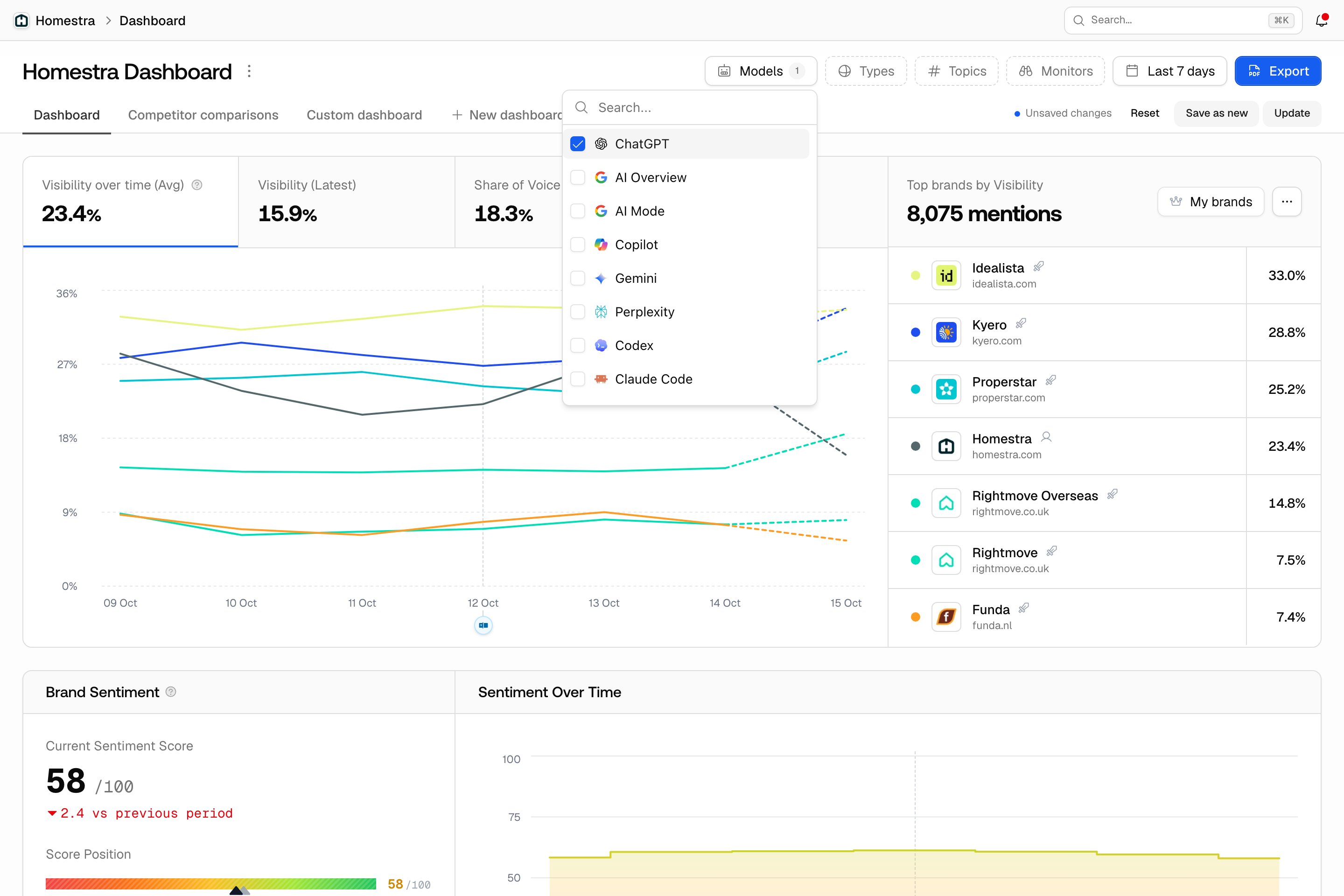
- Start with the core three: ChatGPT, Perplexity, and Google AI Overviews. Live citations, and the default starting set when you create a monitor.
- Add by market: Google AI Mode and Microsoft Copilot matter in some markets and audiences; Alexa if voice answers matter to you.
- Add API models deliberately: Claude, DeepSeek, Mistral, or Grok show how you’re represented in training data, useful as a baseline, but they consume quota like any other model.
- Trim before you add: a model nobody in your market uses spends responses that could deepen coverage on the platforms that convert.