

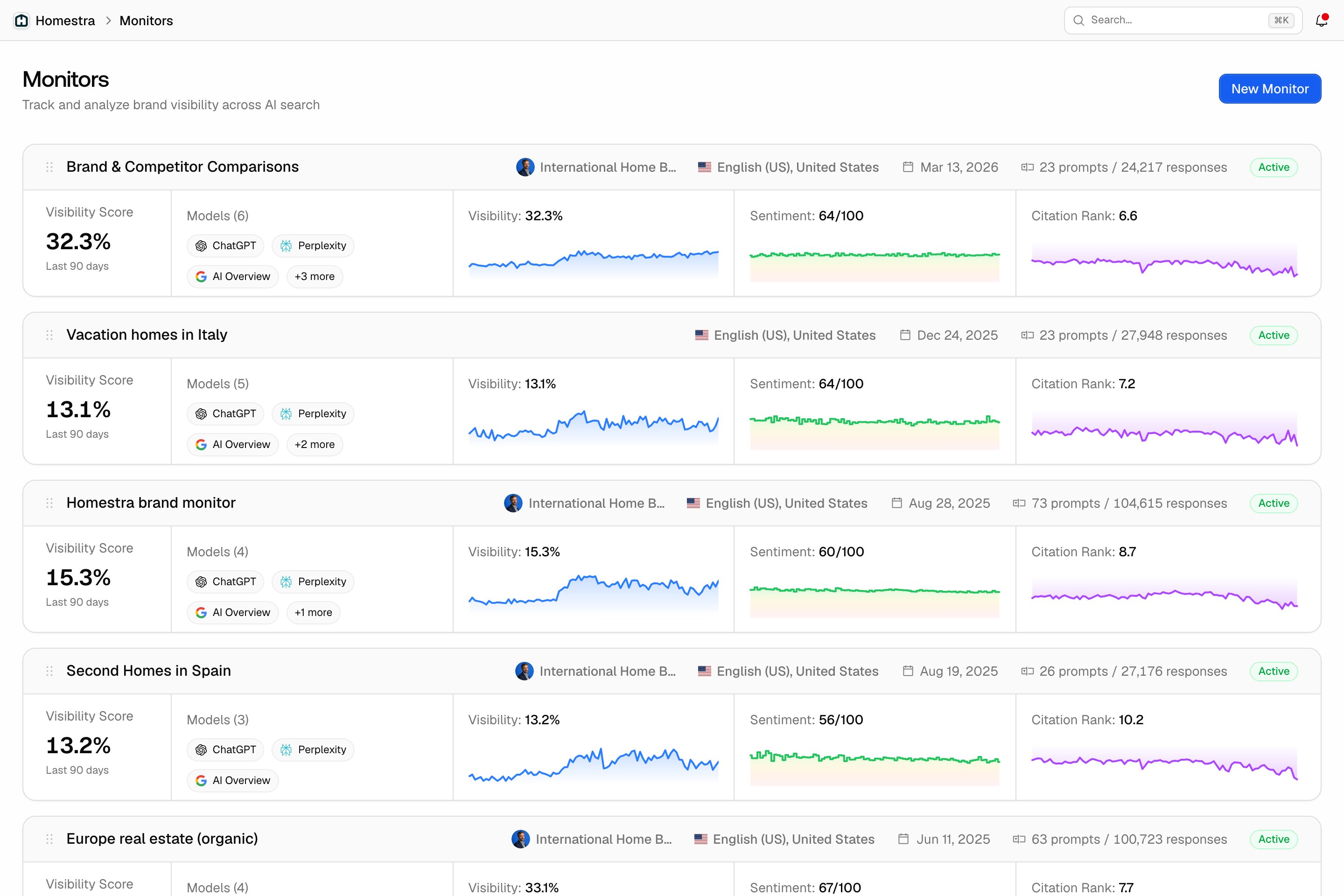
How to create a monitor
Creating a monitor is a two-step wizard: step 1 sets the name, language, country, persona and models, and step 2 suggests starting prompts. The step-by-step guide walks through both.Select models to track
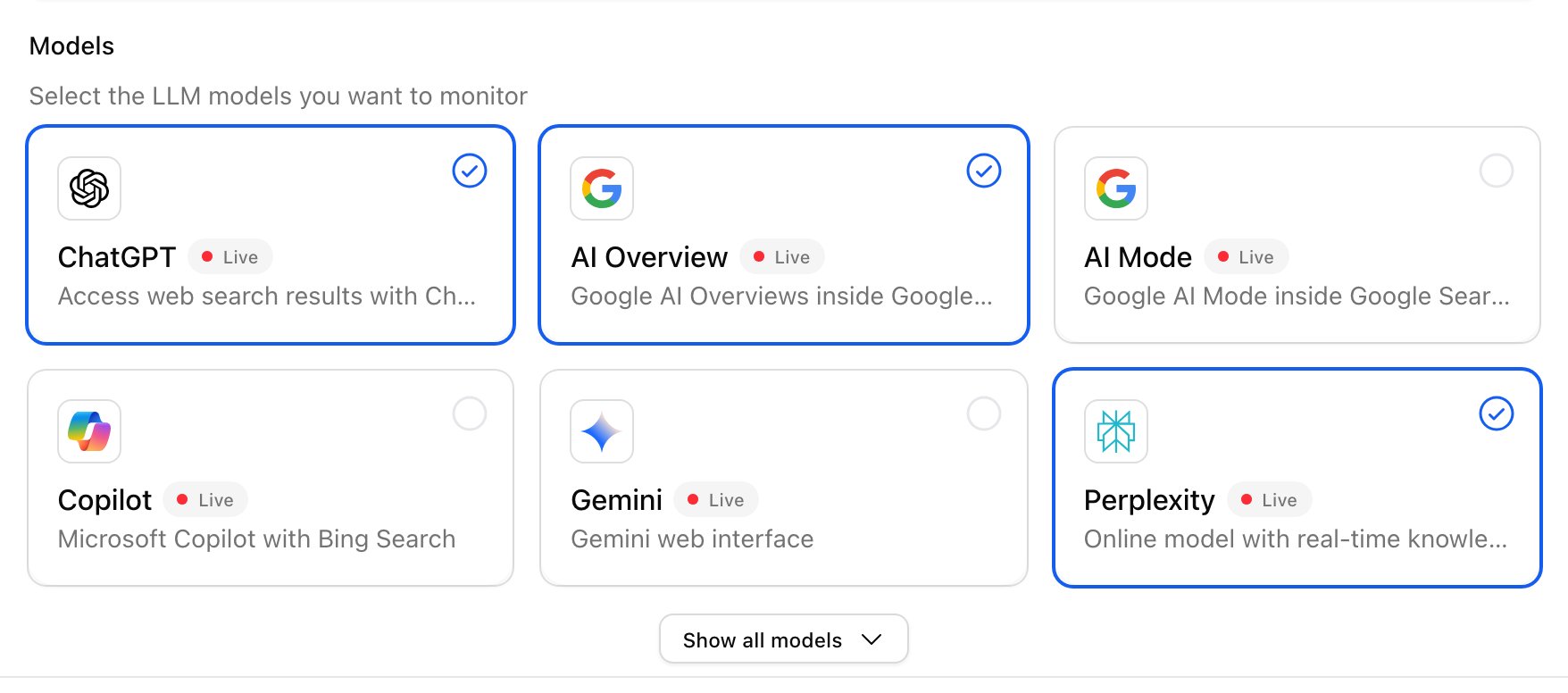
Every prompt in a monitor is asked to the models you pick in step 1, and at least one is required. Which models you can choose depends on your plan (see pricing), and a model can be unavailable for the country you chose. See choosing your models.- Recommended core models: ChatGPT, Perplexity, Google AI Overviews. These are ticked by default.
- Optional, depending on your market: Google AI Mode, Microsoft Copilot, Gemini.
Best Practices
- Create separate monitors for different topics, languages, or target markets.
- Use personas to tailor prompts to different audience segments.
- Review and update monitors regularly as your campaigns or market focus change.