

CMS publishing
Publish Content Agent drafts straight into your CMS instead of copy-pasting. Managed under Settings in the left rail, then CMS Integrations under Project settings. See Publishing and tracking for the overall flow.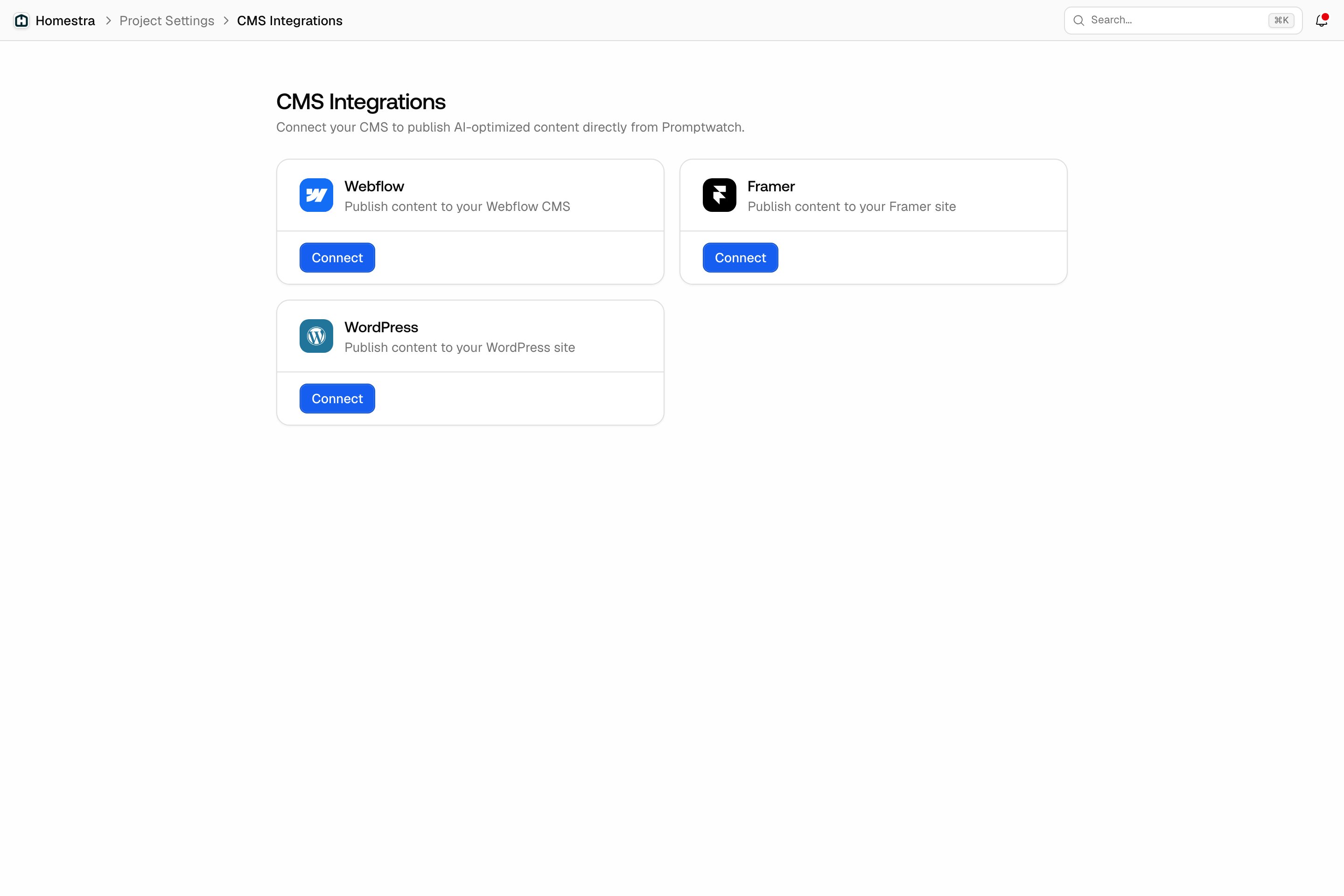
- Webflow: OAuth connection with per-item publishing to a CMS collection. See Webflow.
- Framer: API-key connection bound to one Framer project; publishing redeploys the site. See Framer.
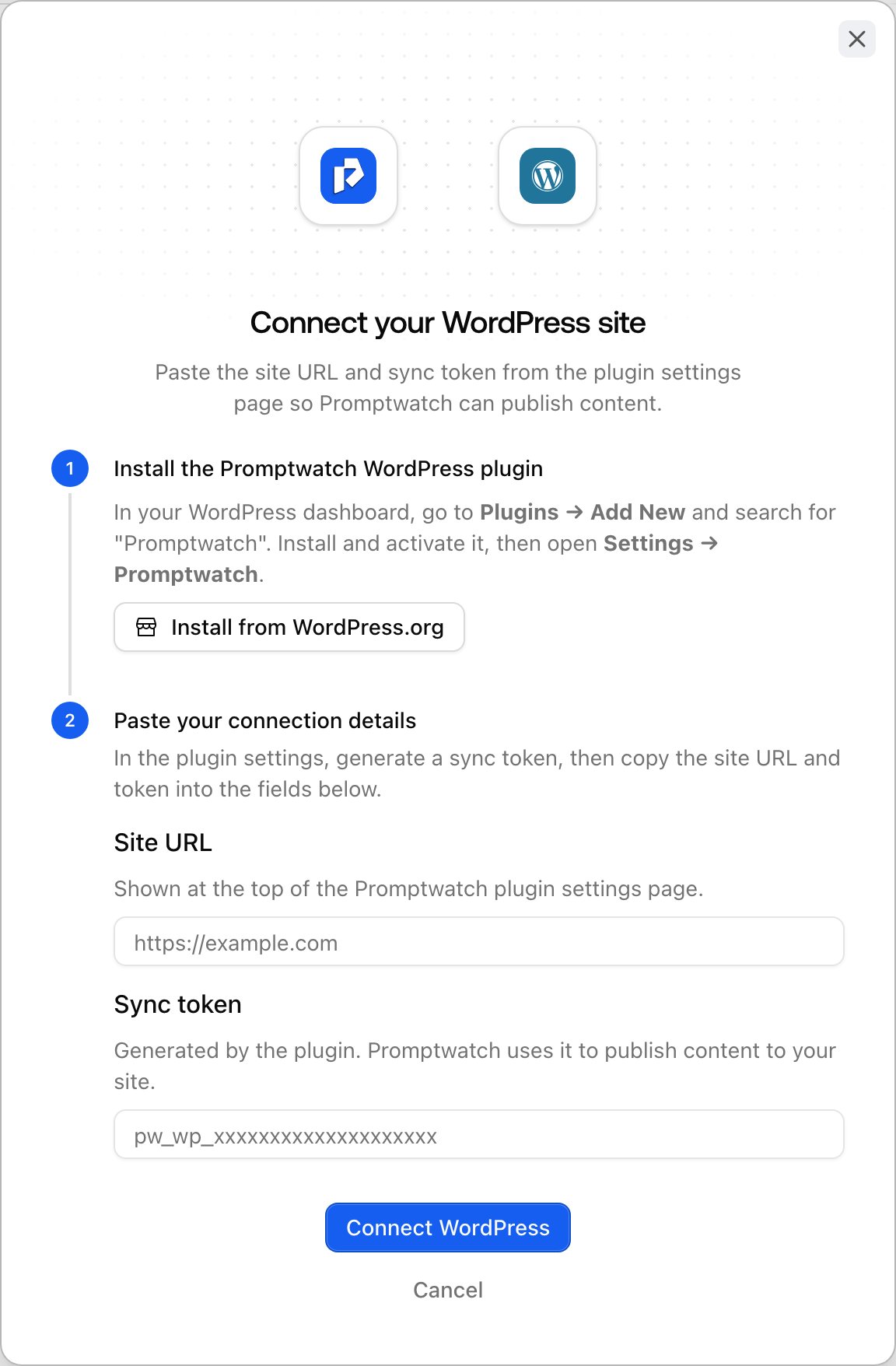
- WordPress: connects through the Promptwatch WordPress plugin with a sync token. See WordPress.
Search data
- Google Search Console: feeds prompt suggestions from your real Google queries, discovers URLs for your page inventory, and syncs historical search performance. See Google Search Console, and Sitemap or Google Search Console for how it relates to your sitemap.
- Bing Webmaster Tools: connects your Bing search performance, including Copilot, to the Search Insights page under Analytics in the left rail. See Bing Webmaster.
AI crawler and visitor data
- Server and CDN log ingestion: stream access logs from Cloudflare, Akamai, AWS CloudFront, Fastly, Google Cloud CDN, Netlify, Vercel, or a custom pipeline, so Promptwatch can show which AI crawlers visit which pages. See Server and CDN log ingestion.
- Visitor analytics script: a lightweight tracking snippet that attributes site visits coming from AI platforms. See Visitor analytics and Attributing AI traffic.
Reporting and BI
- Looker Studio (Data Studio): a connector that pulls your Promptwatch data into Looker Studio dashboards, so you can blend it with other marketing data. See Data Studio connector.
- CSV exports: filtered exports of responses and other tables for any spreadsheet or BI tool. See Can we export responses?.
AI assistants
- MCP server: query your Promptwatch data from Claude, ChatGPT, Cursor, and other MCP-compatible tools, including an official ChatGPT plugin and Claude connector. See MCP.
- Slack: organization owners can connect a Slack workspace under Settings in the left rail, then Slack under Integrations, map channels to projects, and chat with the Promptwatch agent directly in Slack. The agent answers the same questions as Agent Chat in the app. See Slack.
Developer access
- REST API: full programmatic access to your data with API keys, created under Settings in the left rail, then API Keys under Organization settings or Project settings. See the API documentation.
Other tools
- Chrome extension: “Promptwatch: GEO Inspector for AI Answers” shows what ChatGPT searched behind an answer: query fanout, fetched versus cited sources, and the reasoning trail. It runs entirely locally in your browser and doesn’t require a Promptwatch account connection.