What source types are
Every page an AI model cites gets classified by the kind of site it lives on: a news outlet, a blog, a Reddit thread, a YouTube video, and so on. The classification matters because the fix for weak visibility depends on where the models look. If your category’s answers are built from Reddit threads, publishing more blog posts won’t move you; if they’re built from news coverage, PR will. Source type is a property of the cited page, so it shows up wherever citations do: as a Source Types filter on Offsite Mentions and on the All Citations, URL Positions and Citation Trends tabs of Citations, and as a Source badge on citation table rows and the URL detail sheet. It complements the content type classification (listicle, review, comparison, and so on), which describes what the page is, while source type describes where it is.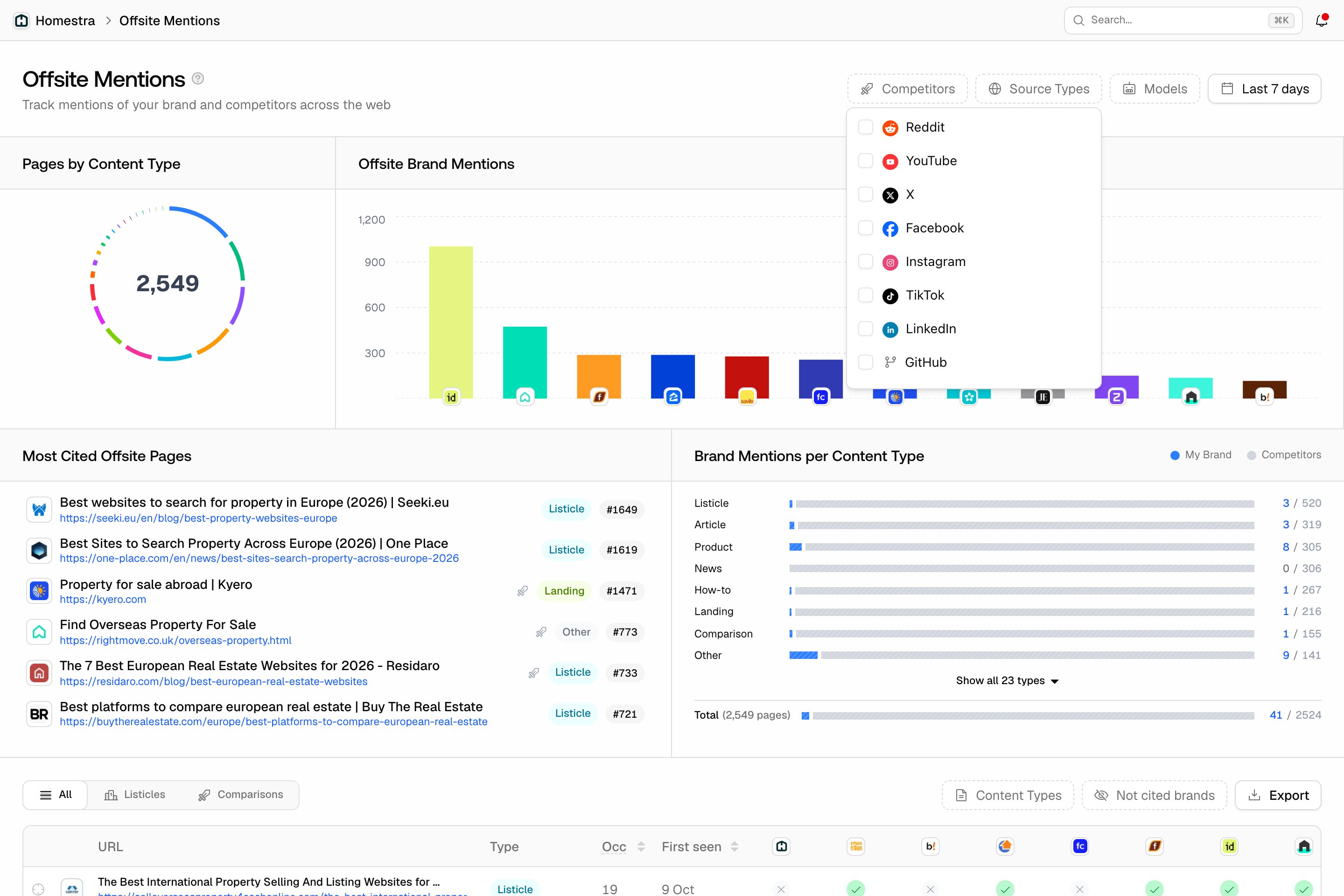
The source types Promptwatch tracks
The filter lists 21 types, in this order:- News: traditional news outlets.
- Blog: blogs and personal sites.
- Corporate: company websites, including yours and your competitors’.
- Directory: third-party directories, review platforms and software marketplaces such as G2, Capterra, Trustpilot and Yelp.
- Academic: universities and research institutions.
- Government: government sites.
- Wiki: Wikipedia and other collaborative references.
- Reddit: posts and comment threads.
- YouTube: videos and their comments.
- X: posts on X (Twitter).
- Facebook, Instagram, TikTok, LinkedIn: posts on each network.
- GitHub: issues, discussions, and READMEs.
- Stack Overflow: developer Q&A.
- Medium and Substack: publishing platforms and newsletters.
- HackerNews: posts and comment threads.
- Quora: Q&A threads.
- Other: everything that doesn’t fit a category above.
Reddit, YouTube, and LinkedIn pages
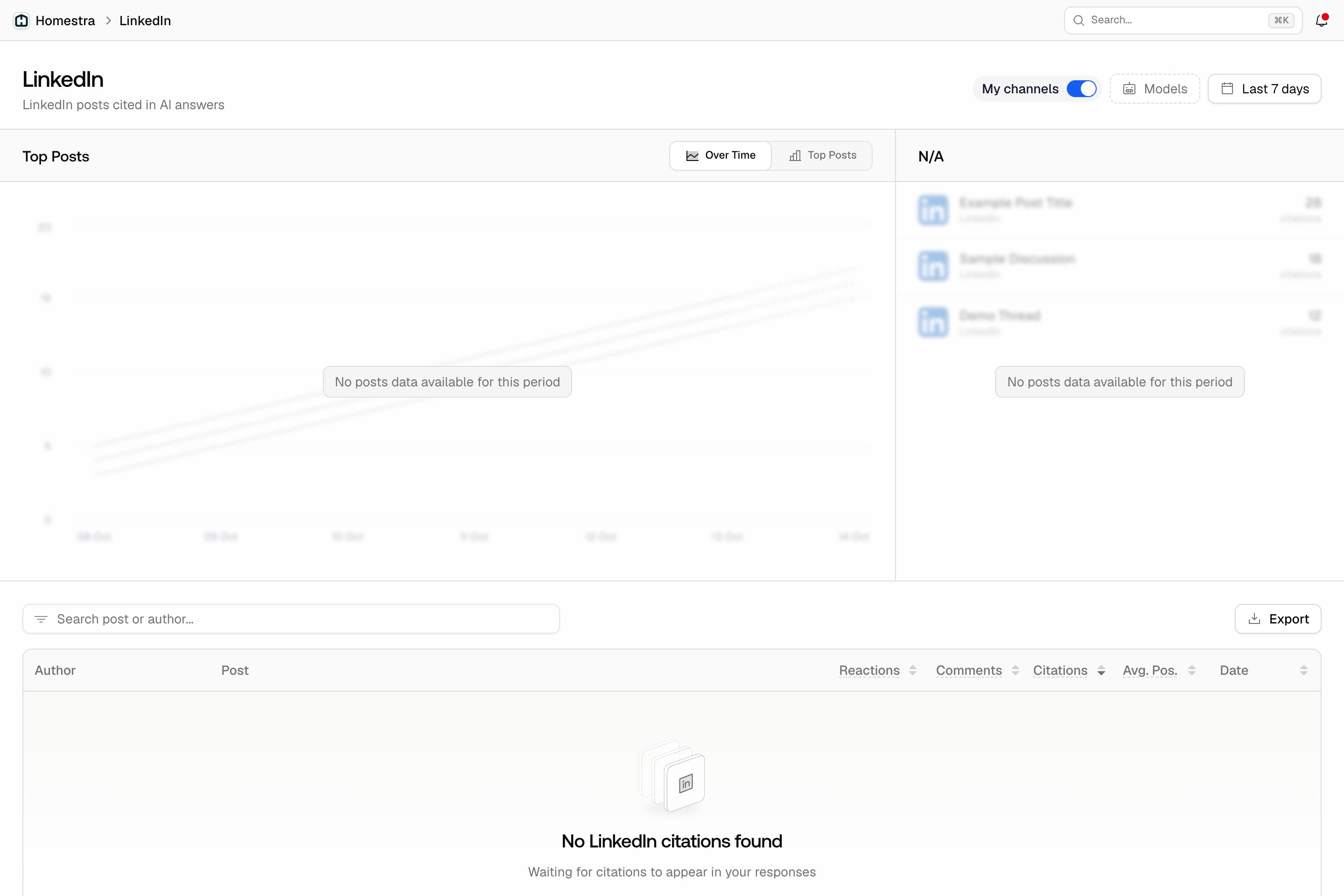
Reddit, YouTube, and LinkedIn each have their own page under the Sources tile in the left rail, listed as Reddit, YouTube and LinkedIn next to Citations and Offsite Mentions. There is no combined socials page: each is a separate item, with its own header (for example “Reddit posts and threads cited in AI answers”) followed by the My channels switch, the Models filter and the date range. Each page has a search box above its table, and an Export button that exports the table like any other citation view (see Exporting your data). Clicking a row opens a detail sheet.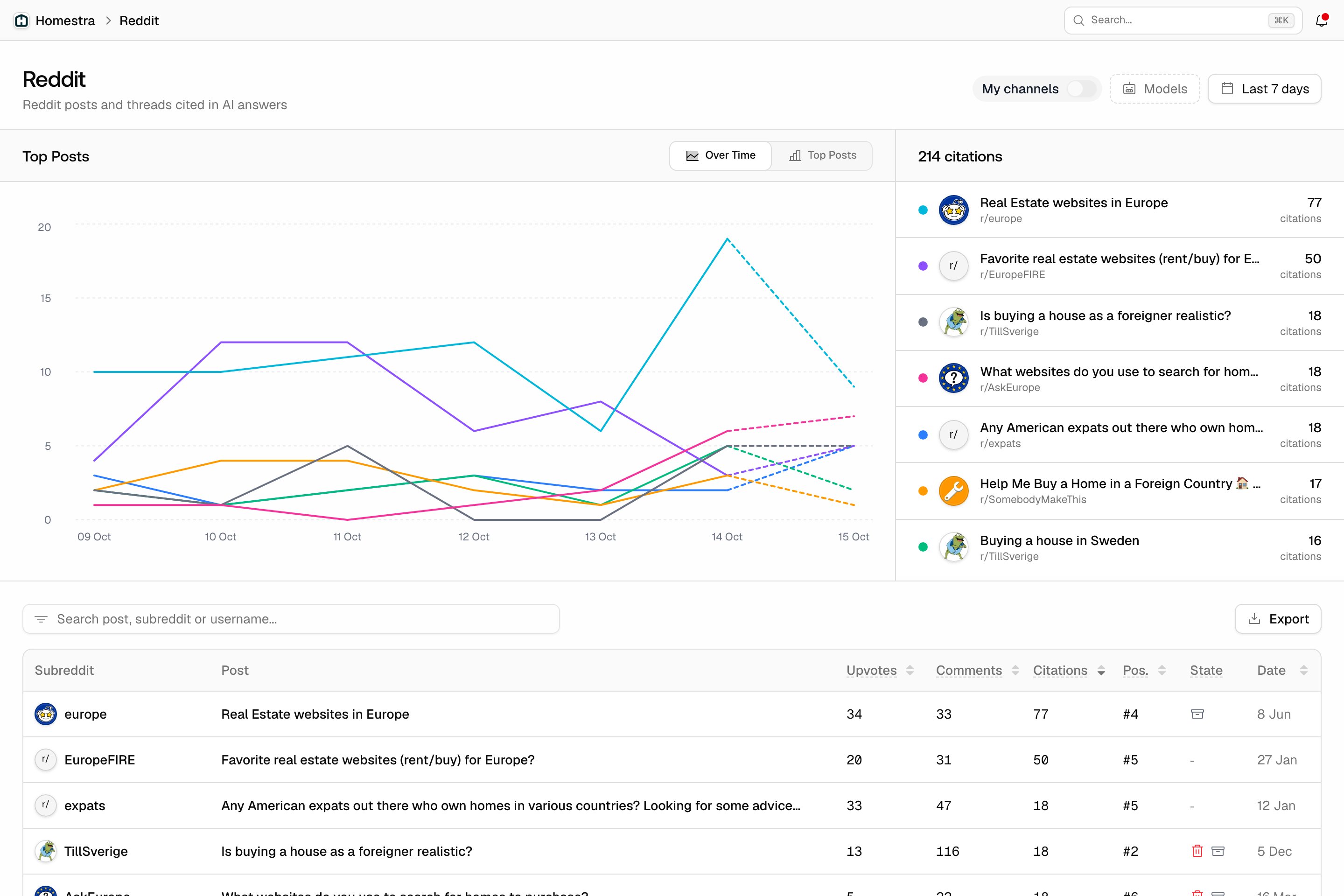
- Reddit: a Top Posts card with an Over Time / Top Posts toggle and the most-cited posts listed beside it, and a table of every cited post with its subreddit, upvotes, comments, citation count, average citation position (Pos., lower is better), post state (archived, locked, or deleted) and date. The subreddit column is the strategic one: it tells you which communities feed the models in your category. Full walkthrough: Reddit citations.
- YouTube: Top Videos and Top Channels panels, an Overview with Total Citations, Unique Videos and Channels, and a table of every cited video with channel, views, likes, comments, citation count, average position (Avg Pos.), duration and publish date. Channels that keep getting cited are collaboration and sponsorship candidates. Full walkthrough: YouTube citations.
- LinkedIn: a Top Posts chart like Reddit’s, and a table of every cited LinkedIn post with its author, reactions, comments, citation count, average citation position (Avg. Pos.), and date. In B2B categories this is where the influential voices live, and the author column names them. Full walkthrough: LinkedIn citations.
My channels
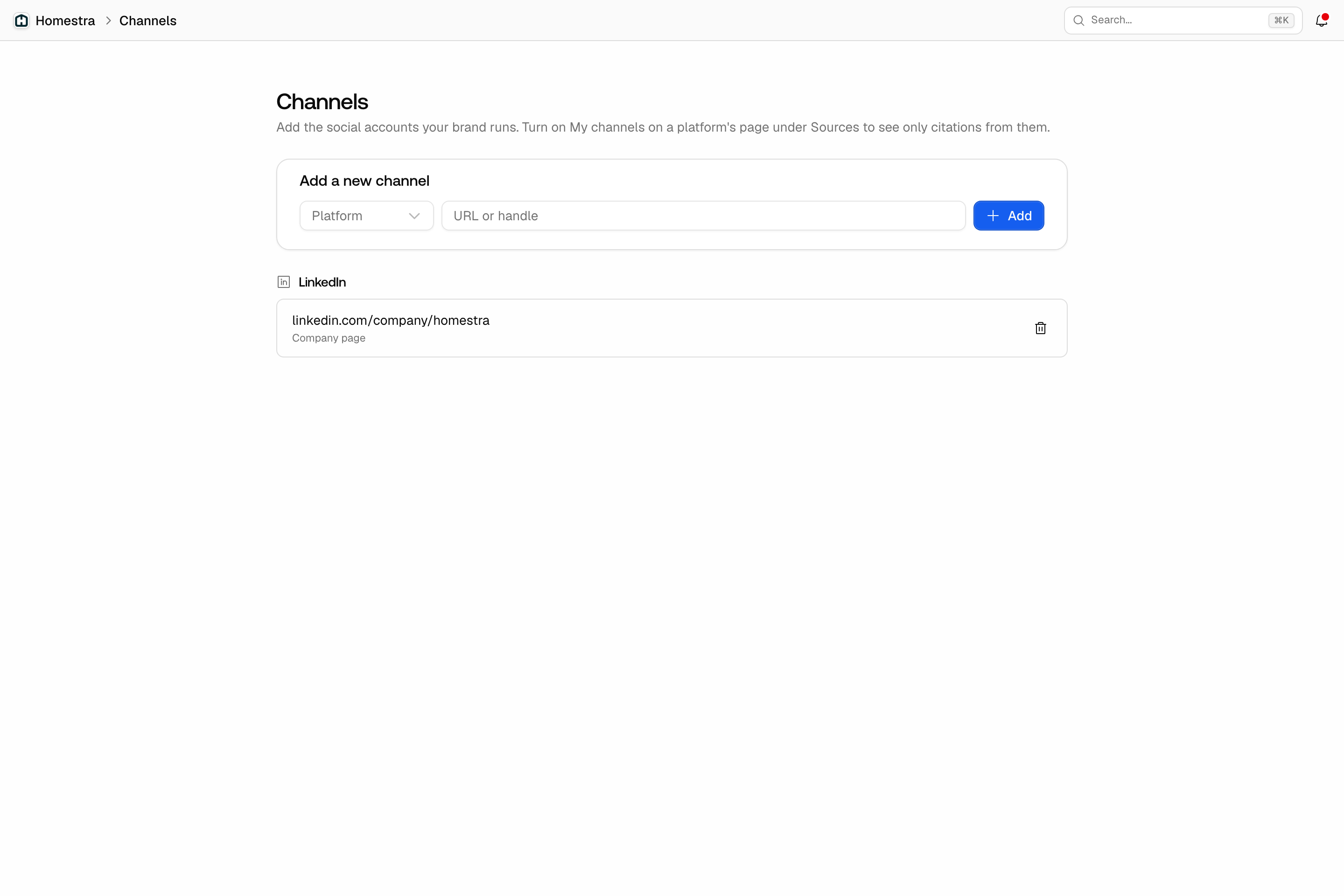
To focus on the accounts your brand runs, open the Brand tile in the left rail, then Social channels. The page is titled Channels: pick a Platform (Reddit, YouTube or LinkedIn), enter the URL or handle in Channel, and click Add. You can save a Reddit subreddit or user (for example “r/acme” or “u/acme”), a YouTube channel (“@acme” or its URL), or a LinkedIn company page, showcase page, or profile. Saved channels are listed by platform with their kind, and a trash button removes one. Viewers can see the list but cannot add or remove channels.