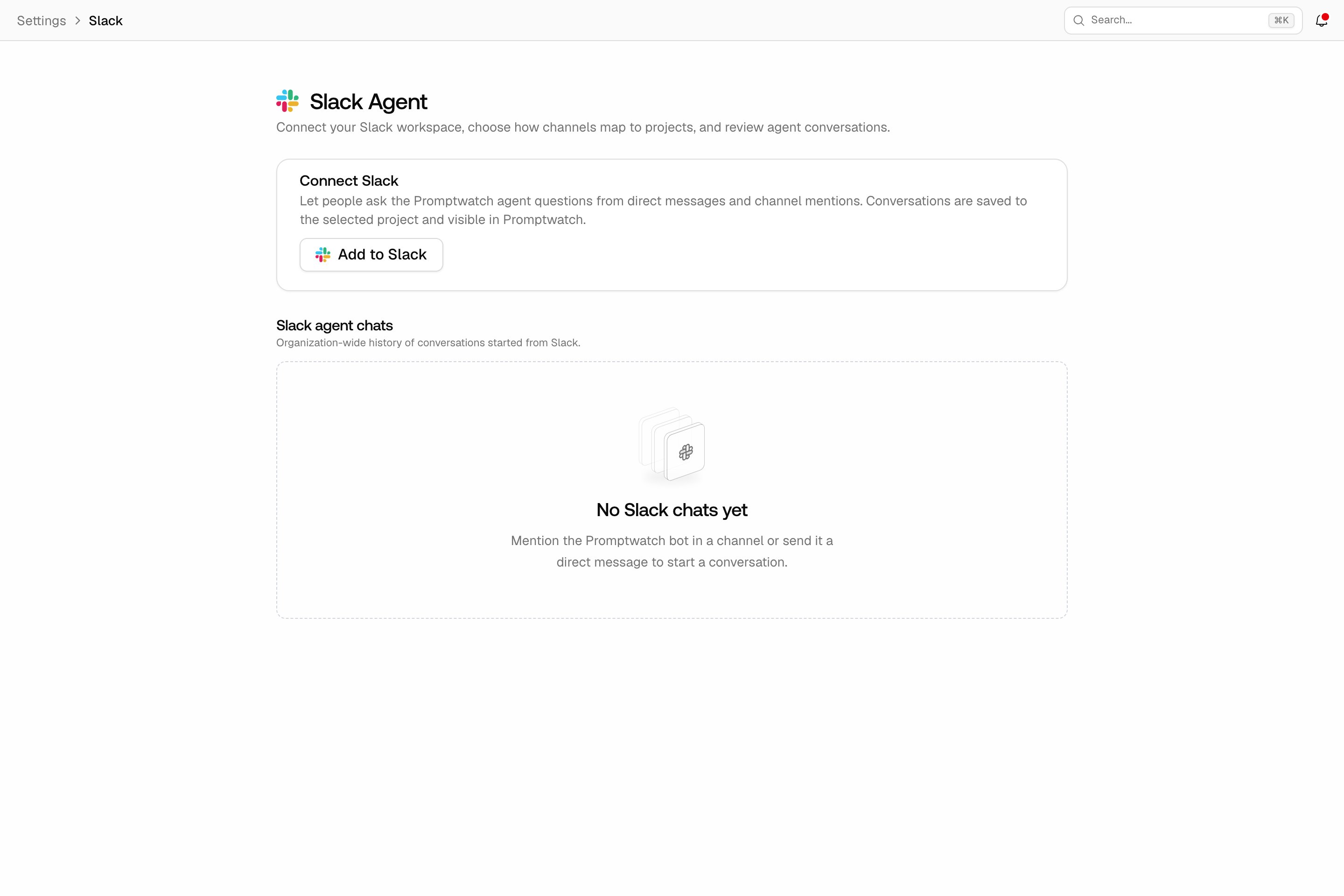
What the Slack integration does
The Slack integration brings Agent Chat into your Slack workspace, in both directions. You can ask the Promptwatch agent a question from a Slack channel or DM, and a scheduled chat can post its results to a channel when something changed. The agent works on the same project data as in the app, so an answer in Slack is the same answer you would get in the chat. Two restrictions apply up front: only organization owners can connect and configure Slack, and the integration is not available on white-label organizations.Connect your workspace
- Click Settings at the bottom of the left rail, then Slack under Integrations.
- Click Add to Slack and authorize the Promptwatch app in your workspace.
- Back on the settings page, the connection card shows your connected workspace.
Point channels at projects
A Slack workspace can serve many Promptwatch projects, so the agent needs to know which project a channel is about:- Default project: the project the agent answers for when a channel has no explicit mapping. When no default is selected, Slack works automatically only while your organization has a single project.
- Channel project mappings: under Channel project mappings, pick a Slack channel and the Promptwatch project it should serve, then Add mapping. A mapping overrides the default for that channel, so an agency can give each client channel its own project.